The BRUTAL blog
Practical guides to a faster Windows PC, steadier games and your network, with the reasons behind each step.
Recent posts
 Emulators
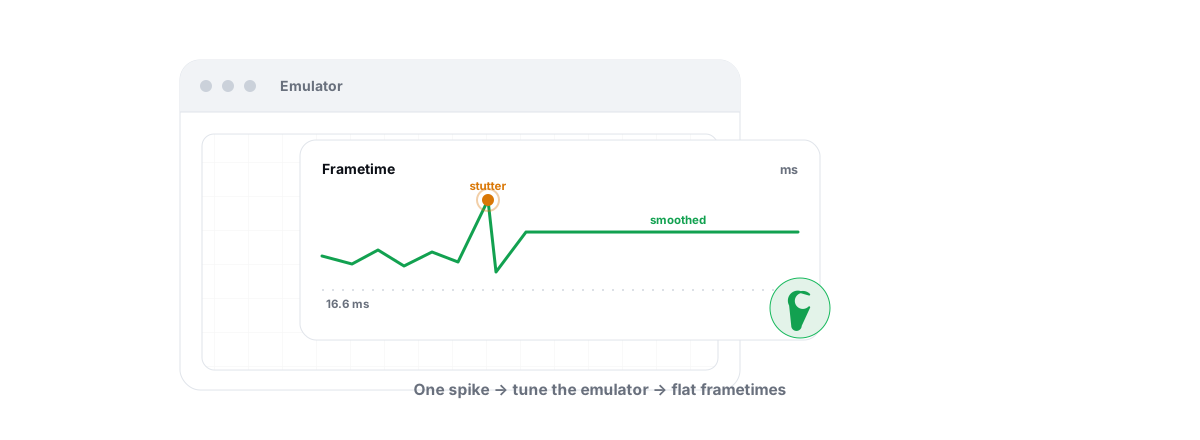
Fix Android Emulator Lag and Stuttering
Diagnose the real cause of emulator lag and stutter with a five-check sequence instead of guessing at random tweaks.
 Emulators
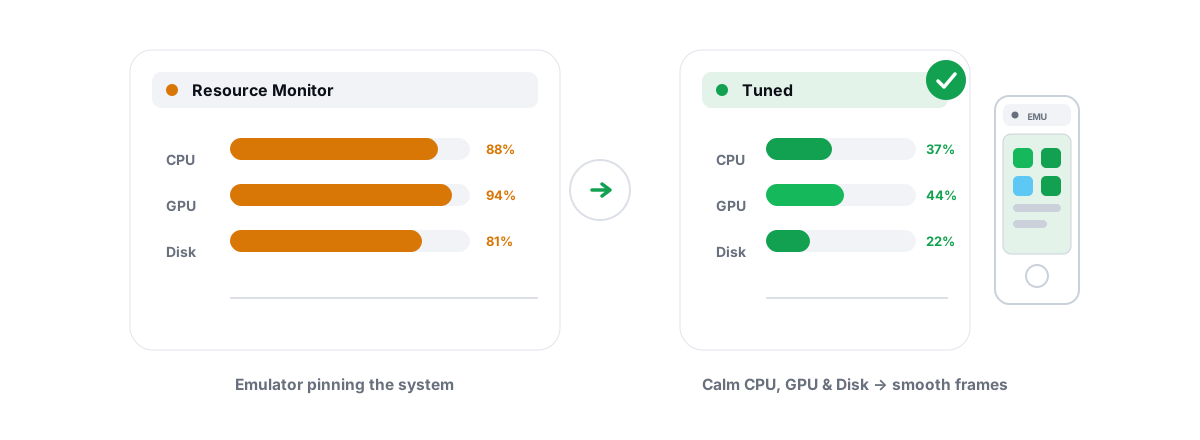
Fix Emulator High CPU Usage, GPU and Disk Load
Tell normal emulator VM load from a real problem, then fix the true cause of high CPU, GPU and disk usage.
 Emulators
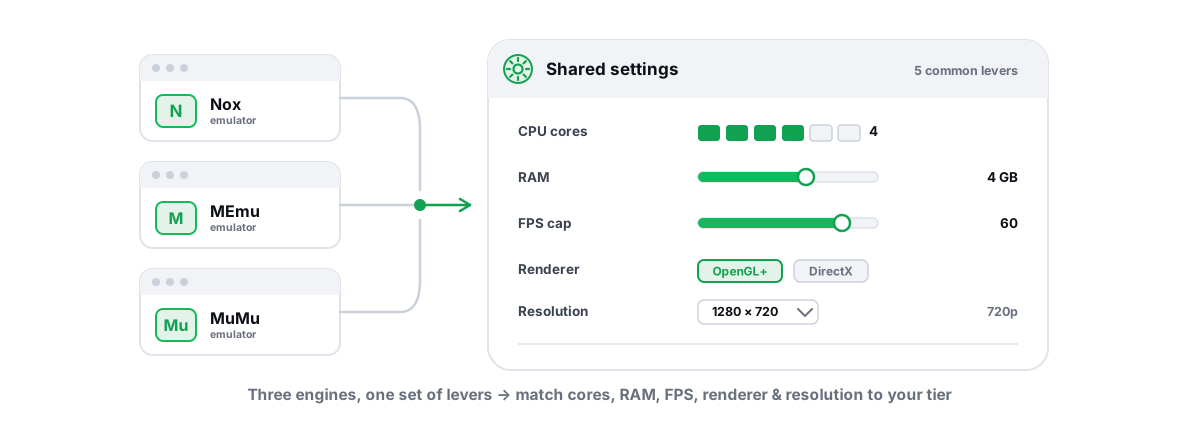
Best Nox, MEmu and MuMu Settings, Compared
One guide to the best Nox, MEmu and MuMu settings: shared levers plus the per-emulator quirks that actually move FPS.
 Emulators
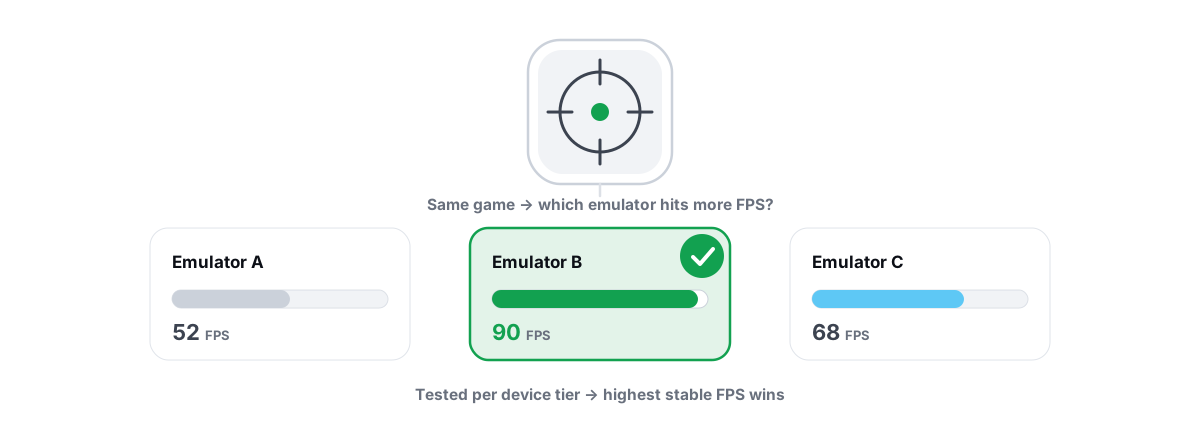
Best Android Emulator for BGMI
An honest pick of the best emulator for BGMI, ranked on real performance, with the emulator-lobby and ban facts up front.
 Emulators
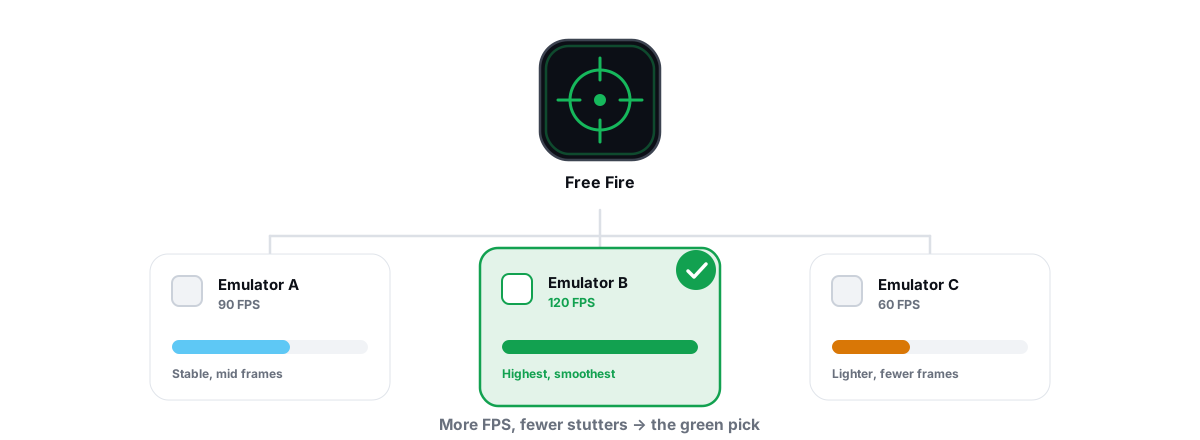
Best Emulator for Free Fire MAX on a PC
A practical Free Fire MAX emulator pick for budget PCs, with the light tuning that gives the smoothest match.
 Gaming & FPS
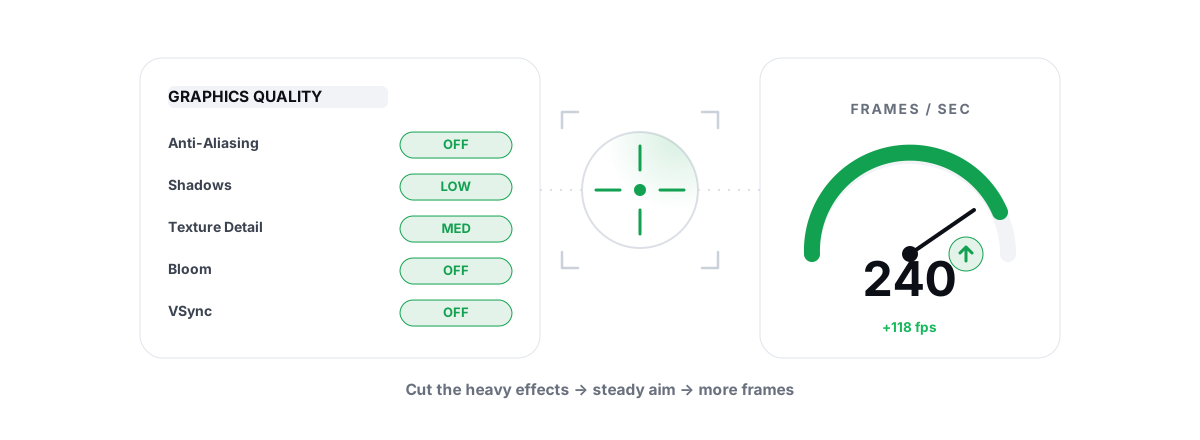
How to Optimize Valorant for More FPS (Safely)
A Valorant-specific FPS guide that leans on its CPU-bound nature and Vanguard-safe Windows tuning with no driver or hook.
 Emulators
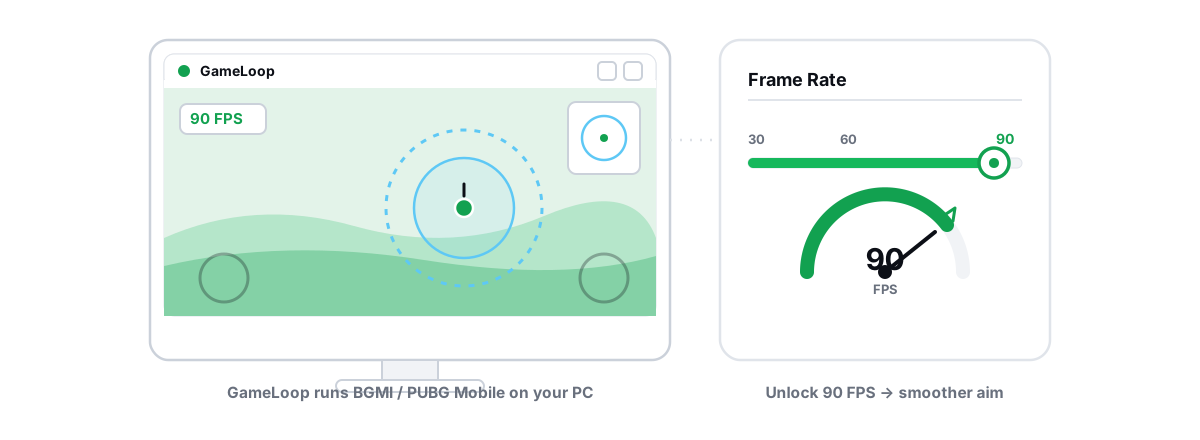
How to Optimize GameLoop for BGMI
A GameLoop tuning walkthrough for BGMI with no injection and no hooks, with honest words on emulator-only matchmaking.
 Emulators
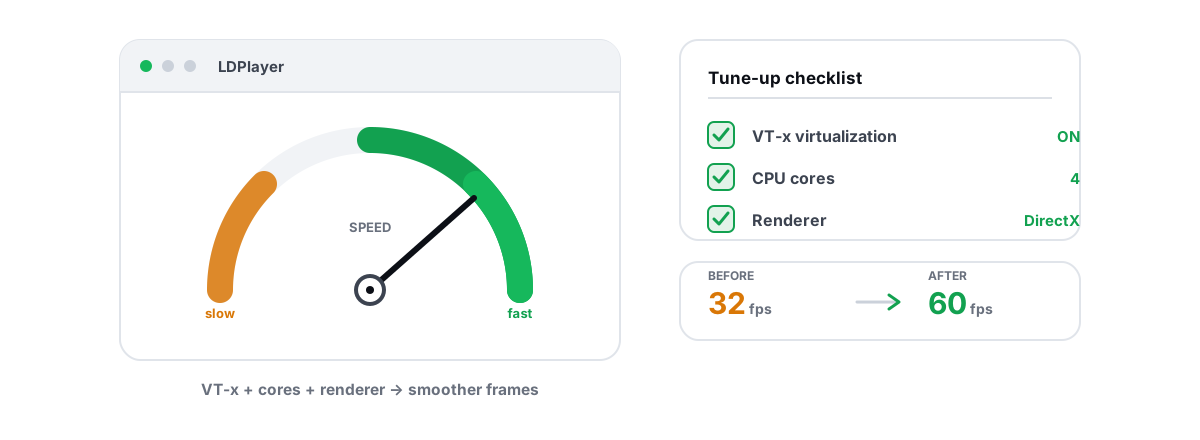
How to Make LDPlayer Run Faster Without Placebo
The settings that actually speed up LDPlayer, separated from the registry-cleaner nonsense other guides push.
 Emulators
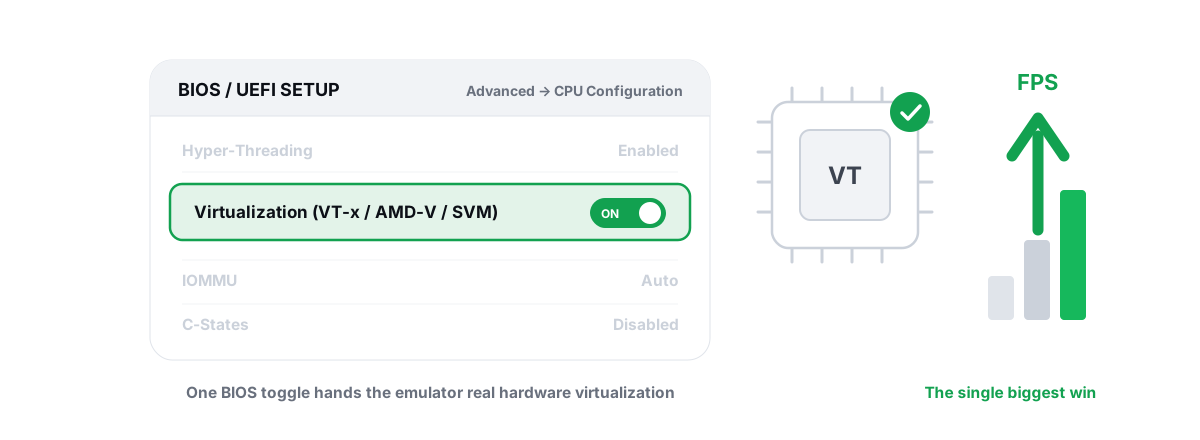
Enable Virtualization for Emulator Speed: BIOS Guide
Enabling CPU virtualization in BIOS is the single biggest emulator speedup most people skip. Per-vendor steps plus the Hyper-V conflict nobody mentions.
 Emulators
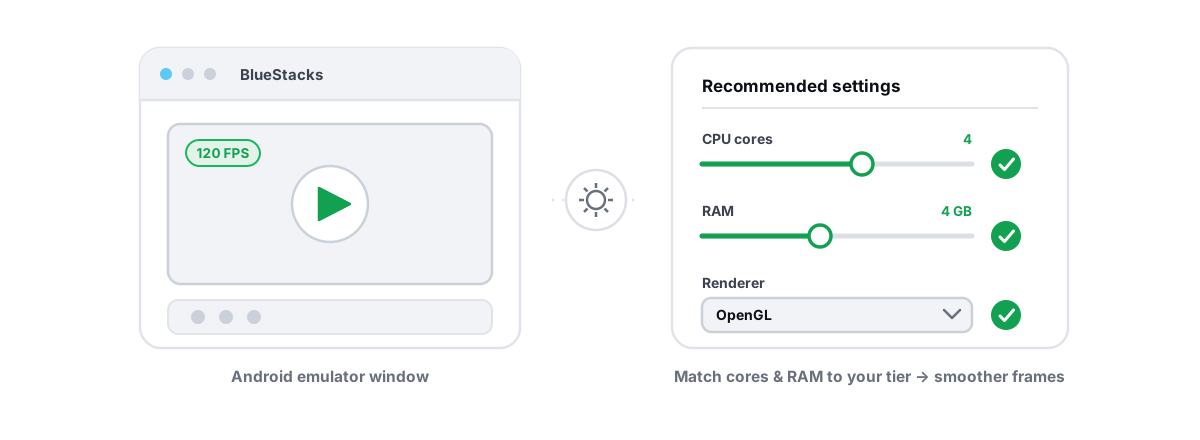
Best BlueStacks Settings for Gaming (Honest Guide)
The BlueStacks settings that genuinely move FPS — CPU cores, RAM, renderer, resolution, virtualization — versus the cosmetic toggles to skip.
 Network & Latency
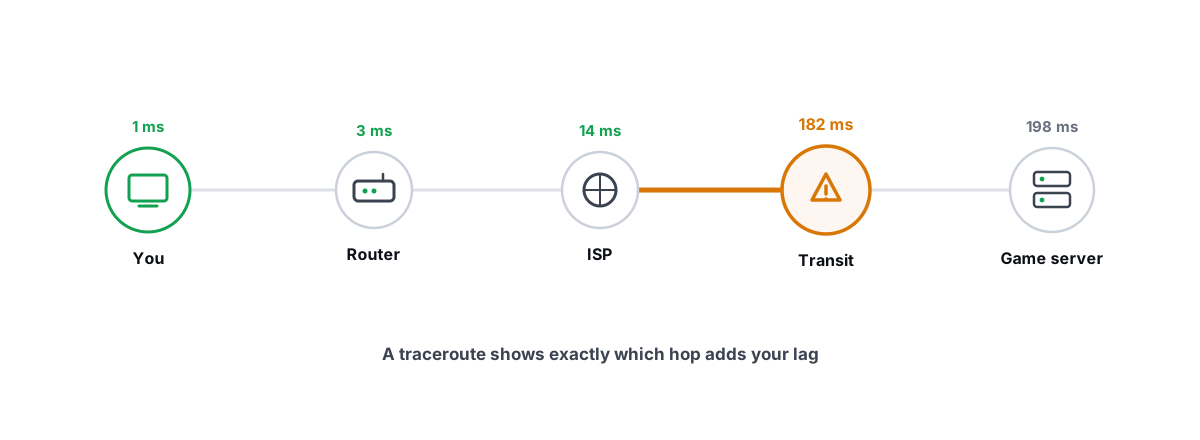
How to Read a Traceroute: Find Your Lag's Real Source
Read a real ICMP traceroute and classify every hop so you know whether the lag is your router, your ISP, or the game server.
 Windows Performance
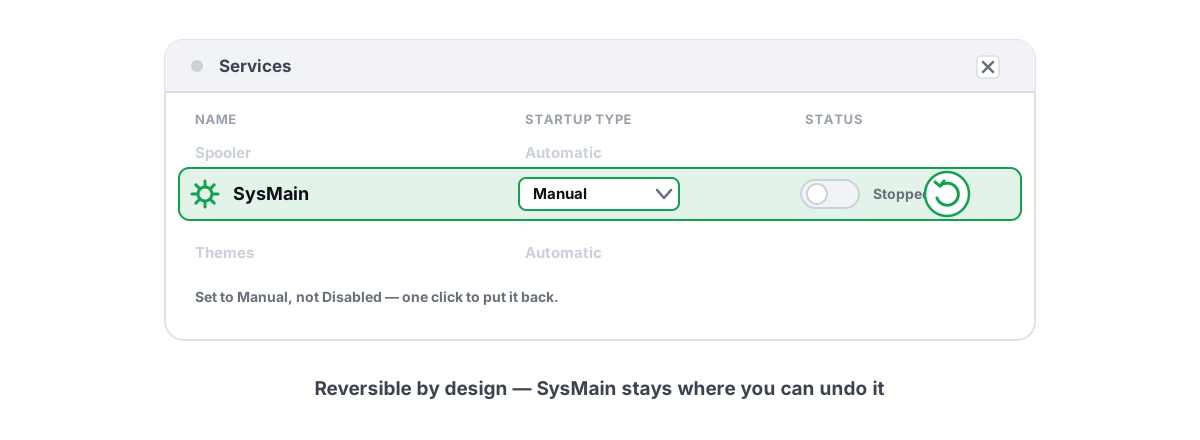
Disable SysMain Superfetch? An Honest Answer
What SysMain actually does, why disabling it won't boost FPS, and the one slow-HDD case where setting it to Manual is fair.
Try it on your own PC.
Free for Windows 10 and 11. Each module is listed before it runs, and registry changes keep their own Undo.