 Emulators
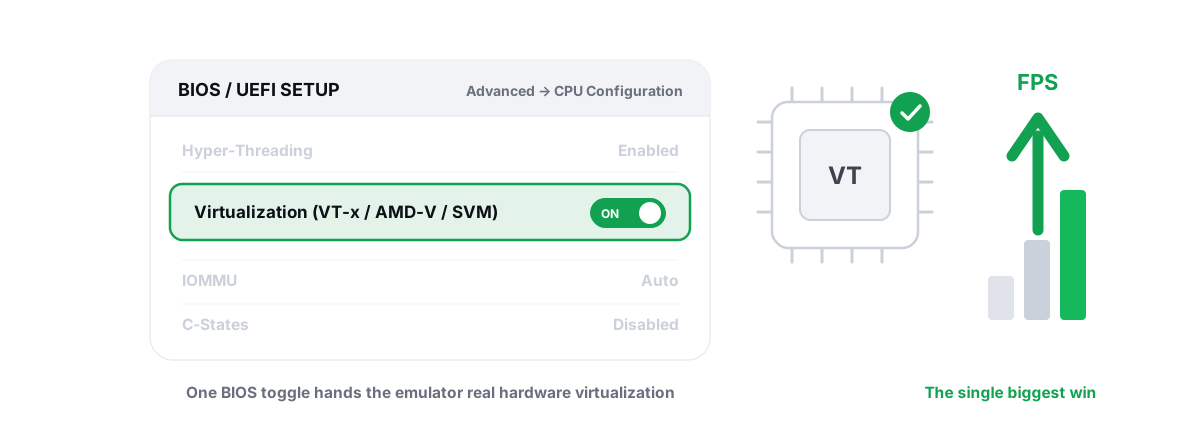
Enable Virtualization for Emulator Speed: BIOS Guide
Enabling CPU virtualization in BIOS is the single biggest emulator speedup most people skip. Per-vendor steps plus the Hyper-V conflict nobody mentions.
 Emulators
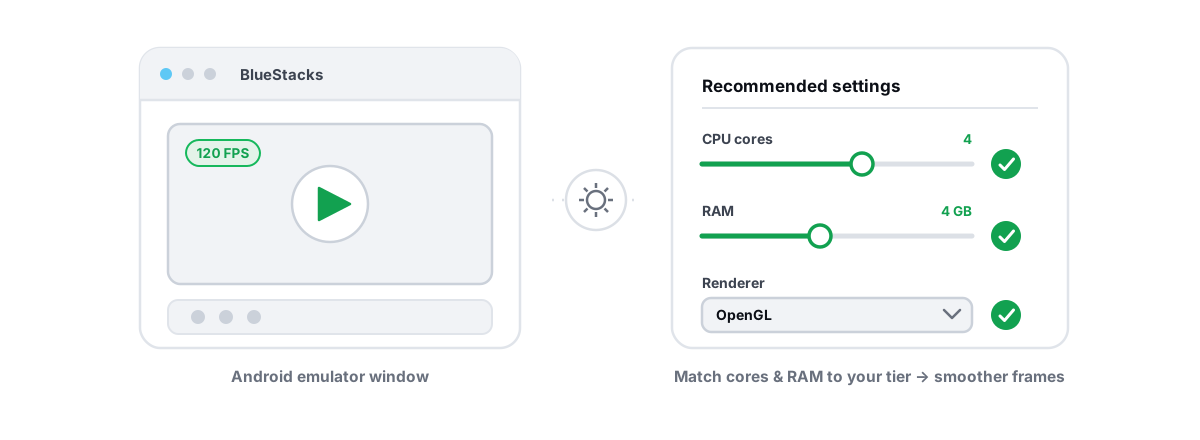
Best BlueStacks Settings for Gaming (Honest Guide)
The BlueStacks settings that genuinely move FPS — CPU cores, RAM, renderer, resolution, virtualization — versus the cosmetic toggles to skip.
 Network & Latency
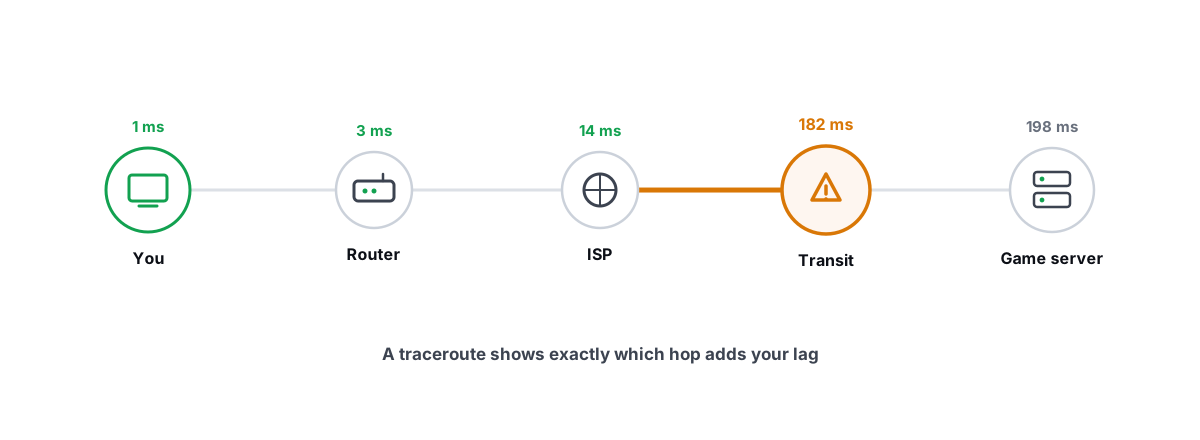
How to Read a Traceroute: Find Your Lag's Real Source
Read a real ICMP traceroute and classify every hop so you know whether the lag is your router, your ISP, or the game server.
 Windows Performance
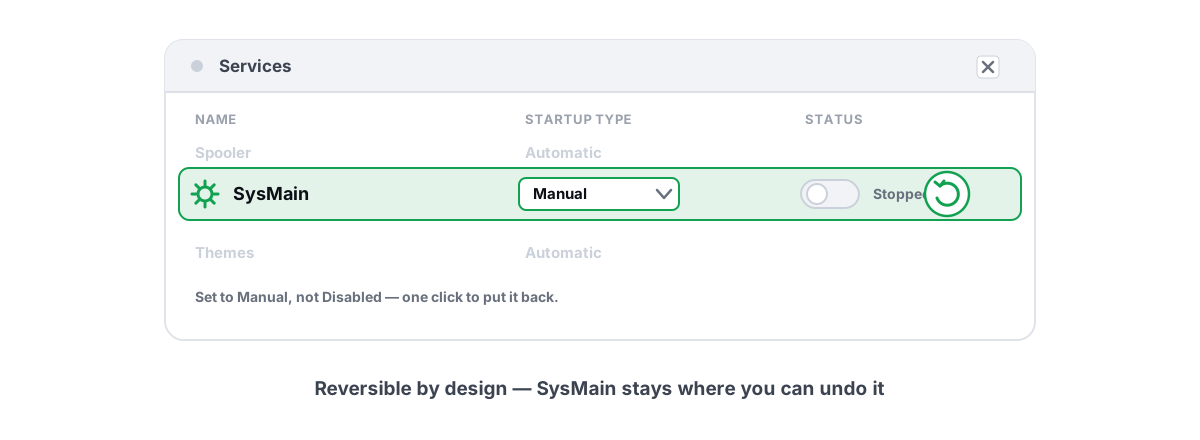
Disable SysMain Superfetch? An Honest Answer
What SysMain actually does, why disabling it won't boost FPS, and the one slow-HDD case where setting it to Manual is fair.
 Myths & Honest Truths
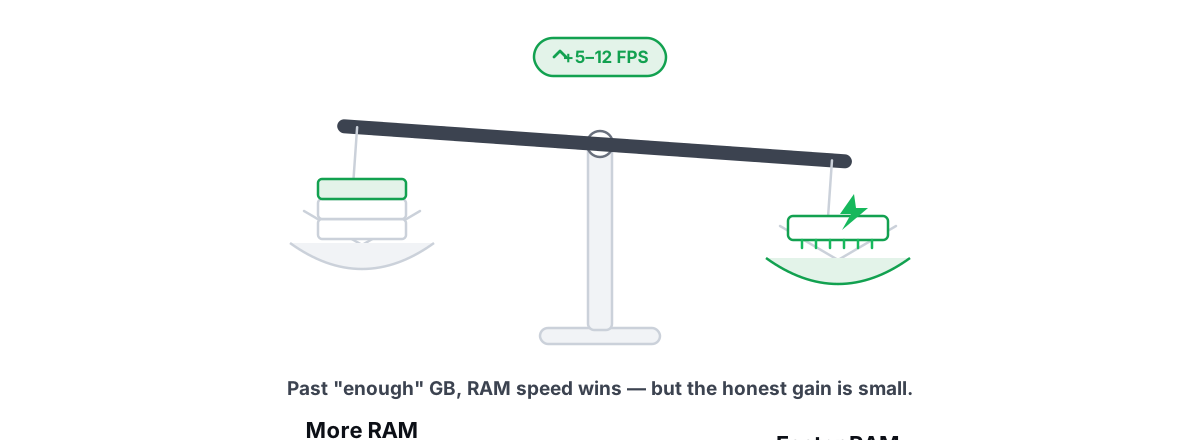
More RAM vs Faster RAM: What Actually Helps Gaming
Capacity is a floor and speed is the slope: why 16GB is usually enough, and where RAM speed and dual-channel actually buy FPS.
 Hardware & Drivers
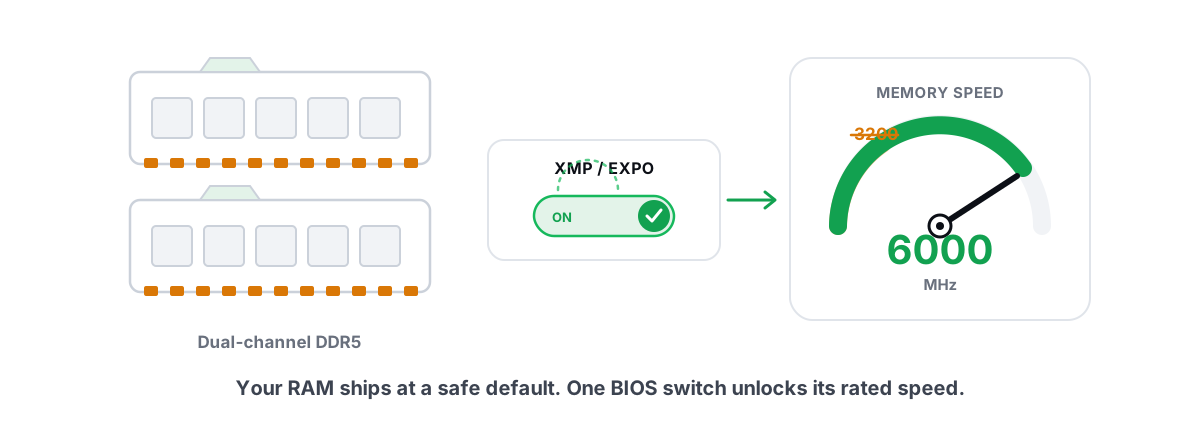
XMP and EXPO: The One BIOS Toggle Worth Flipping
Most PCs run RAM below its rated speed because XMP/EXPO is off by default. Here is how to enable that one BIOS toggle safely.
 Anti-Cheat & Safety
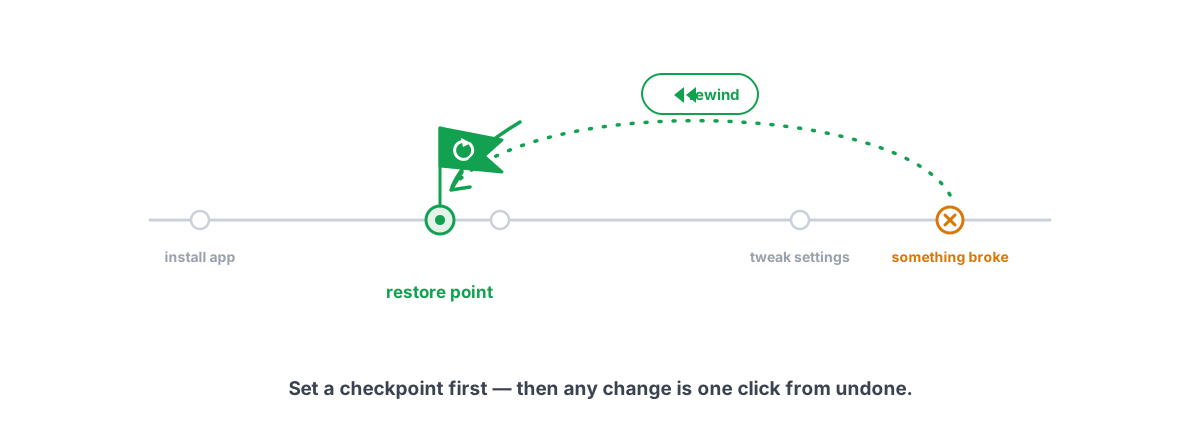
How to Create a System Restore Point (and Why)
Enable System Protection, snapshot before any deep tweak, and roll back in minutes when a driver or change breaks something.
 Disk, Drive & Cleanup
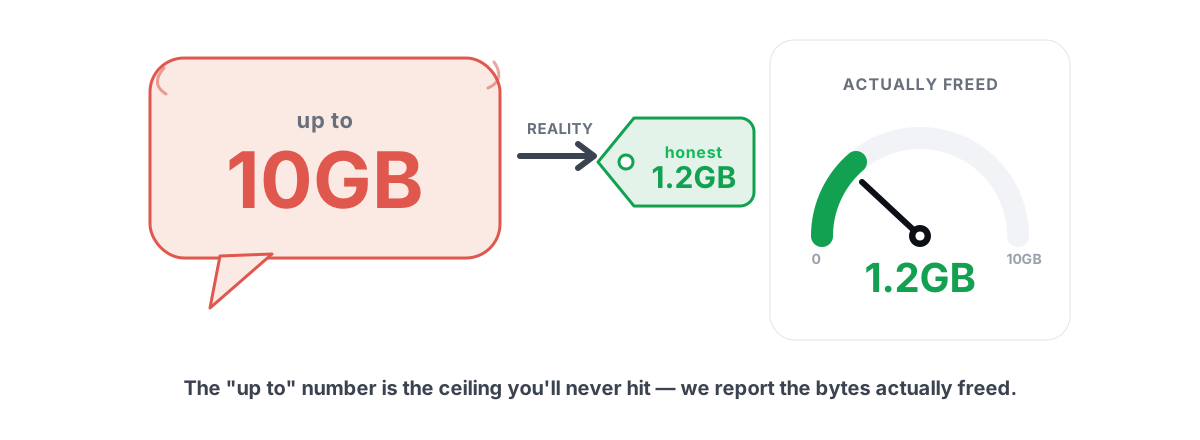
Disk Cleanup Myths: What 'Up to 10GB' Hides
How PC cleaners inflate 'up to 10GB freed' by counting RAM and DNS flushes, and why measuring free space before and after is the only honest metric.
 Hardware & Drivers
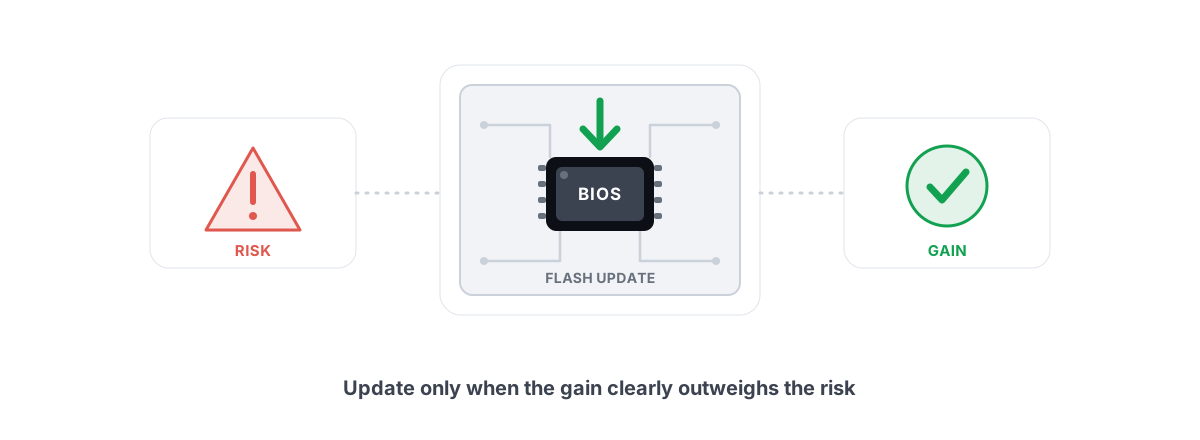
Should You Update Your BIOS? Risks vs Real Gains
When a BIOS update is genuinely worth the brick risk, when it's a waste, and why no scanner should ever flash your firmware for you.
 Hardware & Drivers
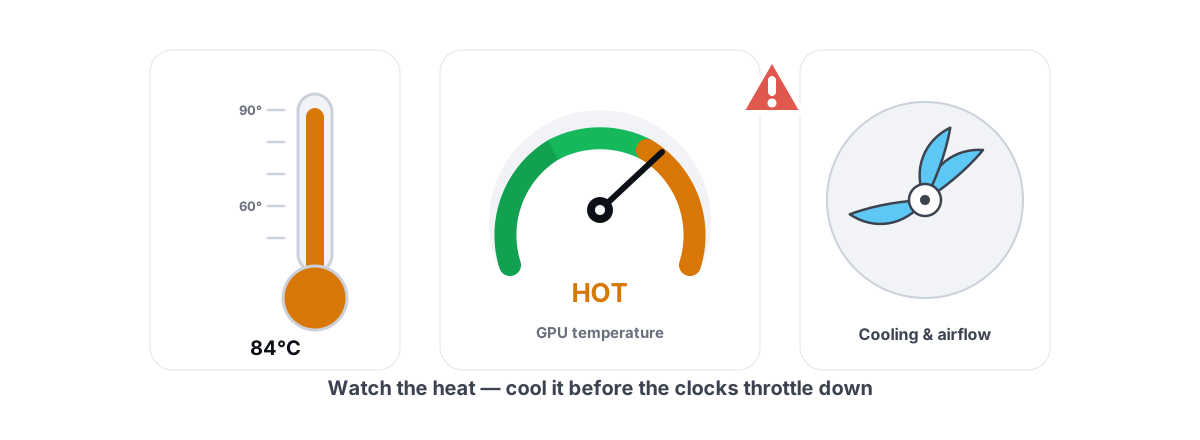
How to Monitor CPU and GPU Temps and Stop Throttling
Read trustworthy temp sensors, catch throttling in your frametime graph, and fix the heat with airflow and fan curves — not software that fakes cooling.
 Anti-Cheat & Safety
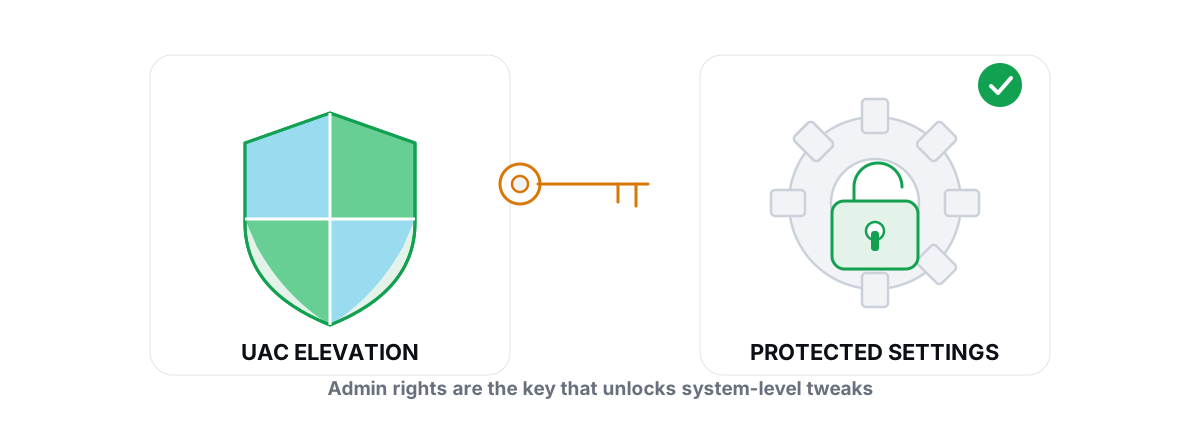
Why Does an Optimizer Need Administrator Rights?
Which PC tweaks genuinely need admin rights, what a trustworthy tool does with elevation, and the red flags that mean you should not grant it.
 Disk, Drive & Cleanup
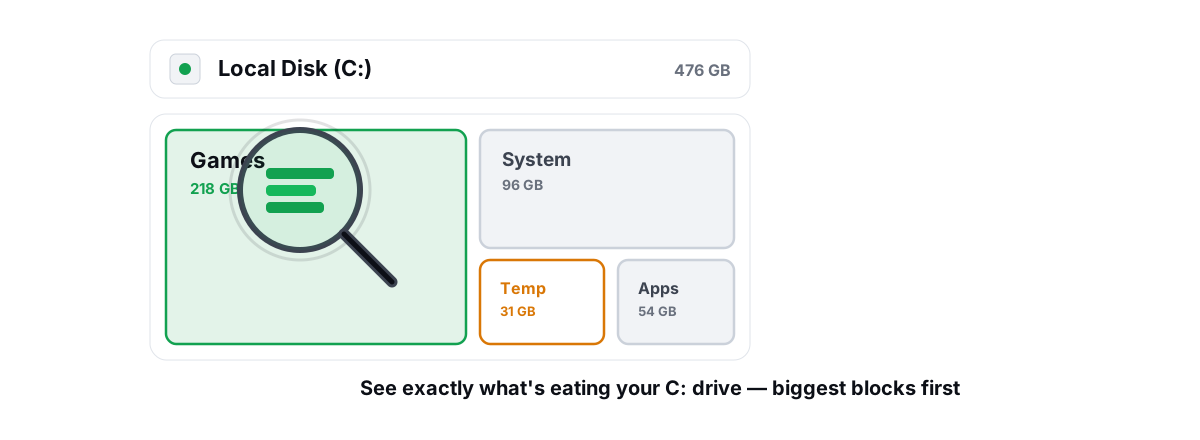
What's Filling Up My C Drive? Find It and Fix It
Names the real space hogs on a full C drive and shows how a treemap finds them, with honest warnings about what to leave alone.