Is BRUTAL Optimizer Safe With Valorant?
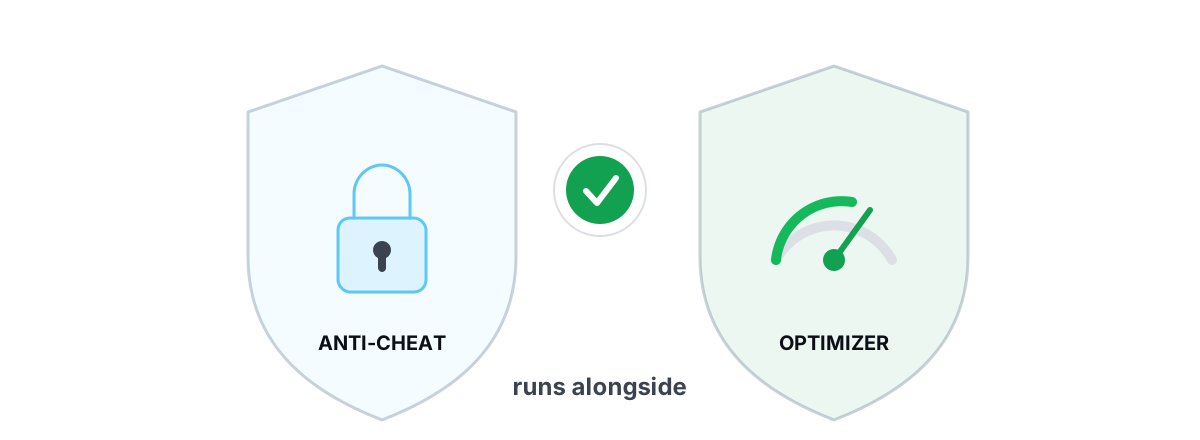
Short version: yes, BRUTAL Optimizer is safe with Valorant. It runs alongside Riot's Vanguard without touching the game: it has no kernel driver, no DirectX hook, and never injects code into Valorant. This piece shows how Vanguard watches your system and why nothing this app does trips those wires.
If you play Valorant, you know Vanguard is stricter than most anti-cheats. It loads at boot, sits in the kernel, and distrusts anything that touches the game process or behaves like a cheat loader. So "is this tool safe to run?" is a fair question to ask about any optimizer. Here is the evidence behind the answer, plus the one rule every cautious player should be able to check for themselves.
Is BRUTAL Optimizer Safe With Valorant? The Short Answer
You can run BRUTAL Optimizer on a machine that also runs Valorant. It does not get you banned, flagged, or blocked, and it does not need Vanguard turned off to work.
The reason is structural, not a promise. Bans from third-party tools come from a small set of behaviors: loading a kernel driver Vanguard doesn't trust, injecting a DLL into the game, hooking the game's render or input calls, or reading and writing the game's memory. This app does none of those things. It's a user-mode program that drives tools Windows already ships.
The safe test isn't "does the vendor say it's safe?" It's "does the tool ever touch the game process or load a driver?" If the answer is no, anti-cheat has nothing to act on.
That's the whole argument. The rest of this article is the detail behind it, so you can verify the claim instead of trusting it.
How Vanguard Watches Your System
Vanguard is a kernel-mode anti-cheat. It has two parts: a driver (vgk.sys) that loads at Windows boot, and a user-mode service (vgc) that runs while you play. The driver is what makes Vanguard strict — it sits at the same privilege level as Windows itself.
From there, Vanguard's job is to make sure the game's environment is trustworthy. In practice that means watching for a few specific things:
- Untrusted drivers. Vanguard wants to know what's loaded in the kernel. Unsigned or known-bad drivers are the classic cheat vector, so it blocks many of them at boot — which is why some unrelated software stops working when Vanguard is on.
- Code inside the game process. It watches for DLLs injected into Valorant and for hooks placed on the game's functions.
- Memory tampering. Reading or writing the game's memory from another process is exactly what an aimbot or wallhack does, so that's monitored closely.
- Handle and access patterns. Another process opening a privileged handle to the game gets attention.
Notice what's not on that list: a separate program that edits Windows registry keys, runs powercfg, or counts frames the GPU already presented. Vanguard cares about the integrity of the game and the kernel. It does not ban you for tuning your power plan. The behaviors it punishes are the behaviors of cheats, and a tool that never does them gives Vanguard nothing to flag.
What Gets People Banned: Drivers, Hooks, Injection
If you want to know whether any tool is safe with Valorant — not just this one — learn the four behaviors that actually create ban risk. They're the same across Vanguard, Easy Anti-Cheat, and BattlEye.
| Behavior | Why anti-cheat reacts | Risk |
|---|---|---|
| Loads its own kernel driver | Cheats use signed/vulnerable drivers to hide and to read game memory from the kernel | High — can block boot, the game, or flag the account |
| Injects a DLL into the game | Indistinguishable from how cheat loaders get code into the process | High |
| Hooks render/input calls (DirectX, mouse) | Same technique aimbots and triggerbots use | High |
| Reads/writes the game's memory | The literal mechanism of wallhacks and ESP | High |
| Edits Windows registry/services from its own process | It's just Windows configuration — never touches the game | None |
| Counts present frames from outside the game | Observation of data Windows already publishes | None |
The top four are the danger zone. The bottom two are ordinary Windows administration. The entire question of "will this optimizer get me banned" collapses into: which of those rows does it land in? We laid out the full framework in the rules of anti-cheat-safe optimization, and the broader ban question in whether a PC optimizer can get you banned.
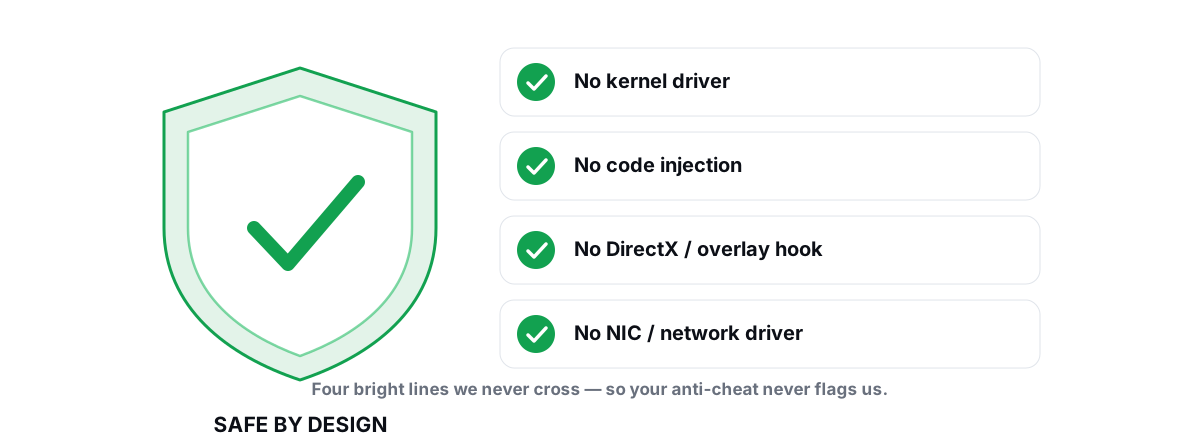
What BRUTAL Optimizer Does Not Do
Here's the explicit list, because for anti-cheat what a tool doesn't do matters more than what it does.
- No kernel driver. The app is user-mode. It never loads a
.sysdriver, so there's nothing for Vanguard's driver checks to object to. - No DirectX hook. It doesn't intercept
Present()or any other render call inside the game. - No process injection. No DLL is loaded into Valorant. The app stays in its own process.
- No game-memory access. It doesn't read or write the game's memory. It has no reason to — it tunes Windows, not the game.
- No network-stack or NIC driver. The network tools use standard ICMP and the
netshcommands Windows already provides; they don't install a packet filter or a virtual adapter driver.
What it actually does is run as a user-mode wrapper over the same utilities you could invoke by hand: fsutil, defrag.exe, powercfg, bcdedit, DISM, SFC, Windows Update, netsh, and the registry. Those are Microsoft's own tools. Vanguard doesn't ban you for using Windows.
It needs Administrator rights to make those changes — registry edits and power-plan changes require elevation — and that's a separate trust question from anti-cheat. We cover what admin access means and how to vet it in why optimizers need Administrator. Admin rights don't create ban risk; loading a driver or touching the game does, and this app does neither.
The Overlay Question: Present Frames, Not a Hook
The FPS overlay is the one feature people rightly ask about, because most overlays are exactly the kind of injecting tool Vanguard distrusts. The common approach — used by older third-party overlays — is to inject a DLL into the game and hook its Present() call to draw the counter. That's the same technique a cheat uses to get its own code drawing on top of the game, which is why it draws anti-cheat attention.
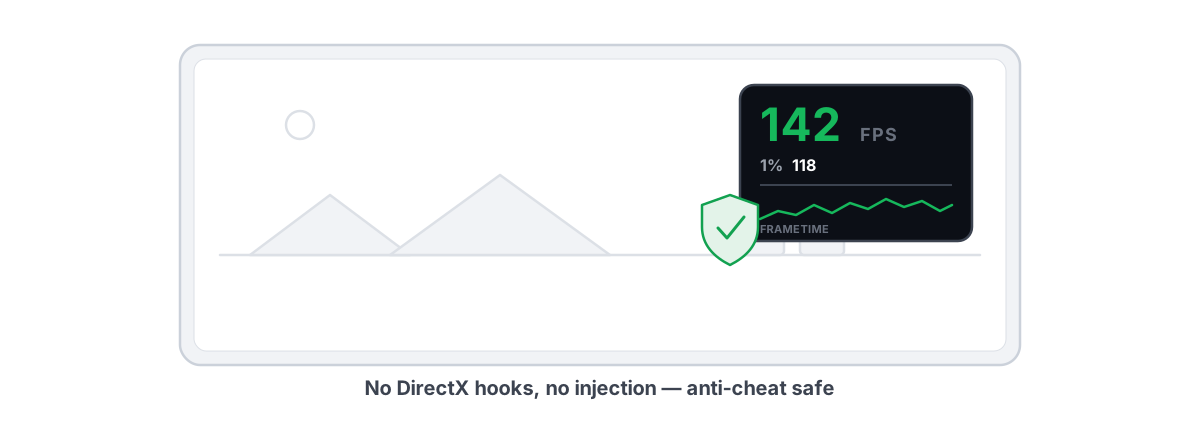
BRUTAL Optimizer's overlay doesn't work that way. It counts frames from outside the game using data Windows already exposes:
- DWM composition — the Desktop Window Manager already composites what's on screen; counting those frames gives a reliable FPS reading without going near the game.
- D3DKMT present statistics — the kernel graphics layer publishes present-event counts per process. The overlay reads that count; it injects nothing to get it.
The distinction is observation versus interception. The overlay sits in its own process, reads counters Windows publishes anyway, and draws a separate always-on-top window beside the game. Valorant's memory is untouched, no DLL goes into it, and no render call is hooked. From Vanguard's view nothing suspicious is happening inside the protected process, because nothing is. That's also why it can show real frametimes and 1% lows — the data is in the present stream, not the game's internals. If you want the deeper comparison, see the best anti-cheat-safe FPS overlay.
Running It Alongside Vanguard Safely
There's nothing special you need to configure. Vanguard and the optimizer don't conflict, because they operate in different places — one guards the game, the other edits Windows. Still, a few habits make any system change safer, Valorant or not.
- Take a restore point before big changes. The app attempts a System Restore point before major changes on its own, and every registry/system change has per-module undo. If a tweak ever feels wrong, you roll it back. Here's how restore points work and why they matter.
- Change one thing, then test in a real match. Apply a module, play a round, watch your 1% lows. That's how you tell a real gain from placebo. Expect honest results — a few to several FPS, smoother frametimes, sometimes input latency you can feel — not miracle numbers.
- Update GPU drivers the normal way. The driver scanner uses Windows Update and the vendor's own installer; it doesn't sideload anything Vanguard would distrust. See updating GPU drivers safely.
- Don't disable Vanguard. You don't need to, and you shouldn't. The optimizer never asks you to, and any tool that tells you to turn off anti-cheat to work is a tool to walk away from.
If your real problem in Valorant is lag rather than frames, the network lab is the honest place to look — a real ICMP traceroute with hop classification, a bufferbloat A-F grade, and ping/jitter/packet-loss measurement. None of that touches the game either; it's standard networking diagnostics. For ping specifically, start with how to actually reduce ping.
Settings We Refuse to Touch for Anti-Cheat Reasons
Honesty about safety means being clear about what the app deliberately won't do — both because it's risky and because it's placebo. A few of these come up constantly in "Valorant FPS guide" videos, and most are wrong.
No driver-level or memory tweaks
There is no kernel driver, so there's no "deep" mode that pokes the game or the GPU at ring 0. The GPU fan and power tuning in the Pro tier uses documented vendor libraries with no blind register writes — it tunes your card through the vendor's own interface, never the game.
No placebo that pretends to be safety
The app refuses the fake tweaks that crowd these guides, which keeps you honest as well as safe:
- It never ships a "RAM booster" or "FPS booster" meter. Free RAM isn't wasted — see what free RAM actually means.
- It never defrags an SSD. TRIM is the right maintenance for flash, and the app verifies it via
fsutilinstead. Here's why defragging an SSD is pointless. - It never cleans the registry "for speed." That's a myth with real downside.
- It never deletes your pagefile or counts freed RAM as reclaimed disk space. Disk cleaning reports the bytes it actually freed, re-measured before and after.
The reason this matters for a Valorant player: the tools that promise giant FPS jumps are usually the ones cutting corners somewhere — installing a driver, injecting, or selling you a number that isn't real. A tool that refuses placebo tends to be a tool that also refuses the risky stuff, because both come from the same discipline.
The Bottom Line
BRUTAL Optimizer is safe to run with Valorant because it sits entirely outside the boundary Vanguard guards. No kernel driver, no DirectX hook, no injection, no game-memory access — just a user-mode wrapper over the tools Windows already ships, with reversible changes and a restore point attempted before the big ones. The overlay counts present frames from outside the game, so even that never touches Valorant.
If you want to actually raise your numbers without gambling your account, measure first with the free overlay, apply one change at a time, and let your 1% lows tell you the truth. You can read the full design behind the no-driver, no-injection approach on the safety page, or start tuning from the gaming optimizer. Either way, the rule holds: anything that touches the game or loads a driver is a risk, and the honest fixes never need to.
Frequently asked questions
Will BRUTAL Optimizer get me banned in Valorant?
Not for anything it does. Bans from third-party tools come from loading a kernel driver, injecting a DLL into the game, hooking its render or input calls, or reading its memory. BRUTAL Optimizer does none of those. It is a user-mode wrapper over tools Windows already ships, and it never touches Valorant.
Do I need to disable Vanguard to use it?
No, and you should not. The optimizer edits Windows settings and never touches the game, so it runs alongside Vanguard without conflict. Any tool that tells you to turn off anti-cheat to work is a tool to avoid.
Is the FPS overlay safe with Vanguard?
Yes. The overlay counts frames from outside the game using DWM composition and D3DKMT present statistics that Windows already publishes. It does not inject a DLL or hook the game, so Valorant's process stays untouched.
Why does the app need Administrator if it is anti-cheat safe?
Registry edits and power-plan changes require elevation, so the app needs admin rights to apply them. Admin access is a separate trust question from anti-cheat. It does not create ban risk; loading a driver or touching the game does, and the app does neither.
How can I verify it is safe myself?
Check whether the tool loads a kernel driver or touches the game process. BRUTAL Optimizer loads no .sys driver and injects nothing into Valorant; it drives fsutil, powercfg, netsh, DISM, and the registry. Every setting change is reversible and it attempts a System Restore point before big ones.
Keep reading
 Anti-Cheat & Safety
Anti Cheat Safe Optimization: The 4 Bright Lines
The four bright lines that separate safe user-mode tweaks from the tools that get your game account flagged.
 Anti-Cheat & Safety
Can a PC Optimizer Get You Banned in Games?
Injection, memory writes, and signed-driver abuse can get you banned. Registry and powercfg tweaks never do. Here is the honest line.
 Gaming & FPS
Best FPS Overlay That's Anti-Cheat Safe
Why a present-frame fps overlay is the anti-cheat-safe choice, and how to read 1% lows and frametimes properly.
Stop guessing. Measure it.
BRUTAL Optimizer is the honest way to speed up Windows — 17 free modules, a real FPS overlay, verified disk cleanup and drive health. No kernel driver of our own, no game hooks, every setting change reversible.