Do Registry Cleaners Work? (Short Answer: No)
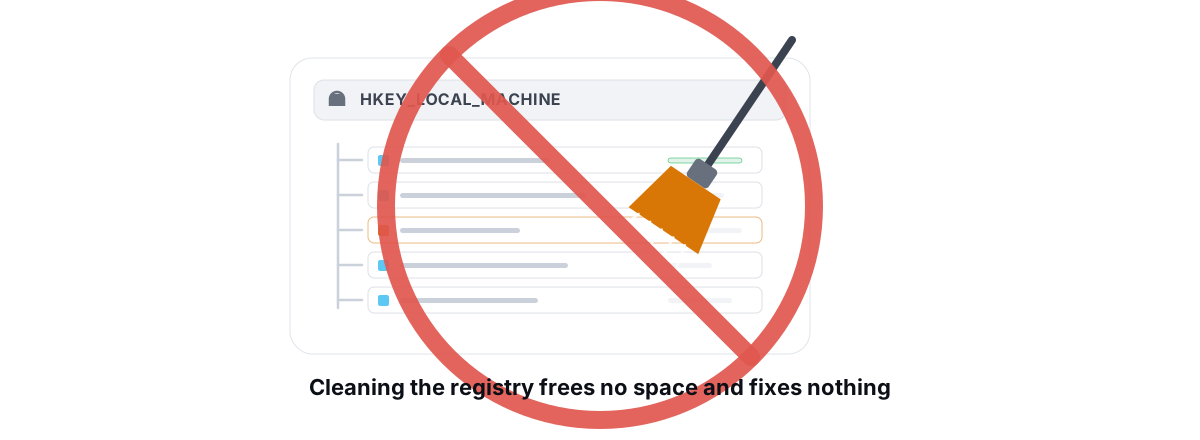
Registry cleaners promise a faster PC by deleting "junk" keys. They have never measurably done that, and the worst ones can leave Windows unbootable. Here is what the registry really is, why cleaning it for speed is a myth, and what to actually do when something is broken.
What the Windows Registry Actually Is
The registry is a hierarchical database of settings. Windows, drivers, and most installed apps store their configuration there instead of in scattered text files. Things like your file associations, installed-program metadata, startup entries, and per-app preferences all live in it.
It is organized into hives — HKEY_LOCAL_MACHINE (machine-wide), HKEY_CURRENT_USER (your profile), and a few others. The data lives in a handful of binary hive files on disk, like C:\Windows\System32\config\SOFTWARE and the NTUSER.DAT in your user folder. Windows loads them into memory at boot and keeps them there.
That last point matters. The registry is a memory-resident, indexed B-tree. Looking up a key is fast whether the database holds 100,000 entries or 800,000. It is not a flat file Windows scans top to bottom.
The Claim: "Clean Registry = Faster PC"
The pitch is always some version of this: over time your registry fills with "orphaned" and "invalid" entries left behind by uninstalled programs. These broken keys "bloat" the registry, force Windows to "wade through clutter," and slow everything down. Delete them and your PC runs like new.
It sounds plausible if you picture the registry as a messy filing cabinet. It isn't one. And the chain of reasoning falls apart at the first link.
Why It Doesn't Work (And Microsoft Agrees)
Three facts kill the speed claim:
Leftover keys cost you nothing. An "orphaned" entry from a program you uninstalled is just a few bytes sitting in the database. Nothing reads it, because the program that read it is gone. Windows doesn't iterate over your whole registry looking for things to do — it requests specific keys by exact path. A dead key two branches over has zero effect on that lookup.
Registry size is trivial. A typical registry is in the low hundreds of megabytes, loaded once into RAM. A cleaner that proudly deletes "1,200 problems" is removing kilobytes from a database measured in hundreds of megabytes. Even if every one of those entries somehow cost time — they don't — the saving rounds to nothing.
Lookups are indexed. The registry uses a tree structure with hashed key names. Removing unrelated entries doesn't speed up the path you actually query, the same way deleting a stranger's contact doesn't make your phone find your mum's number faster.
Microsoft has stated for years that it does not support the use of registry-cleaning utilities and that some can cause serious problems. The company that built the registry does not sell a cleaner for it.
Independent testing has come to the same conclusion repeatedly: before-and-after benchmarks of boot time, app launch time, and general responsiveness show no real change from registry cleaning. The "faster" feeling people report after running one is almost always the placebo of having "done maintenance," or the result of a separate action — like a reboot, or disabling a startup program — that the cleaner happened to do at the same time.
The Real Risk: Breaking Your System
If registry cleaning were merely useless, it would be a harmless waste of time. It isn't harmless. The registry holds settings that Windows and your drivers depend on, and a cleaner decides what is "invalid" using heuristics — educated guesses.
Those guesses are wrong often enough to matter. A key that looks orphaned can be one a service reads at boot, a COM component other software registers against, or a path that resolves only when a device is plugged in. Delete the wrong one and the symptoms range from annoying to fatal:
- A program throws errors or refuses to launch because its registration is gone.
- A device stops working until you reinstall its driver.
- Right-click menu entries or file associations vanish.
- In the worst cases, Windows fails to boot — a corrupted or over-pruned
SOFTWAREorSYSTEMhive can stop the OS from loading at all.
The aggressive "fix everything" cleaners are the dangerous ones precisely because they delete the most. And many of them bundle nag screens that find hundreds of new "problems" every week to justify a subscription — problems that are just normal, healthy registry entries.
The honest math: best case, a registry cleaner does nothing. Worst case, it breaks software or your boot. There is no scenario where it makes your PC meaningfully faster. That risk-to-reward ratio is why serious technicians don't use them.
Where the "Registry Cleaner" Industry Came From
The myth has roots in a different era. In the Windows 9x and early XP days, the registry was more fragile, machines had a fraction of today's RAM, and a badly bloated hive could genuinely cause problems on hardware that was already straining. Cleaning it occasionally made a small, real difference on a 256 MB machine in 2002.
That window closed two decades ago. Modern Windows handles the registry far more gracefully, RAM is plentiful, and the structure is more resilient. But the marketing never updated. "Speed up your PC — clean your registry" was a great hook, so a whole industry kept selling it long after the technical basis evaporated.
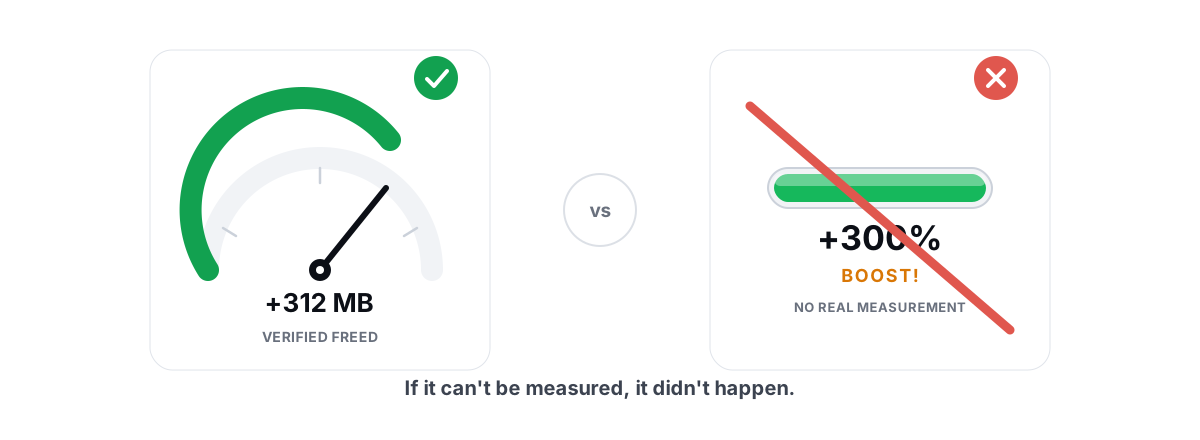
It is the same playbook behind a lot of "optimizer" features that sound great and do nothing. RAM boosters that "free" memory you actually want in use, "FPS boosters" with a meter that's pure theater — registry cleaning belongs in that family. We wrote a broader breakdown in our honest look at whether PC optimizers work.
Legitimate Registry Fixes (and How to Back Up First)
Editing the registry isn't evil. The problem is bulk automated deletion based on guesses. A targeted, deliberate edit to fix a specific, known issue is a normal part of Windows administration. The difference is intent: you change one key because you understand what it does, not a thousand keys because a tool flagged them.
Real reasons to touch the registry include applying a documented fix from Microsoft for a specific bug, adjusting a particular policy or behavior, or removing a leftover entry that is causing a concrete, reproducible error. In every one of those cases you know the exact path and value going in.
regedit, select the key (or its parent), and use File → Export to save a .reg file you can double-click to restore. Better still, create a System Restore point so you can roll the whole machine back if something goes wrong — here's how to make a restore point.For genuine system file or component corruption — not "registry junk," but actual damage — Windows ships the right tools. Run sfc /scannow to repair protected system files, and DISM /Online /Cleanup-Image /RestoreHealth to repair the component store that sfc draws from. These fix real problems that a registry cleaner cannot, and they don't guess.
What We Do Instead of Registry Cleaning
If your PC actually feels slow, the cause is almost never the registry. It's one of a short list of real things, and each has a real fix:
| If it feels like this | The real cause is usually | The honest fix |
|---|---|---|
| Slow to boot, slow to be usable after login | Too many startup programs | Trim your startup list |
| Everything lags, fan spins up | A process pegging the CPU | Find and fix 100% CPU |
| "Disk full" warnings, sluggish saves | Genuinely low free space | Reclaim real disk space |
| Stutter and hitching in games | Frametime spikes, not low FPS | Fix frametime spikes |
| General "it used to be faster" | Bloat, drivers, thermals — pick one | Speed up Windows honestly |
Notice what's missing from that list: "clean the registry." It never appears because it never helps.
This is the line BRUTAL Optimizer draws. It does not clean the registry for speed, because that would be selling you a placebo, and the whole point of the tool is to refuse placebos. What it does do is measurable: a Disk Cleaner that reports the verified bytes it actually freed, a Startup Manager that turns off the programs slowing your boot, a Drive Health check that runs TRIM on SSDs and defrags only confirmed spinning drives, and a network lab that finds the real source of your lag. Every system setting change it makes has per-module undo, and it attempts a System Restore point before anything significant — the safety net a registry cleaner never gives you.
If a tool's headline feature is deleting registry entries to "speed up" your PC, walk away. The registry isn't your problem, and pruning it isn't the fix. Spend that effort on startup programs, free space, drivers, and thermals — the things that actually move the needle. Want the honest version of the whole maintenance routine? Our guide to the best free PC optimizer for 2026 covers what's worth running and what to skip.
Frequently asked questions
Do registry cleaners actually speed up your PC?
No. The entries they delete are inert bytes that nothing reads, the registry is indexed so unrelated keys do not slow lookups, and benchmarks show no measurable change in boot or app launch time. Any speed-up people feel comes from a reboot or a startup tweak done at the same time, not the cleaning itself.
Is CCleaner's registry cleaner safe to use?
It is safer than aggressive fix-everything tools, but it still offers no measurable speed benefit and can remove entries an app or device depends on. Even careful cleaners guess what is invalid. If you run one, back up the registry or take a System Restore point first, and accept that the upside is essentially zero.
Can a registry cleaner break Windows?
Yes. Cleaners decide what is invalid using heuristics, and wrong guesses delete keys that services, drivers, or COM components rely on. Symptoms range from programs failing to launch up to Windows failing to boot if a core hive gets corrupted. That downside with no upside is why technicians avoid them.
Why does Microsoft not recommend registry cleaners?
Microsoft has stated for years that it does not support registry-cleaning utilities and that some can cause serious problems. The company that designed the registry does not sell or endorse a cleaner for it, because removing inert entries gives no performance gain while the risk of damage is real.
What should I do instead of cleaning the registry?
Fix the real causes of slowness: trim startup programs, find any process pegging the CPU, free up genuine disk space, update drivers, and check thermals. For actual system corruption run sfc /scannow and DISM RestoreHealth, which repair real damage that a registry cleaner cannot touch.
Keep reading
 Windows Performance
Why Is My PC So Slow? 7 Real Causes (and Fixes)
A diagnosis-first guide to finding the real reason your PC is slow with built-in tools, then fixing only what matters.
 Myths & Honest Truths
Do RAM Boosters Work? What Free RAM Really Means
Why free RAM is wasted RAM, how aggressive trimming causes stutter, and the rare times a memory tool actually helps.
 Myths & Honest Truths
Do PC Optimizers Actually Work? An Honest Look
Some PC optimizers make real, small gains; most sell a meter that means nothing. Here is how to tell the difference.
Stop guessing. Measure it.
BRUTAL Optimizer is the honest way to speed up Windows — 17 free modules, a real FPS overlay, verified disk cleanup and drive health. No kernel driver of our own, no game hooks, every setting change reversible.