Anti-Cheat-Safe PC Optimization: The Rules
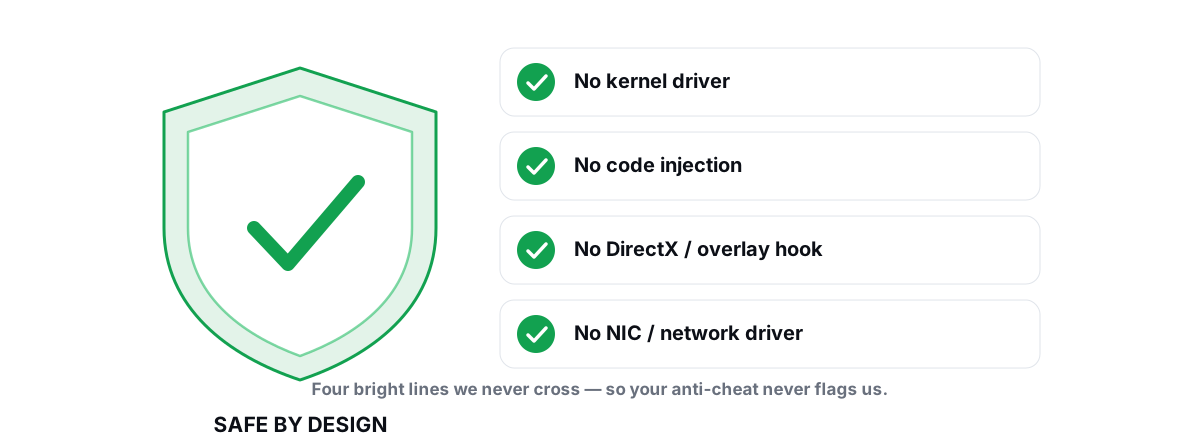
Anti cheat safe optimization comes down to one idea: stay in user-mode over Windows' own tools and never touch the kernel, the game's memory, or your network driver. The "optimizers" that get accounts banned all cross one of those lines. Here are the bright lines that actually matter, and how to tune a game without going near them.
Why Anti-Cheat Cares What Tools You Run
Anti-cheat software doesn't watch your FPS or your power plan. It watches for the techniques cheats use to read or alter a running game: code loaded into the game's process, drivers that sit below the game where they can hide, and hooks that intercept the graphics or input pipeline.
Easy Anti-Cheat, BattlEye, and Riot Vanguard each run a kernel-mode component. From there they enumerate loaded drivers, scan the protected process's memory, and flag anything that looks like injection or tampering. They aren't judging whether a tool is malicious — they judge whether it uses the same methods a cheat would.
That distinction is everything. A tool that changes a registry value and reboots is invisible to anti-cheat — the game just starts up with different settings. A tool that injects a DLL to draw an FPS counter looks, from the kernel's view, exactly like a cheat injecting an aimbot. Same mechanism, different intent, and the scanner can't always tell intent apart.
The rule of thumb: if a tool runs before the game and changes Windows, it's almost always fine. If it runs inside the game or below it, you're in flagged territory.
The Four Bright Lines of Anti Cheat Safe Optimization
Four techniques separate the safe tools from the risky ones. Cross any one and you're trusting a third party with your account.
1. No kernel driver
Some optimizers and "FPS unlockers" install a signed kernel driver to read sensors, set timers, or write to protected registers directly. The problem is twofold: a vulnerable driver is a security hole anyone can abuse, and Vanguard in particular treats unknown kernel drivers as suspect. Anti-cheats maintain blocklists of known-vulnerable drivers. You don't want yours on one.
2. No DLL injection
Injection means forcing your code into the game's process — CreateRemoteThread, manual mapping, AppInit DLLs, the classic methods. It's the single most-flagged behavior because it's the foundation of almost every cheat. Even a perfectly innocent overlay that injects is gambling your account.
3. No DirectX / graphics hook
Hooking Present() or SwapBuffers lets a tool draw on top of the game from inside its render loop. That's how many overlays show an FPS counter. It's also how ESP cheats draw boxes around players. Anti-cheats can't reliably tell the two apart, so the hook itself is the risk.
4. No network-stack / NIC driver
"Lag reducers" that install a custom network filter driver (an NDIS/WFP shim) or a TAP adapter sit in the kernel between your game and the wire. Same kernel-driver risk as #1, plus they can mangle packets in ways that get you flagged for network tampering — or just break your connection. Real network tuning never needs a driver.
| Technique | Where it runs | Anti-cheat verdict |
|---|---|---|
| Kernel driver | Below the game (Ring 0) | Scanned, often blocklisted |
| DLL injection | Inside the game process | Flagged — cheat hallmark |
| DirectX hook | Inside the render loop | Flagged — ESP hallmark |
| NIC / network driver | Below the network stack | Risky — tampering + kernel risk |
| Registry / powercfg / netsh tweak | Outside the game entirely | Invisible — safe |
User-Mode Wrappers Over Windows Tools Are Safe
Here's the good news: nearly every optimization worth doing is already exposed by a tool Windows ships. You don't need to touch the kernel for any of it.
powercfg— power plans, processor state limits, USB selective suspend.bcdedit— boot-time flags like HPET and platform timer behavior.netsh— TCP autotuning, DNS, adapter settings. No driver involved.fsutilanddefrag.exe— TRIM status and the correct per-drive maintenance.DISMandSFC— component store cleanup and system file repair.- Windows Update and
winget— drivers and app updates through official channels. - The registry — the same keys Windows reads at boot for scheduling, DWM, and visual effects.
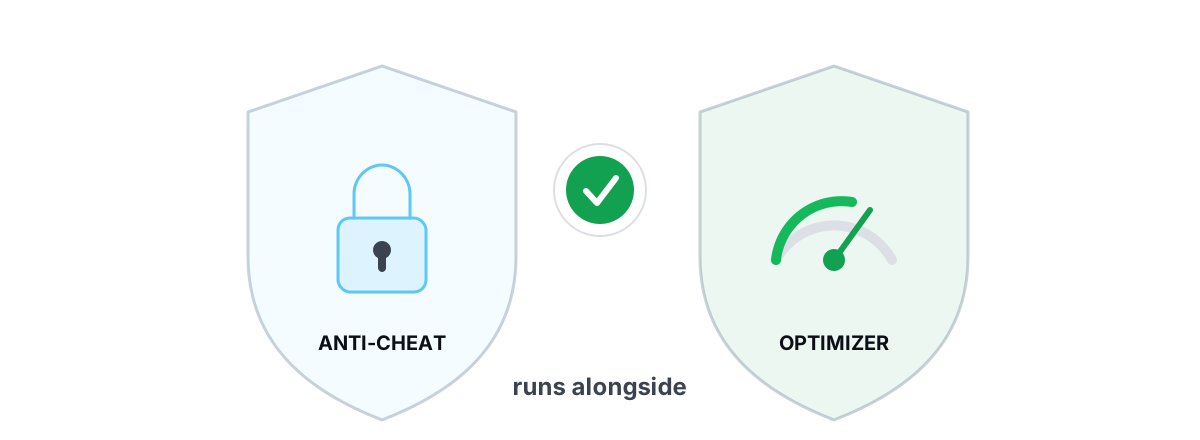
A change made through these runs before or outside the game and never touches its process. The game launches into an already-tuned system. That's why a tool built as a thin wrapper over them runs alongside Vanguard, EAC, and BattlEye without a flag — it isn't doing anything the anti-cheat hasn't already seen Windows itself do.
This is the design principle behind BRUTAL Optimizer's no-kernel-driver approach: a user-mode wrapper over those exact tools, every setting change reversible, with a System Restore point attempted before anything big. If you want the deeper reasoning on why an optimizer asks for admin rights at all, that's covered in why optimizers need Administrator.
powercfg, netsh, bcdedit, and the registry — power plan, disabled USB suspend, DNS change, visual-effects trim. They survive a reboot, they're reversible, and no anti-cheat cares.How EAC, BattlEye and Vanguard Differ
All three are anti-cheat, but they don't behave identically, and the difference matters for what you run.
| Anti-cheat | Loads when | Kernel driver | Practical impact |
|---|---|---|---|
| Easy Anti-Cheat (EAC) | With the game | Yes, while game runs | Scans during play; unloads on exit |
| BattlEye | With the game | Yes, while game runs | Similar; service stops at game close |
| Riot Vanguard | At Windows boot | Yes, always resident | Watches the whole session; strictest on drivers |
EAC and BattlEye load with the game and clean up when you quit. They mostly care about what's happening to their game while it runs. Vanguard is the strict one — its driver loads at boot and stays resident, so it sees your system the whole time, not just during a match. That's why Vanguard is pickiest about other kernel drivers being present.
The takeaway is the same for all three: a user-mode tweak applied to Windows is fine across the board, because none of them can object to Windows being configured differently. We covered the Valorant case specifically in is BRUTAL Optimizer safe with Valorant, and the broader ban question in can a PC optimizer get you banned.
FPS Overlays: The Safe and Unsafe Ways
FPS overlays are where well-meaning users trip the wire most often, because the popular ones use the risky method by default.
The unsafe way is the common way: hook the game's DirectX Present() call and draw the counter from inside the render loop. It gives a pixel-perfect overlay locked to the game window — and it shares its exact mechanism with ESP cheats. Some are explicitly whitelisted by certain games, but rely on a whitelist and you're one update away from a problem.
The safe way doesn't touch the game at all. You can read frame timing from outside the process:
- DWM composition frames — count how often the Desktop Window Manager composites. Approximate, but injection-free.
- D3DKMT present statistics — the kernel graphics layer exposes present counts and timing without hooking the game. This is how a clean overlay reports real 1% lows and frametimes without going inside the process.
BRUTAL Optimizer's FPS overlay uses the D3DKMT/DWM present-counting route precisely so it never injects. You give up rendering inside the game window, but you keep your account. For a deeper comparison of overlay methods, see the best anti-cheat-safe FPS overlay; for what the numbers actually mean, read fixing stutter and frametime spikes.
Network "Optimizers" That Install NIC Drivers
This is the category with the most snake oil and the most real risk. A "lag reducer" that installs a network filter driver or a virtual adapter does two bad things at once: it puts an unknown kernel driver on your machine, and it inserts itself into the packet path where it can be flagged as network tampering — or simply drop your connection.
None of it is necessary. Genuine network improvement comes from measurement and standard config, not from a driver in the middle:
- Find where the latency is. A real traceroute with hop classification tells you whether the lag is your router, your ISP, or the international path. Covered in traceroute explained for gamers.
- Fix bufferbloat. If your ping spikes under load, the fix is router queue management (SQM/fq_codel), not an optimizer. See what bufferbloat is.
- Pick a faster DNS. A DNS benchmark and applying the winner via
netshis a real, driver-free change. More in how to reduce ping.
A network lab that runs real ICMP traceroute, grades bufferbloat A–F, measures ping/jitter/packet-loss, and applies a DNS change through netsh achieves everything a NIC-driver "booster" claims — without a kernel driver and without touching your packets in flight. It won't fix your ISP's route, and any tool that promises it will is lying.
A Checklist Before You Trust Any Optimizer
Before you give any optimizer admin rights — and they all need admin to change system settings — run it through these questions. A trustworthy tool answers all of them clearly.
- Does it install a kernel driver? If yes, walk away unless you have a specific, well-understood reason. Most don't need one.
- Does it inject into games or hook DirectX? Check whether its overlay renders inside the game window. If it does, it's injecting.
- Does it install a network adapter or filter driver? Look for a new adapter in Network Connections after install. That's a red flag for a "ping booster."
- Is every change reversible? Honest tools keep a per-change undo and take a System Restore point. If it can't undo, it shouldn't be writing to your system. See how to create a System Restore point.
- Does it claim miracle numbers? "300% more FPS" or "2x speed" is a lie. Real gains are a few to several FPS and smoother frametimes. The honest framing is in do PC optimizers actually work.
- Does it run alongside your anti-cheat without warnings? A user-mode tool will. A driver-based one may conflict with Vanguard at boot.
If a tool fails the first three, no feature list makes up for it. The entire value of an optimizer is convenience over doing this by hand — and convenience isn't worth a banned account or a vulnerable driver sitting in your kernel.
That checklist is the standard BRUTAL Optimizer was built to pass: no kernel driver, no injection, no DirectX hook, no NIC driver — a user-mode wrapper over the tools Windows already ships, with reversible changes and a restore point attempted before anything big. If you only ever read this article and apply the Windows tweaks by hand, that's a win too. The point is to know the bright lines so nobody — including us — gets to cross them with your account.
Frequently asked questions
Can a PC optimizer get my account banned?
It can if it crosses a bright line: installing a kernel driver, injecting a DLL into the game, hooking DirectX, or installing a network filter driver. Those share methods with cheats. A user-mode tool that only changes Windows settings through tools like powercfg, netsh and the registry runs outside the game and does none of those things.
Is it safe to run an optimizer with Valorant and Vanguard?
Yes, as long as the optimizer is user-mode and installs no kernel driver. Vanguard loads its own driver at boot and is the strictest about other kernel drivers being present, so avoid anything driver-based. Registry and powercfg tweaks applied before the game launches are invisible to Vanguard.
Why do FPS overlays sometimes get flagged?
Most overlays draw the counter by hooking the game's DirectX Present call from inside the render loop, which is the same technique ESP cheats use. A safe overlay reads frame timing from outside the process via DWM composition or D3DKMT present statistics, so it never injects.
Do network optimizers that install a NIC driver actually help?
Rarely, and they carry real risk. A custom network filter driver or virtual adapter sits in the kernel where it can be flagged as tampering or break your connection. Genuine gains come from measuring the route with traceroute, fixing bufferbloat at the router, and choosing a faster DNS through netsh, none of which needs a driver.
How can I tell if a tool injects into my game?
Check whether its overlay renders inside the game window itself; that pixel-locked look usually means it hooked DirectX and injected. Also look for a new kernel driver or a new network adapter after install. A trustworthy tool states plainly that it uses no kernel driver, no injection and no hooks.
Keep reading
 Anti-Cheat & Safety
Is BRUTAL Optimizer Safe With Valorant?
Why BRUTAL Optimizer runs alongside Riot Vanguard without touching Valorant: no kernel driver, no DirectX hook, no injection.
 Anti-Cheat & Safety
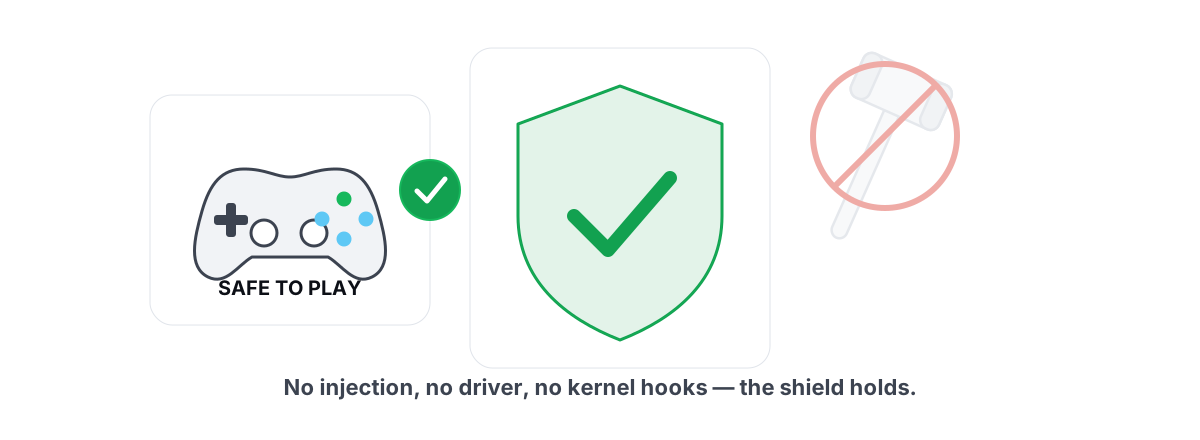
Can a PC Optimizer Get You Banned in Games?
Injection, memory writes, and signed-driver abuse can get you banned. Registry and powercfg tweaks never do. Here is the honest line.
 Gaming & FPS
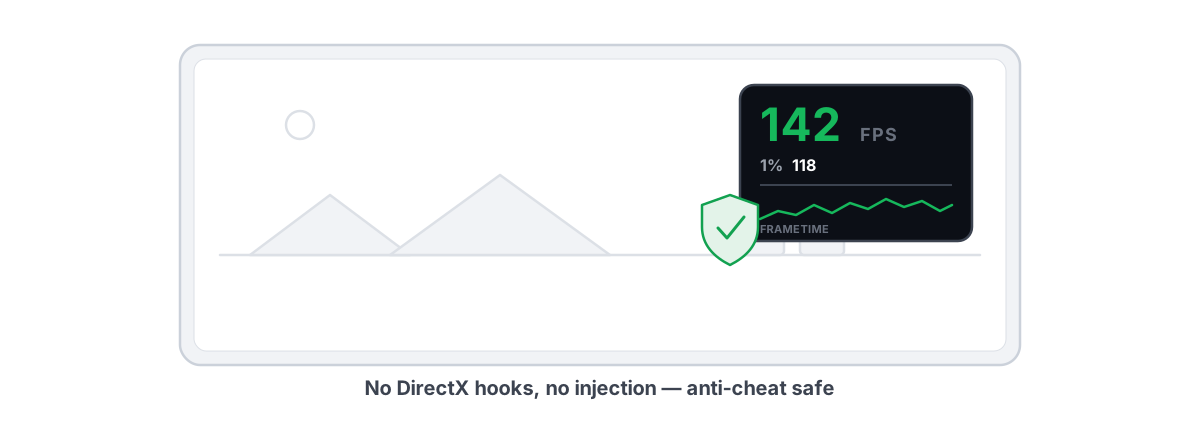
Best FPS Overlay That's Anti-Cheat Safe
Why a present-frame fps overlay is the anti-cheat-safe choice, and how to read 1% lows and frametimes properly.
Stop guessing. Measure it.
BRUTAL Optimizer is the honest way to speed up Windows — 17 free modules, a real FPS overlay, verified disk cleanup and drive health. No kernel driver of our own, no game hooks, every setting change reversible.