Can a PC Optimizer Get You Banned in Games?
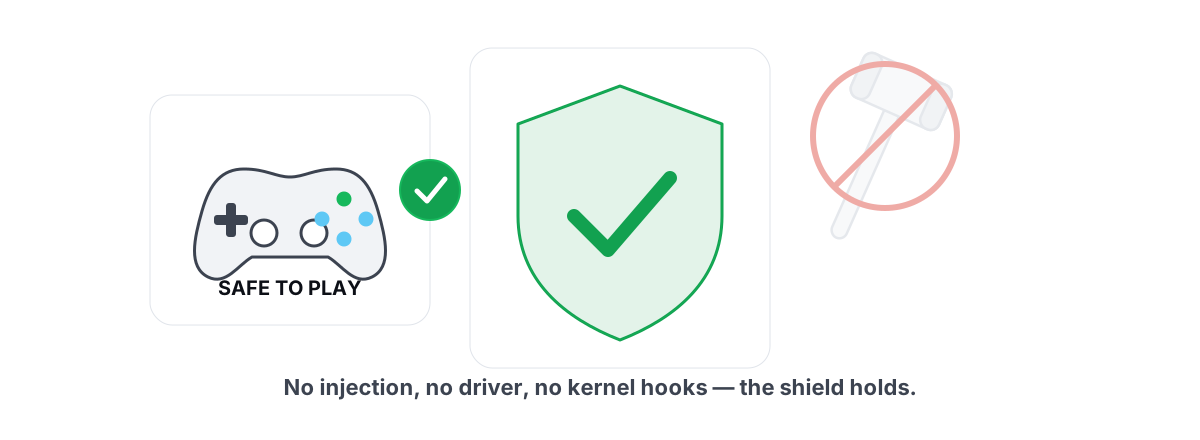
Can PC optimizers get you banned? Yes — but only if the tool does something it never needed to do in the first place. The registry edits and power-plan tweaks most optimizers rely on are invisible to anti-cheat. The trouble starts when a tool injects code, writes another process's memory, or abuses a signed driver, and a few "boosters" do exactly that.
Here's the honest breakdown: which optimizer behaviors actually trip Vanguard, Easy Anti-Cheat, and BattlEye, which ones never will, and how to tell the difference before you hand a tool Administrator rights. If you play a kernel anti-cheat title, the line between "safe to run" and "rolling the dice on your account" is sharper than the marketing suggests.
When Can PC Optimizers Get You Banned: Real Flags vs. False Positives
Anti-cheat doesn't ban you for "optimizing." It bans for behaviors that match how cheats work. Understanding the two ways that goes wrong tells you everything.
A real flag is when a tool does something a cheat would do: reading or writing the game's memory, loading a DLL into the game process, hooking its render or input calls, or driving a signed kernel driver that hands user-mode code privileges it shouldn't have. Modern anti-cheat runs in the kernel partly to watch for this in real time. It doesn't care about your intentions — it pattern-matches on technique.
A false positive is when something legitimate looks close enough to a cheat that the system reacts anyway. An overlay that injects to draw a counter, a macro tool that synthesizes input, an old "trainer" framework reused by a booster — these can get a game to refuse to launch, crash, block the tool, or in the worst case flag the account. The tool meant no harm; the method was the problem.
Anti-cheat judges what a tool does, not what it's for. "It's just an optimizer" is irrelevant if it injects like a cheat.
So the real question isn't "are optimizers banned?" It's "does this specific optimizer touch the game process or the kernel in a way that resembles cheating?" Most don't. A few do, usually for features that could have been built a safer way. Sort tools by behavior and the risk map gets clear fast.
Behaviors That Get Flagged
Here's the actual short list of things a tool can do that put your account at risk. If an optimizer does none of these, it has no realistic path to a ban.
- Process injection. Loading a DLL into the game's process — usually to draw an overlay, hook a function, or run code in the game's context. This is the single most common cheat technique, and anti-cheat is built to spot it.
- Reading or writing game memory. Calling
ReadProcessMemory/WriteProcessMemoryagainst the game, or scanning its address space. Aimbots and wallhacks live here. A legitimate optimizer has zero reason to touch another game's memory. - API / render hooking. Intercepting Direct3D
Present(), input calls, or other functions from inside the game to alter or measure them. Even for a benign FPS counter, this is the same mechanism cheats use to draw ESP. - Abusing a signed kernel driver. Shipping or loading a vulnerable signed driver to gain kernel access from user mode. This is how serious cheats defeat kernel anti-cheat — and anti-cheat vendors now blocklist known-bad drivers aggressively.
- Synthetic input / macros into a protected process. Injecting keystrokes or mouse movement that the game treats as automation. Some titles flag recoil macros and rapid-fire automation as cheating.
- Tampering with the anti-cheat itself. Suspending, patching, or unloading the anti-cheat driver/service to "free resources." This is an instant, deserved ban on most platforms.
Notice what's not on this list: editing the registry, changing your power plan, cleaning temp files, updating a driver through Windows Update, or measuring frames from outside the game. None of those reach into the game process or the kernel anti-cheat boundary. That's the whole distinction.
Tweaks That Are Genuinely Risk-Free
The boring truth is that the tweaks that actually help your gaming experience are also the ones anti-cheat completely ignores. They operate on Windows, not on the game.
- Registry tweaks. Changing system settings under
HKLM/HKCU— DWM behavior, scheduler hints, network stack values. You're editing Windows configuration, not the game. Anti-cheat doesn't watch your registry for performance keys. - Power plan changes.
powercfgto set a high-performance or ultimate plan, disable USB selective suspend, or stop core parking. This is Windows power management, full stop. - Boot-level settings.
bcdeditflags for timer and platform behavior. They change how Windows boots, not anything inside a game. - Disk and drive maintenance.
fsutilTRIM checks,defrag.exeon a confirmed hard drive, deleting allow-listed temp and cache files. File system housekeeping, invisible to anti-cheat. - Network configuration.
netshfor DNS, traceroute and bufferbloat tests, adapter settings. You're configuring your own networking, not touching game traffic in a way that matters to anti-cheat. - Driver updates and system repair. Windows Update driver installs,
SFC, andDISM. These are Microsoft's own tools doing Microsoft's own maintenance. - Frame measurement from outside. Reading DWM composition or D3DKMT present statistics to count FPS. The game asks Windows to display each frame; you read Windows' counter. Nothing enters the game.
If you want the actual mechanics of squeezing frames out of Windows this way, how to increase FPS honestly and reducing input lag you can feel walk through the real levers. For the broader system, speeding up Windows 11 honestly covers the same ground without a single risky step.
The Signed-Driver Loophole Cheaters Abuse
This one deserves its own section because it's where "optimizer" and "cheat" actually overlap, and where a careless tool can get you in real trouble.
Kernel anti-cheat runs at Ring 0, the most privileged level. To beat it, serious cheats need to run at Ring 0 too. They can't just sign their own kernel driver — Microsoft won't sign a cheat. So they use a trick called BYOVD: Bring Your Own Vulnerable Driver. They ship a legitimately signed driver that has a known security hole, load it, and exploit the hole to run their own code in the kernel.
Here's why this matters to you as someone choosing an optimizer. A small number of "extreme" tweak tools and boosters do something similar in spirit — they install a kernel-mode driver to write low-level settings that user mode can't reach. Even when the intent is benign, you've now got a third-party kernel driver on your system, and if it's one anti-cheat vendors have blocklisted, you can get blocked or flagged just for having it loaded.
Anti-cheat vendors maintain blocklists of vulnerable and abused drivers. Microsoft ships a driver blocklist too. A tool that loads its own kernel driver is a tool you have to trust completely — not just that it won't misbehave today, but that its driver never lands on one of those lists.
The safe design is simple: stay in user mode and drive the tools Windows already ships. Everything in the risk-free list above is reachable without a custom driver. If a tool tells you it needs a kernel driver to change a power setting, it's either over-engineered or selling you something you shouldn't buy.
Why 'Game Boosters' Are a Mixed Bag
"Game booster" covers everything from harmless to genuinely sketchy, which is why the category has a bad reputation. The behaviors vary wildly between products wearing the same label.
On the harmless end, a booster might just close background apps, set a high-performance power plan, and toggle Game Mode. That's fine — useless to anti-cheat, and most of it you can do yourself in two minutes. On the sketchy end, a booster injects an overlay into the game, runs a kernel driver, or worse, bundles adware and telemetry that has nothing to do with performance.
Two more problems plague the category, separate from ban risk:
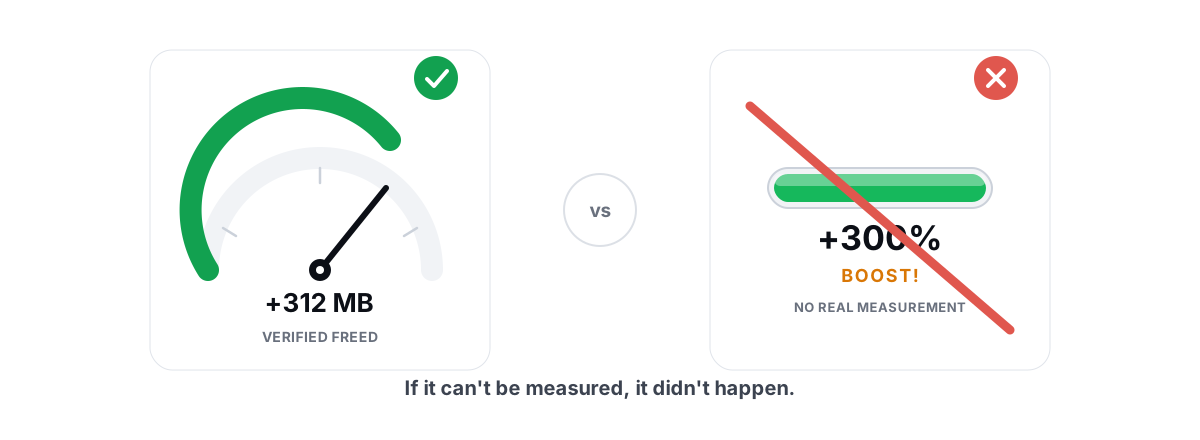
- Placebo features. Animated "RAM boosters" and "FPS boosters" with a meter that climbs are theater. Freeing RAM that Windows was already using as cache doesn't add frames — it can briefly hurt performance by forcing re-reads. What "free RAM" actually means breaks this down, and registry cleaners are the same kind of snake oil for a different folder.
- Reversibility. Many boosters fire a batch of registry changes with no way to undo them. When a "tweak" breaks audio, networking, or Windows Update, you're stuck. A tool that doesn't take a System Restore point and can't roll back its own changes is risky in a different sense — not a ban, but a broken install.
So "is a game booster safe?" has no single answer. Judge the specific tool by behavior: does it inject, does it load a driver, does it ship placebo meters, and can it undo what it does? We took the category apart in detail in whether PC optimizers actually work.
How to Vet a Tool Before You Run It
You don't need to reverse-engineer a binary. A handful of honest questions filter out the dangerous tools fast. Ask these before you grant Administrator.
| Question | Safe answer | Red flag |
|---|---|---|
| Does it install a kernel driver? | No — user mode only | Yes, or "advanced/low-level driver" |
| Does it inject into or hook games? | No — runs in its own process | "In-game overlay" that injects; touches the game process |
| Can it run alongside Vanguard / EAC / BattlEye? | Stated clearly, yes | Vague, or tells you to disable anti-cheat |
| Are changes reversible? | Per-change undo + System Restore point | No undo; fire-and-forget batch edits |
| Does it claim miracle numbers? | "A few to several FPS," honest framing | "300% more FPS," "2x speed," boost meters |
| What does it actually do under the hood? | Names real Windows tools (powercfg, fsutil, netsh) | Won't say; "proprietary engine" |
Two practical checks beyond the table. First, watch whether the tool asks you to turn off your anti-cheat or add exclusions for it — a legitimate user-mode optimizer never needs that, and anything that does is telling you its method conflicts with anti-cheat. Second, prefer tools that take a System Restore point before big changes, so a bad tweak is a five-minute rollback instead of a reinstall. If you're fuzzy on that safety net, how to create a System Restore point covers it.
Granting Administrator is its own decision, since every real optimizer needs it to touch system settings. That's not inherently bad — it's how the work gets done — but it does mean trust matters. Why optimizers need Administrator explains what that access is for and where the line is.
Our Design Choices to Stay Off the Radar
We'll be specific about how BRUTAL Optimizer is built, because the architecture is the safety argument — not a promise, a design.
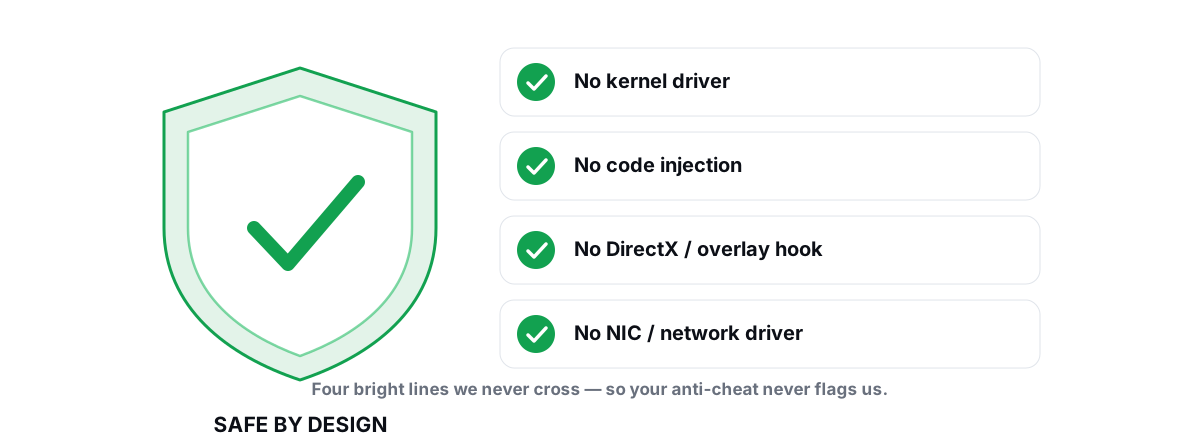
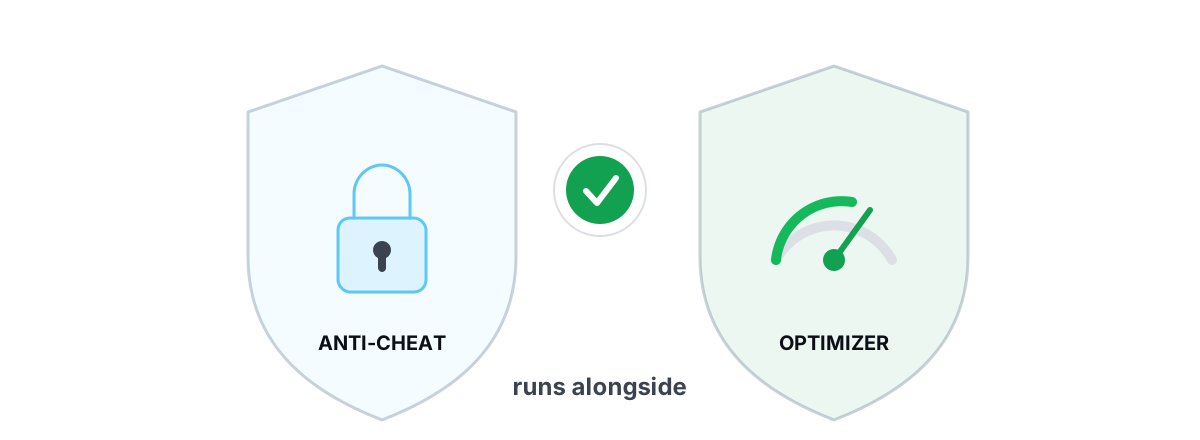
There is no kernel driver anywhere in the app. No DirectX hook. No process injection. No NIC or network-stack driver. Every change is a user-mode call into a tool Windows already ships: powercfg, bcdedit, fsutil, defrag.exe, netsh, Windows Update, SFC, DISM, and the registry. That's why it runs alongside Vanguard, Easy Anti-Cheat, and BattlEye instead of fighting them — from the anti-cheat's view, nothing suspicious is touching the protected process, because nothing is.
The FPS overlay follows the same rule. It counts DWM composition and D3DKMT present frames from its own window and reads counters Windows already publishes. It never injects into the game to draw, which is the usual reason an overlay gets flagged. We wrote up that approach in the anti-cheat-safe overlay guide, and there's a title-specific writeup on running it with Valorant.
The honesty rules cover the other half of "risky." Every registry and system change is reversible with per-module undo, and a System Restore point is attempted before big changes. The disk cleaner only touches an allow-list and reports verified freed bytes. There's no placebo RAM meter, no fake FPS booster, and we never defrag an SSD or delete the pagefile to fake a result. The full set of rules lives in the anti-cheat-safe optimization rules and on the no-kernel-driver safety page.
If you want an optimizer you can run next to a kernel anti-cheat without thinking twice — one that earns real frames and lower latency from the Windows side of the line and can undo every setting change it makes — that's the entire point of how BRUTAL Optimizer is built. The best optimizer for a competitive player is the one that never has to touch the game at all.
Frequently asked questions
Can a PC optimizer get you banned in games?
It can, but only if it does something cheat-like: injecting code into the game, reading or writing the game's memory, hooking its render calls, or abusing a kernel driver. The ordinary tweaks most tools make, like registry edits, power-plan changes, and temp-file cleanup, never touch the game or the anti-cheat boundary, so they are not the kind of change anti-cheat looks for. Judge the tool by what it does, not by the word optimizer.
Are registry and powercfg tweaks safe with anti-cheat?
Yes. Editing the registry, changing your power plan with powercfg, or setting boot flags with bcdedit changes Windows configuration, not anything inside the game process. Kernel anti-cheat watches for injection and memory tampering, not your performance registry keys. These tweaks are invisible to Vanguard, Easy Anti-Cheat, and BattlEye.
Why do some game boosters get flagged by anti-cheat?
Because they inject an overlay into the game, hook its render calls, or install a kernel driver. Those methods are indistinguishable from how cheats work, so anti-cheat reacts to them. A booster that only closes background apps and sets a power plan is fine; the risk comes entirely from tools that reach into the game process or the kernel.
What is BYOVD and why does it matter for optimizers?
BYOVD means Bring Your Own Vulnerable Driver, a trick where cheats load a legitimately signed but flawed kernel driver and exploit it to run code in the kernel. It matters because any optimizer that installs its own kernel driver puts a third-party driver next to your anti-cheat. If that driver lands on a vendor or Microsoft blocklist, you can be blocked or flagged just for having it loaded.
Is BRUTAL Optimizer safe to run with Vanguard and EAC?
Yes. It has no kernel driver, no DirectX hook, and no process injection. Every change is a user-mode call into tools Windows already ships, like powercfg, fsutil, netsh, and the registry, so nothing it does touches the protected game process. That is why it runs alongside Vanguard, Easy Anti-Cheat, and BattlEye instead of conflicting with them.
Keep reading
 Anti-Cheat & Safety
Anti Cheat Safe Optimization: The 4 Bright Lines
The four bright lines that separate safe user-mode tweaks from the tools that get your game account flagged.
 Anti-Cheat & Safety
Is BRUTAL Optimizer Safe With Valorant?
Why BRUTAL Optimizer runs alongside Riot Vanguard without touching Valorant: no kernel driver, no DirectX hook, no injection.
 Myths & Honest Truths
Do PC Optimizers Actually Work? An Honest Look
Some PC optimizers make real, small gains; most sell a meter that means nothing. Here is how to tell the difference.
Stop guessing. Measure it.
BRUTAL Optimizer is the honest way to speed up Windows — 17 free modules, a real FPS overlay, verified disk cleanup and drive health. No kernel driver of our own, no game hooks, every setting change reversible.