The TcpNoDelay Gaming Fix: What Nagle Actually Does
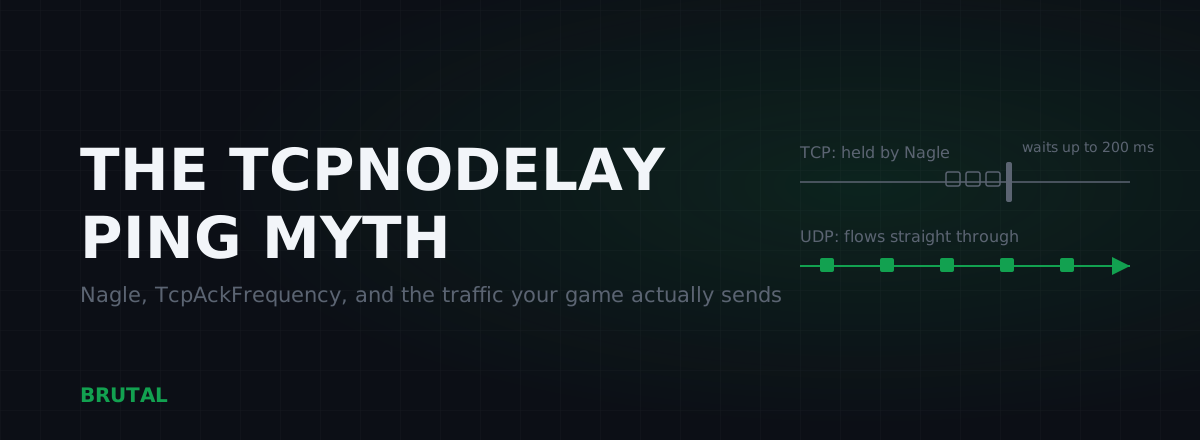
The TcpNoDelay gaming fix disables Nagle's algorithm on TCP connections, and its partner tweak TcpAckFrequency disables delayed ACKs. Both are real settings that change real behavior, on a protocol most games don't use for anything time-critical. Nearly every modern shooter, MOBA and battle royale sends match traffic over UDP, which these registry values never touch. Here's what each tweak actually does, the few games where it genuinely mattered, and how to test the claim without fooling yourself.
What Nagle's algorithm actually is
In 1984, John Nagle wrote RFC 896 to solve what he called the small-packet problem. Terminals of that era sent one keystroke per packet: 1 byte of actual data wrapped in roughly 40 bytes of TCP/IP headers. Multiply that by every user on a shared link and the network drowned in overhead.
His fix is elegant. While a TCP connection has data in flight that hasn't been acknowledged yet, hold any new small writes and merge them into one full segment. When the acknowledgement comes back, send the merged batch. Bandwidth saved, networks unclogged.
Notice what that means for latency: your application's next small message can sit in a buffer waiting for an ACK from the other side. For a file transfer, nobody cares. For a chatty request-response protocol, that wait is felt.
Nagle's algorithm isn't a bug and it isn't bloat. It's a bandwidth-saver from an era when every byte on the wire cost real money. The only question that matters is whether your game's packets ever meet it. Mostly, they don't.
The delayed ACK stall: where the horror stories came from
Nagle alone rarely hurts much. The famous stalls come from its interaction with a second polite algorithm on the receiving side: delayed acknowledgement. Windows doesn't ACK every segment instantly by default. It waits for a second segment, or a timer of up to 200 ms, hoping to piggyback the ACK on data heading back anyway.
Put the two together on a chatty TCP connection and you get a short deadlock. The sender holds its next small packet until an ACK arrives (Nagle). The receiver holds the ACK, waiting for more data (delayed ACK). Nobody moves until the timer fires. Do that a few times a second and a game built on TCP request-response feels like it's hiccuping, even though the actual network round trip is 30 ms.
That mechanism is real, documented and reproducible. It's also the entire honest core of this tweak family. Everything else pasted alongside it in ping-fix threads is decoration.
The three registry tweaks, decoded
TcpAckFrequency
A per-adapter value under HKLM\SYSTEM\CurrentControlSet\Services\Tcpip\Parameters\Interfaces\{adapter GUID}. Set to 1, Windows acknowledges every TCP segment immediately instead of delaying. This is the one that historically did something: it breaks the Nagle-plus-delayed-ACK deadlock from the receiving end. On a TCP game it could remove those 100-200 ms hiccups. On a UDP game it changes nothing whatsoever.
TCPNoDelay
Here's the awkward part almost no tweak guide mentions. The registry location everyone pastes was documented by Microsoft for Message Queuing (MSMQ), a Windows service, not as a global switch for the TCP stack. The reliable, supported way Nagle gets disabled is inside the application: the developer calls setsockopt with TCP_NODELAY on their own socket. Your registry can't force that flag onto someone else's code, and any developer shipping a TCP-based game in the last decade sets it themselves. So the most famous value in the set is the one least likely to do anything at all.
NetworkThrottlingIndex
Different mechanism entirely, nothing to do with Nagle. Windows' multimedia scheduler caps network packet processing at roughly ten packets per millisecond while audio or video tasks are running, to keep sound glitch-free. That's a ceiling around 10,000 packets per second. A typical online game sends and receives somewhere between 20 and 128 packets per second each way. Setting the value to ffffffff removes a limit you're missing by two orders of magnitude. If you push serious local streams to another PC while gaming, it can matter. For your ping in Valorant, it doesn't.
| Tweak | What it actually changes | Applies to | Honest verdict in 2026 |
|---|---|---|---|
TcpAckFrequency = 1 | ACKs every TCP segment immediately instead of delaying up to 200 ms | TCP only, per adapter | Real effect on TCP games; irrelevant for UDP titles |
TCPNoDelay = 1 | Documented for MSMQ; games disable Nagle themselves via TCP_NODELAY in code | MSMQ and legacy components | Almost certainly does nothing for your game |
NetworkThrottlingIndex = ffffffff | Removes the ~10 packets/ms multimedia processing cap | All traffic while audio/video tasks run | Cap sits ~100x above game traffic; niche streaming cases only |
TcpDelAckTicks | Windows 2000-era name for delayed-ACK timing | Ancient Windows versions | Dead value on modern Windows; a copy-paste fossil |
Why the TcpNoDelay gaming fix skips your game entirely
Competitive games abandoned TCP for match traffic decades ago, and for good reason. TCP guarantees ordered, reliable delivery, which means when one packet drops, everything behind it waits for the retransmission. A game would rather skip a stale position update than stall the whole world. So games build exactly the reliability they need on top of UDP, keep their own timing, and never meet Nagle, delayed ACKs or any of it. We break down that design choice in UDP vs TCP in games.
Check the list: Valorant, CS2, Fortnite, Apex, Warzone, Dota 2, League of Legends, Overwatch, Rocket League, PUBG Mobile, Free Fire. All UDP for gameplay. The TCP connections those games do open handle login, the store, chat, telemetry and patch downloads. None of that is latency-critical, and none of it is in the match loop.
You can't disable an algorithm on a protocol your game never uses.
That one sentence settles maybe nine out of ten "does this tweak work" threads. The registry values are real. The mechanism is real. The traffic just isn't there.
When it actually mattered: a short, honest history
Honesty cuts both ways, so here's where the tweak earned its reputation. World of Warcraft ran gameplay over TCP, and through the mid-2000s the Nagle-plus-delayed-ACK stall was the mechanism behind its notorious ability lag. Setting TcpAckFrequency to 1 produced a real, repeatable improvement. Not in average ping, but in those 100-200 ms hiccups when you queued a spell. Blizzard eventually shipped the fix inside the client itself, which tells you the problem was genuine.
Older MMOs from the same era, EverQuest and Final Fantasy XI among them, lived in the same boat. A few TCP holdouts survive today: Minecraft Java runs on TCP (modern versions set TCP_NODELAY in code), Old School RuneScape is TCP, and various MMOs and turn-based titles still are. If your main game is on that list, the tweak is at least pointed at real traffic.
Even then, keep expectations calibrated. It doesn't lower your round-trip time by a single millisecond; the route is the route. What it can remove is the occasional stall in request-response moments. Worth trying, worth measuring, not worth worshipping.
How to test it without fooling yourself
Tweak threads always end the same way: someone applies all three values, reboots, runs a ping test and reports a 5 ms improvement. Here's the problem. The ping command uses ICMP, which is neither TCP nor UDP. It never passes through the TCP stack, so Nagle and ACK timing physically cannot affect it. Whatever changed, it wasn't the tweak.
Testing the TcpNoDelay gaming fix properly means picking a game that actually uses TCP, turning on its own network stats, and sampling for days at the same times of day. Latency on a home connection swings more by the hour than any registry value will ever move it; your 9 pm numbers are fighting evening congestion on your ISP's routes, not your registry. And since the thing you're hunting is hiccups rather than averages, you're really measuring jitter. If the stalls were there before and gone after, across multiple sessions, you found one of the rare real cases. If the average moved by 2 ms, you found variance.
What we ship, and why we label it
BRUTAL Optimizer ships a network optimization module, so we have skin in this game. Our stance: registry tweaks belong in the small, honest, labelled bucket. The module applies TCP and adapter-level settings and tells you what each one does, including which ones only matter for TCP traffic. What no registry value can do is shorten the physical route between you and the game server, and we won't pretend otherwise.
The levers that actually move latency, roughly in order of payoff: fixing bufferbloat if you have it (often tens of milliseconds under load, the single biggest home-network win), going wired instead of Wi-Fi, and occasionally taking a better route to the server. That last one is what Smart Route exists for, and it follows the same honesty rule as this article: it measures direct against a relay for your specific connection and engages only when the relay provably wins. When direct is already best, it reports "Direct won" and stays out of the way, and every session gets a Route Receipt either way. The measurement tools (ping test, traceroute, bufferbloat grade, DNS benchmark) are free in the download. For the rest of the Windows side, start with our low-latency Windows guide.
The short version
- Nagle's algorithm batches small TCP writes; delayed ACK holds acknowledgements up to 200 ms. Together they could stall chatty TCP games by 100-200 ms per exchange.
- Almost every modern competitive game uses UDP for match traffic. These tweaks never touch UDP.
- TcpAckFrequency = 1 is the only value with a real, current mechanism, and only for TCP titles.
- TCPNoDelay in the registry is largely a fossil; developers set the socket flag in their own code.
- NetworkThrottlingIndex lifts a cap your game traffic doesn't come near.
- Test with the game's own network stats over days. Never with ICMP ping.
The TcpNoDelay gaming fix isn't a scam. It's a museum piece: a genuine repair for a problem most games stopped having fifteen years ago. Know which building your game lives in before you renovate.
Frequently asked questions
Does TcpNoDelay actually lower ping in games?
For most games, no. Modern shooters, MOBAs and battle royales send match traffic over UDP, and Nagle's algorithm only exists in TCP. On top of that, the TCPNoDelay registry value was documented by Microsoft for Message Queuing, not as a global switch; games that use TCP disable Nagle in their own code.
What does TcpAckFrequency = 1 do?
It makes Windows acknowledge every TCP segment immediately instead of delaying the ACK by up to 200 ms. That breaks the Nagle-plus-delayed-ACK stall that caused real hiccups in old TCP games like World of Warcraft. It has zero effect on UDP traffic, which is what nearly every modern game uses.
Is it safe to disable Nagle's algorithm?
Yes. The worst case is slightly more header overhead from small packets, which no home connection will notice. The tweaks are reversible by deleting the registry values. Safe and useful are different questions, though: for a UDP game there is simply nothing for the tweak to act on.
Which games still use TCP for gameplay?
Minecraft Java runs on TCP (modern versions already set TCP_NODELAY in code), Old School RuneScape is TCP, and several older MMOs and turn-based titles still are. If your main game is on that list, TcpAckFrequency = 1 is at least pointed at real traffic and is worth a measured trial.
Does NetworkThrottlingIndex = ffffffff improve gaming performance?
Rarely. It removes a Windows multimedia cap of roughly ten packets per millisecond, about 10,000 packets per second. Typical game traffic is 20 to 128 packets per second each way, two orders of magnitude below the cap. It can matter if you push heavy local streams while gaming; for ordinary play it changes nothing.
Keep reading
 Network & Latency
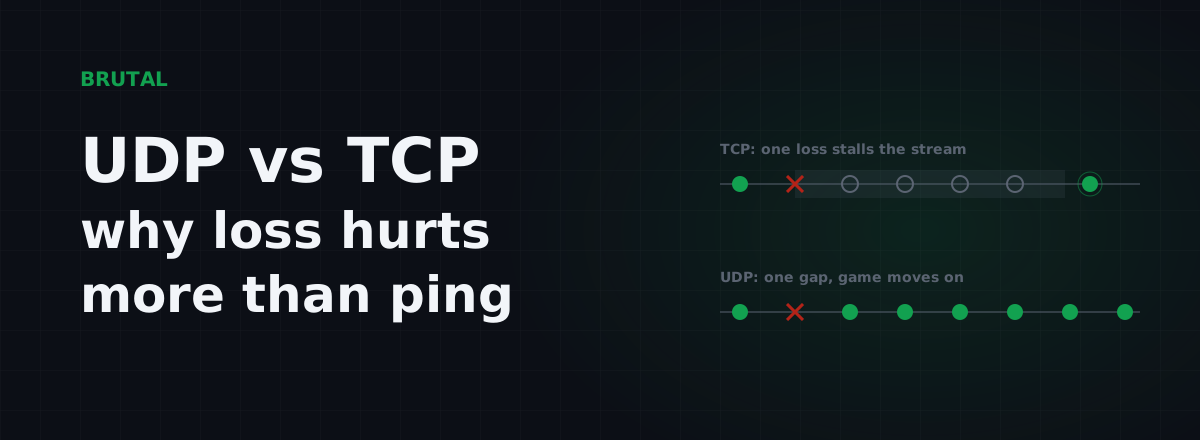
UDP vs TCP in Games: Why 1% Loss Hurts More Than 20ms
Real-time games run on UDP because waiting for a retransmit is worse than losing the packet. Why a little loss wrecks your game more than a little ping, and how to measure the real path.
 Myths & Honest Truths
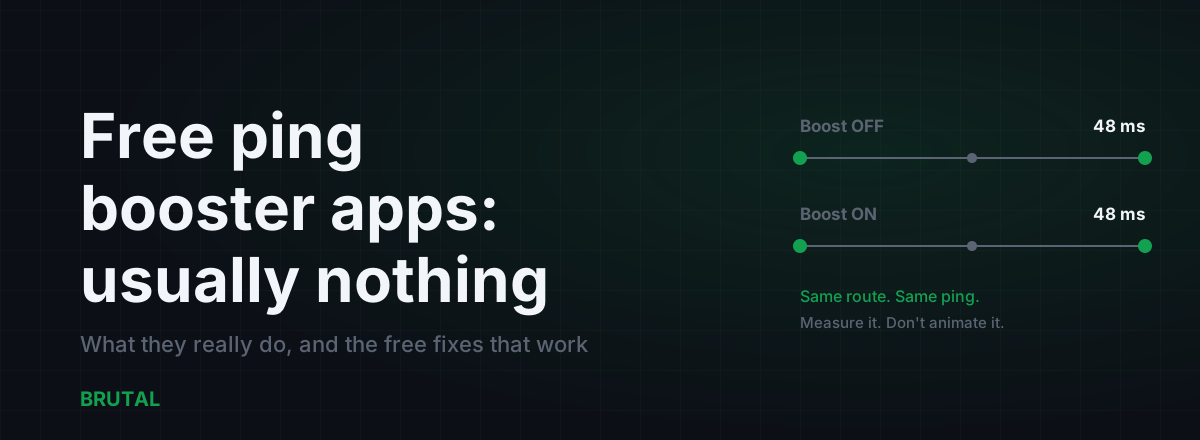
Free Ping Booster Apps: What They Actually Do (Usually Nothing)
The app-store ping booster aisle is mostly DNS flushers, RAM cleaners, and ad farms. Here's what a real tool must show you, and the free fixes that genuinely lower ping.
 Gaming & FPS
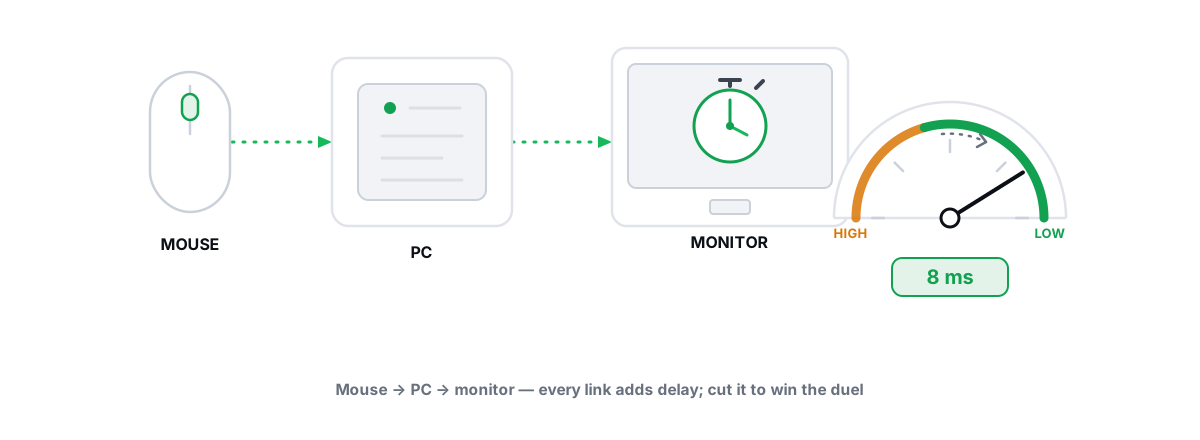
Best Windows Settings for Competitive Gaming (Low Latency)
Real low-latency Windows config for esports, every lever reversible and anti-cheat-safe, plus the famous tweaks that are pure placebo.
Stop guessing. Measure it.
BRUTAL Optimizer is the honest way to speed up Windows — 17 free modules, a real FPS overlay, verified disk cleanup and drive health. No kernel driver of our own, no game hooks, every setting change reversible.