High Ping at Night? ISP Peering and Evening Congestion, Explained
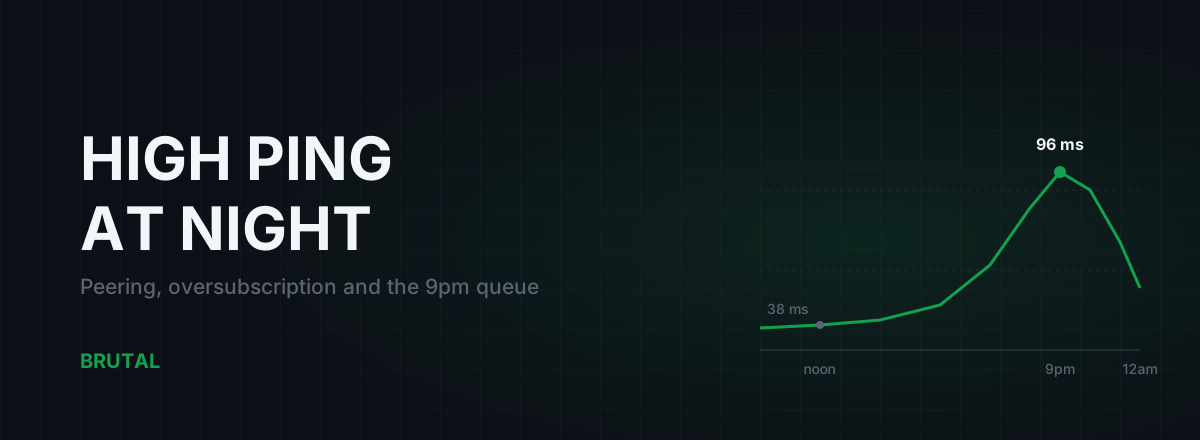
High ping at night usually isn't your PC, your router, or the game. It's congestion on shared links inside or just past your ISP's network, and it follows the clock because your whole neighbourhood gets home around the same time and starts pulling video through the same pipes your game packets ride. If you get 35 ms at 10am and 90 ms at 9pm to the same server, you're looking at an economics problem, not a settings problem, and the fix list looks very different once you accept that.
The 7pm problem: your neighbourhood logs on
Residential internet is shared at almost every layer. Your line runs to a street cabinet or node shared with dozens of homes. That feeds a metro aggregation link shared with thousands. That feeds a core network shared with every customer the ISP has, which reaches the rest of the internet through a handful of border links shared by all of them at once.
During the day those links have headroom. Between roughly 7pm and 11pm they often don't. That window is when streaming peaks, and streaming dominates residential traffic by a huge margin. Your game needs maybe 30-100 KB/s, a rounding error next to one 4K stream, but its packets stand in the same queues as everyone's video.
Queues are the key word. A link doesn't have to hit 100% utilisation to hurt you. Once it runs hot, packets start waiting in buffers before they're forwarded, and waiting is latency. That's why congestion shows up as higher ping and jitter well before downloads visibly slow down. That shape, a clean morning and a heavy 9pm, is the anatomy of high ping at night.
Oversubscription: the business model behind evening lag
ISPs sell more capacity than they own. If 50 homes on a street each buy a 100 Mbps plan, the link serving that street is not 5 Gbps. It might be 1 Gbps. Sometimes much less. That ratio is called contention or oversubscription, and it isn't a scam; it's how every residential network on the planet is built, because most people use almost nothing most of the time.
The assumption breaks at peak. When enough households stream at once, the shared segments run hot and the buffers fill. Your ISP knows precisely when and where this happens; they graph those links all day, every day. Fixing it costs real money in ports, fibre and transit contracts, and the decision to spend is a business call: is peak-hour pain generating enough cancelled contracts and support tickets to justify the upgrade this quarter?
Evening congestion isn't a malfunction. It's a spreadsheet decision about how much peak-hour headroom your ISP is willing to pay for.
Internalise that and the fix landscape gets clearer. You cannot tweak your way out of someone else's underprovisioned link. What you can do: prove where the problem lives, complain with evidence, route around it in the specific cases where an alternate path exists, or take your money to a provider that provisions better.
Transit, peering and IXPs, in plain words
Your ISP reaches the rest of the internet two ways. Transit is paid: a bigger carrier sells them a route to everything, usually billed on peak usage. Peering is a direct link between two networks that exchange traffic, often settlement-free, frequently set up at an internet exchange point (IXP), a building where hundreds of networks meet and interconnect.
Congestion loves these borders. Transit is billed on the peak, so an ISP that lets its transit port run at 95% every evening saves money every single month. Peering ports are cheaper per gigabit, but somebody still has to pay for the upgrade when one fills, and standoffs between networks over who pays have left ports congested for months at a time. Neither side is thinking about your ranked match during that negotiation.
For you, this means the slow hop is often not inside your ISP at all; it's the seam between your ISP and whoever carries traffic toward the game server. Which seam your packets cross is a routing decision you don't control, which is why two ISPs in the same city can reach the same server with wildly different evening ping. One bought a clean path. The other is sweating a hot one.
Why your speedtest still looks fine at 9pm
This is the part that makes people doubt themselves. The game says 95 ms, you run a speedtest, it reports 280 Mbps, and the support agent tells you the connection is healthy.
Two reasons. First, speedtest servers usually sit inside your ISP's own network or on a fat CDN port a couple of hops away. The test path may never cross the congested border your game path crosses. You measured the express lane. Your game rides a different road.
Second, bandwidth and latency are different quantities. A congested link still moves plenty of data; the data just waits in a buffer first. A download barely notices 60 ms of extra queueing delay. Your game notices little else. More speed doesn't lower ping, and a clean speed reading rules out almost nothing about the path your game actually takes.
Rule out your own house first
Before you blame the ISP, be honest about the obvious confounder: evening is also when your household is home. If someone starts a stream, or a console quietly pulls a 40 GB patch at 8pm, your own router's queue produces the identical time-of-day pattern. Sometimes high ping at night is just your home's private rush hour, and that version is fixable tonight, so test for it first.
On one bad evening: plug the gaming PC into ethernet, pause every other device you can, and run a bufferbloat test while your network is otherwise quiet. If ping under load stays clean but your idle ping is still double the daytime number, the queue isn't yours. If ping only climbs when your own line is busy, that's bufferbloat, and you can fix it at your router this week.
Two more local suspects with evening peaks. Apartment Wi-Fi gets worse after dinner because every neighbouring network wakes up and fights for the same channels; if the lag disappears on a cable, it was never your ISP. And if ping is fine idle but degrades only during matches, work through ping spikes that only happen when gaming, because that pattern points at something on your side of the wall.
How to prove high ping at night is your ISP's problem
The evidence you want is simple: a time-of-day pattern to a fixed target, plus the hop where the delay appears. Neither needs special access. Both need you to do a boring thing consistently for a few days.
- Pick two fixed targets: the game server region you play on (or its IP, if you can see it) and one neutral anchor such as a nearby CDN or public DNS resolver.
- Three times a day for three days, at roughly 10am, 4pm and 9pm, run 60 pings and one traceroute to each target. Wired, with other devices quiet.
- Record the median, the worst 10%, and the full traceroute each time. A plain spreadsheet is enough.
Nine samples per target separate "my internet is randomly bad" from "my internet is bad on schedule". If the 9pm medians run 2-3x the 10am medians on both targets, you have a congestion pattern. If only the game target degrades, the problem sits further along that specific route, which is still useful: it points at a border, not your access line.
Reading the traceroutes side by side
Put the 10am and 9pm traceroutes next to each other. Hop 1 is your router. The next couple of hops are your ISP's access network. The middle is their core, and somewhere after that you cross into another network on the way to the server. You're hunting the first hop whose latency is flat in the morning and inflated at night, with every hop after it inheriting the inflation. That hop, or the link just before it, is where the queue lives. If the jump lands at the handoff between your ISP and a carrier, you've found a hot border. Traceroute, explained for gamers covers the reading pitfalls, the big one being that routers answer pings lazily, so a spike at one hop that later hops don't inherit is noise, not evidence.
What actually helps, ranked by realism
Once the pattern is proven, here's the honest option list.
| Option | Cost | Works when | Fails when |
|---|---|---|---|
| Fix bufferbloat at home | Free to cheap | The evening queue is in your own router | The queue is upstream of your house |
| Complain with hop-level data | Free, slow | Congestion is inside the ISP's network and they're accountable | It's a peering standoff they won't even discuss |
| Play around the peak | Free | You can play before 7pm or after 11:30pm | Your life happens at 9pm, like everyone else's |
| Route around the hot border | Paid relay | Congestion sits at an interconnect and a cleaner path exists | Congestion is in the last mile; every path crosses it |
| Switch ISP | Contract-level | The alternative buys different upstream capacity | Every local provider rides the same congested wholesale network |
Complaining works more often than cynics think and less often than you'd hope; maybe one case in ten gets a real fix, usually the case where your data shows congestion inside the ISP's own network. Attach the traceroutes, name the hop, note the times, and ask for the ticket to reach the network team rather than the reboot script. ISPs do upgrade congested segments, and documented complaints are literally an input to that spreadsheet decision from earlier.
Routing around it deserves the honest version, because it's the option that sounds like magic. If the congestion sits at your ISP's border with carrier A, but your ISP has a clean, well-fed path to a nearby relay that reaches the game server over carrier B, then entering the internet through that cleaner door can genuinely cut evening ping, sometimes by 20-60 ms depending on how bad the hot border is. The same trick does nothing when the congestion is in your street's node, because every path out of your house crosses it, relay included. Whether it helps is entirely a property of where the queue lives, which is why the measurement work above matters more than any product.
Smart Route is built around that uncertainty instead of denying it: it measures the direct path against relay paths for your actual connection at that moment, engages only when a relay provably wins, stays direct otherwise, and writes the outcome, including "Direct won", onto a Route Receipt you can check afterwards. The decision logic is documented, so you can find out whether your evening problem is the routable kind rather than take anyone's word for it.
What doesn't help after dark
Restarting the router deserves special mention because it occasionally appears to work. A reconnect can land you on a different upstream path or node port, and once in a while that path is cleaner. It's a lottery ticket with bad odds, not a fix, and the win usually evaporates on the next reconnect.
The honest limit
Some evening congestion cannot be fixed from your chair at any price. If your measurements show the delay appearing at hop 2 or 3, inside the access network, then the shared segment your home hangs off is the bottleneck, and the only parties who can fix it are the ISP that owns it or the competitor you defect to. No relay, no router, no tweak changes that, and anyone selling you a fix for that case is lying to you.
What you get from doing this properly is knowing which case you're in. Best outcome: your data shows a clean access network and a hot interconnect, the one scenario where routing around the problem has real odds, and it's testable before you commit to anything. Worst outcome: it's the last mile, and your realistic options are a complaint with teeth, a schedule change, or a new provider. Either way, you stop burning your evenings on settings that never had a chance.
Frequently asked questions
Why is my ping high only at night?
Because residential links are shared and evening is when everyone streams at once. Between roughly 7pm and 11pm, shared segments inside or just past your ISP run hot, packets queue in buffers, and queueing is latency. Log pings at 10am and 9pm to the same server for a few days; if the evening numbers are consistently 2-3x higher, it's congestion, not your setup.
Why is my ping high at night but my internet speed is fine?
Speedtests usually hit a server inside your ISP's network or a nearby well-fed CDN port, so the test may never cross the congested link your game path uses. Bandwidth and latency are also different things: a congested link can still move plenty of data while every packet waits an extra 40-60 ms in a buffer.
Can a VPN or ping reducer fix evening lag?
Sometimes. If the congestion sits at a peering or transit border and a relay path enters the internet through a cleaner port, rerouting can cut real milliseconds. If the congestion is in your last mile or street node, every path crosses it and no relay helps. Measure first; a tool that tests direct against relay and shows you the result is the honest way to find out which case you're in.
How do I complain to my ISP about high ping at night?
Bring evidence, not vibes. Timestamped ping medians at 10am, 4pm and 9pm over several days, plus side-by-side traceroutes showing which hop inflates in the evening. Ask for the ticket to reach the network team, not the reboot script. Maybe one case in ten gets a real fix, but tickets with hop-level data are the ones that do.
Does restarting my router fix high ping at night?
Rarely, and by luck. A reconnect occasionally lands you on a different upstream path or node port that happens to be cleaner. It doesn't change the congested link itself, and the improvement usually vanishes on the next reconnect.
Keep reading
 Network & Latency
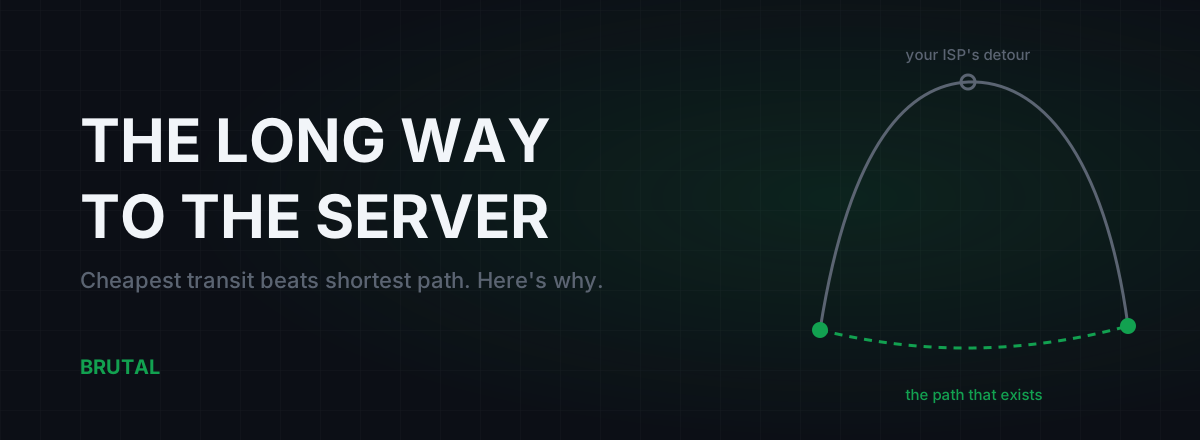
Bad Routing to Game Servers: Why Your ISP Takes the Long Way
Your ping to a game server is often set by ISP economics, not distance. Here's how BGP picks the cheap path over the fast one, how to spot the detour, and what actually fixes it.
 Network & Latency
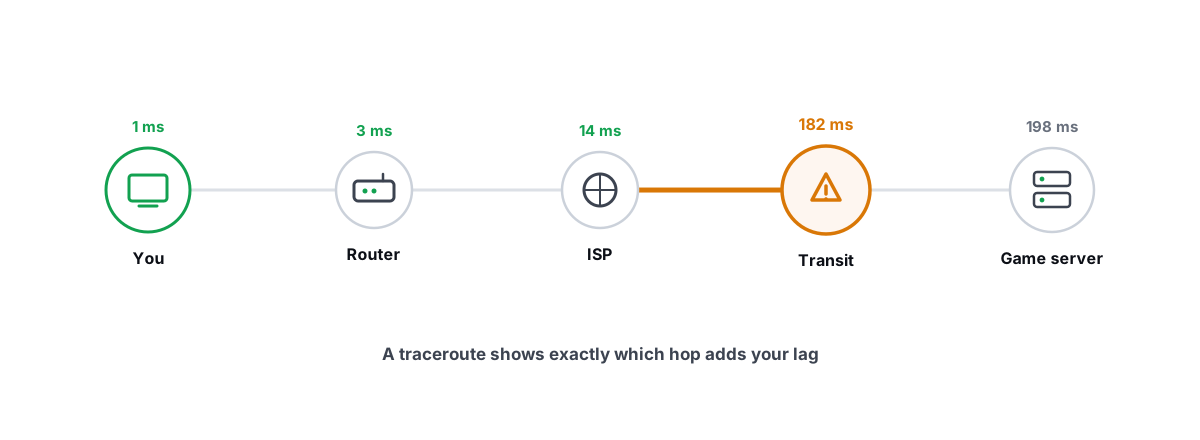
How to Read a Traceroute: Find Your Lag's Real Source
Read a real ICMP traceroute and classify every hop so you know whether the lag is your router, your ISP, or the game server.
 Network & Latency
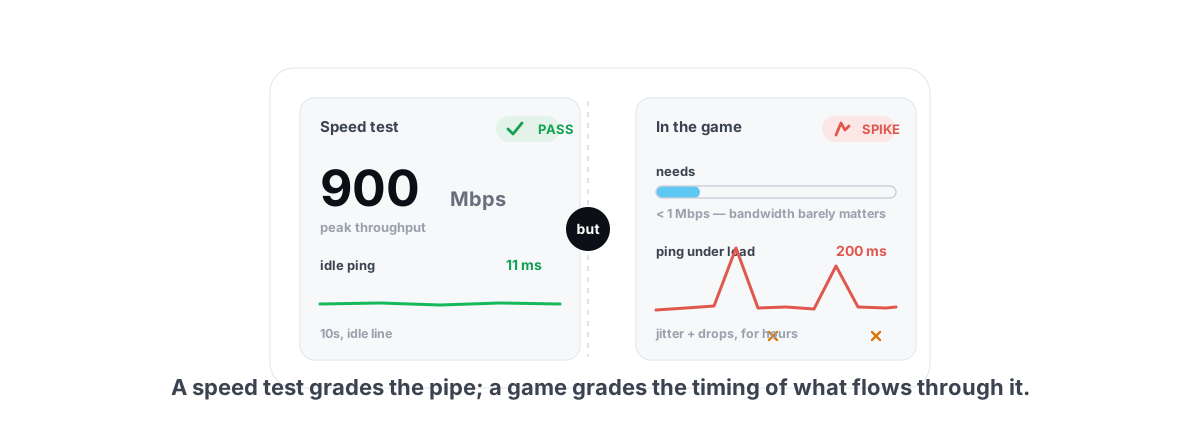
Ping Spikes Only When Gaming but Internet Is Fine
Speed test passes but games spike? The real causes are background apps, adapter power saving, Wi-Fi and bufferbloat - all verifiable, none placebo.
Stop guessing. Measure it.
BRUTAL Optimizer is the honest way to speed up Windows — 17 free modules, a real FPS overlay, verified disk cleanup and drive health. No kernel driver of our own, no game hooks, every setting change reversible.