Free Ping Booster Apps: What They Actually Do (Usually Nothing)
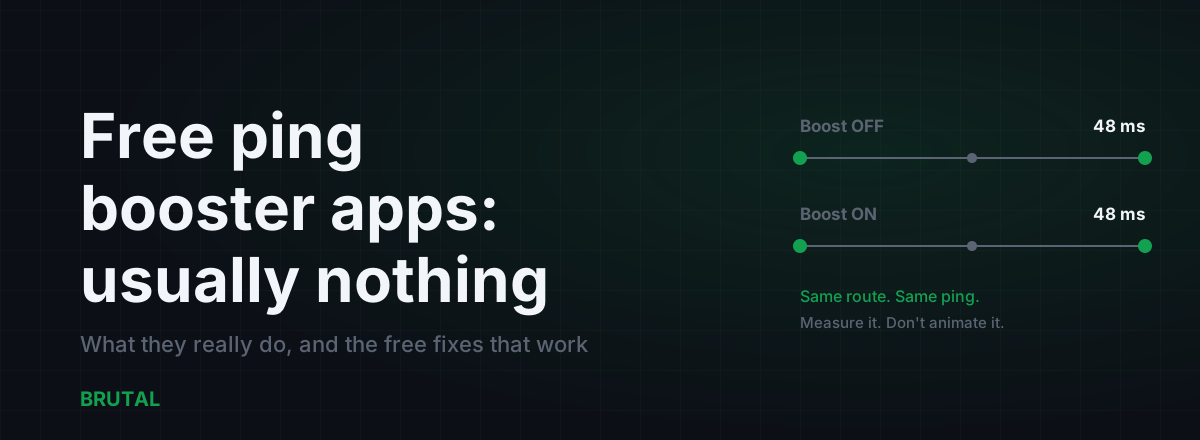
Most free ping booster apps don't lower your ping. They flush a DNS cache, close a few background apps, repaint your latency in a prettier overlay, and show you ads while the route between you and the game server stays exactly the same. A few free things genuinely cut latency, but almost none of them live in an app store.
What a free ping booster app actually does
Press the big BOOST button in a typical free booster and here's what runs underneath: a DNS cache flush, a sweep that kills background processes, maybe a couple of registry tweaks around TCP settings, and a switch to the high-performance power plan. Then an animation plays, a number appears, and the app declares victory.
The problem is what ping actually is. Ping is the round-trip time for a packet to leave your machine, pass through your router, cross your ISP's network and however many networks sit between it and the game's datacenter, touch the server, and come back. That number is dominated by two things: physical distance and congestion somewhere along the path. On a typical connection, 90% or more of your ping happens outside your house.
Nothing in that button list touches the path. A DNS flush doesn't move the server closer. Killing a chat app doesn't change how your ISP routes traffic. The TCP registry tweaks are mostly Windows XP forum lore, and the games you care about run on UDP anyway, so those settings never even apply to your match traffic.
So the honest answer to the search query is: a free ping booster app usually changes nothing you can measure. Not because free is automatically bad, but because the things that genuinely reduce latency aren't things a one-button app on your device can do.
The junk drawer, sorted into four piles
Naming specific apps is pointless because they churn every few months. The patterns don't change. Nearly every free booster you'll find falls into one of these four.
The DNS flusher
It clears your DNS cache, maybe switches you to a public resolver, and declares your connection optimized. DNS matters exactly once per session: when your game looks up the server's address. After that, traffic flows straight to an IP address and DNS is out of the picture. A faster resolver can trim a beat off loading screens and matchmaking, which is real but small, and it changes in-match ping by zero. The full picture is in best DNS for gaming.
The RAM cleaner
It closes background apps, reports how many megabytes it freed, and implies your ping dropped because your device is lighter. Memory has no relationship with network latency. The only version of this that works is when something in the background is actively uploading, a cloud backup or a torrent, and saturating your line. Killing that helps a lot. Killing your music player does nothing. We measured this one properly in does closing apps lower ping.
The placebo overlay
It floats a ping number over your game, and that number often looks better than what the game itself reports. That isn't magic, it's measurement choice. Plenty of overlays ping a nearby CDN node or a fixed test endpoint instead of the server you're actually playing on, so the number is real but answering the wrong question. Your game's own net graph measures the connection that matters. Trust it over any widget.
The ad farm
The most common pattern, and in a backwards way the most honest: the app exists to sell your attention, and the boost button is set dressing. Some make you watch a thirty-second video before each "boost." There's a quiet irony in the fact that the ad stream briefly uses more of your bandwidth than anything the app will ever save you.
Why do they all have glowing reviews? Because ping naturally swings around, sometimes 15-20 ms between matches with nothing changed. Press a boost button, catch a lucky low match, and the app takes the credit. That's confirmation bias with a rating prompt attached, and it works well enough to keep the whole category alive.
| Pattern | What it claims | What actually changes |
|---|---|---|
| DNS flusher | "Optimizes your connection" | Loading screens, maybe. In-match ping: nothing |
| RAM cleaner | "Frees resources for lower ping" | Nothing, unless an app was actively uploading |
| Placebo overlay | "Monitors and reduces latency" | Shows a number, often to the wrong endpoint |
| Ad farm | "Boost now (watch ad first)" | The developer's revenue |
Why an on-device app can't reach most of your ping
Picture a 48 ms ping to a server a few hundred kilometers away. Around one millisecond of it happens inside your house if you're on a cable, maybe five to fifteen if you're on busy Wi-Fi. Everything else accumulates across your ISP's access network, its backbone, the peering points where networks hand traffic to each other, and the server's own datacenter network.
An app running on your phone or PC can only touch the first slice. That's a hard limit, and no amount of cleverness gets around it.
Actually changing the rest of the path means routing your traffic through relay servers in real datacenters, and those cost real money to run every month. That's why genuinely free routing at scale mostly doesn't exist. When a free app does route your traffic, it's usually a free VPN, and free VPN servers are overloaded by definition. In most cases they add 20-80 ms instead of removing anything, and you've handed your game traffic to an operator whose business model is your data.
One more honest wrinkle: even paid routing only helps when your ISP's default path is bad. If your route is already clean, nothing beats it, because what's left is distance and the speed of light through fiber.
What a legitimate tool must show you
You can separate real tools from placebo with a single requirement: numbers you can check.
A legitimate latency tool measures your connection to the actual server you're playing on, shows you the before and the after, and is willing to report that it didn't help. That last part is the tell. A tool that can never say "no improvement" isn't measuring anything. It's marketing.
If a booster can't show you a before-and-after number for your own connection, it isn't optimizing. It's decorating.
That's the standard we build against. Smart Route reads which server your game actually connected to, measures the direct path against its relays, and only routes you through one when the measurement proves a win. When direct is already faster, it stays out of the way and records "Direct won" on the session's receipt. That outcome is common, and we'd rather show it than bury it. The reasoning is laid out in why your ping reducer should tell you no.
You don't need our tool to apply the standard. Ask of any booster, free or paid: what did it measure, against which endpoint, and where's the log? If the answer is an animation, you have your answer.
The free fixes that actually work
Here's the part the app stores won't tell you: the free things that genuinely lower ping are boring, physical, and mostly involve your router rather than your phone.
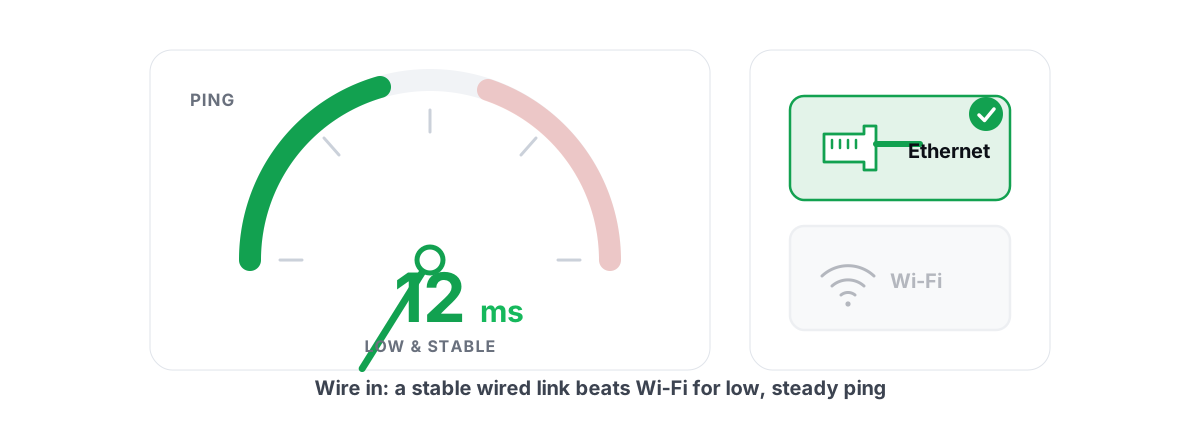
Plug in a cable. Ethernet removes Wi-Fi retransmissions, interference, and the airtime queueing that causes spikes. Typical gain is 5-15 ms on average ping and a much bigger cut to jitter. It's the highest-value free fix in existence. Numbers and caveats in Ethernet vs Wi-Fi for gaming.
Pick the closest server region. The single biggest lever anywhere. Playing one region over adds 30-150 ms depending on geography, and no software on Earth removes distance. Check your game's region setting instead of trusting auto-select, which sometimes picks by player population rather than proximity.
Fix bufferbloat. When anyone in the house uploads or streams, a badly configured router queues packets and your ping can jump from 30 ms to 300. Run the Waveform bufferbloat test; if you grade C or worse, turning on SQM or smart queue management is worth more than every booster app ever shipped. Setup walkthrough in router QoS for gaming, explained.
Stop the background uploads. Cloud photo sync, a game updating on a second machine, somebody's 4K stream. This is the real version of what RAM cleaners pretend to do, and you do it in your OS settings and your router, not through an app store.
Measure before and after everything. A ping test, a traceroute, and a bufferbloat grade tell you where your latency actually comes from, which decides which fix is worth your evening. The free download of BRUTAL Optimizer includes all of those measurement tools with no payment involved. Routing is the paid part; measuring never is.
When paying for routing actually makes sense
Sometimes the path really is the problem and no home fix reaches it. Your ISP hands traffic to a congested exchange every evening, or sends your packets through a city in the wrong direction, and your ping carries a 20-60 ms penalty that a relay through a better-connected datacenter can genuinely remove. How much depends entirely on distance and how bad the default path is; often the answer is zero.
Be honest about the odds. For players on decent ISPs playing on nearby servers, routing helps in maybe one case in ten. That's why the only sane way to buy it is with a measurement in front of you, not a testimonial. If you do trial one, prefer a tool that shows its measurements and works read-only, without injecting anything into the game. The full decision guide is in is a ping reducer worth it.
The two-minute test for any booster
Whether an app is free or paid, put it through this before you believe anything it says.
- Play two or three matches with the booster off. Note the game's own ping readout and whether you see spikes or packet loss.
- Turn the booster on. Same game, same server region, same time of day.
- Play two or three more matches and compare. Look at the spread, not just the average. A steady 40 ms beats a 35 that spikes to 90.
- If there's no repeatable difference, uninstall it. You've lost nothing but the ads.
While you're at it, glance at the permissions screen. A ping tool has no business reading your contacts or your location history. If it asks, the app isn't the product. You are.
None of this takes special expertise, and it converts you from someone the junk drawer can sell to into someone it can't. The apps that survive this test are rare. The ones that fail it were never going to lower your ping anyway.
Frequently asked questions
Do free ping booster apps actually work?
Almost never for in-match ping. They flush DNS caches, close apps, and draw overlays, none of which changes the route your packets take to the game server. The rare exception is an app that stops an active background upload, which you can do yourself in your OS settings for free.
How can I lower my ping for free?
Plug in an Ethernet cable, pick the closest server region, fix bufferbloat with your router's QoS or SQM setting, and stop background uploads like cloud photo sync. Those four fixes are physical and measurable, and together they beat any boost button ever shipped.
Why does my booster app show a lower ping than my game?
It's almost certainly pinging a different endpoint, often a nearby CDN node or a fixed test server, not the game server you're actually on. The number is real but irrelevant. Trust your game's own net graph over any floating widget.
Are free ping booster apps safe to install?
Most are harmless ad farms, but check the permissions before you install. A ping tool has no reason to read your contacts or location history. Free VPNs marketed as boosters are the bigger risk: they route your game traffic through overloaded servers under a data-monetization business model, which usually raises ping and lowers privacy.
Does clearing RAM or closing background apps reduce ping?
Only if one of those apps was actively uploading and saturating your connection. Memory usage itself has no effect on network latency, so killing idle apps changes nothing you can measure. Find and stop the uploader instead.
Keep reading
 Network & Latency
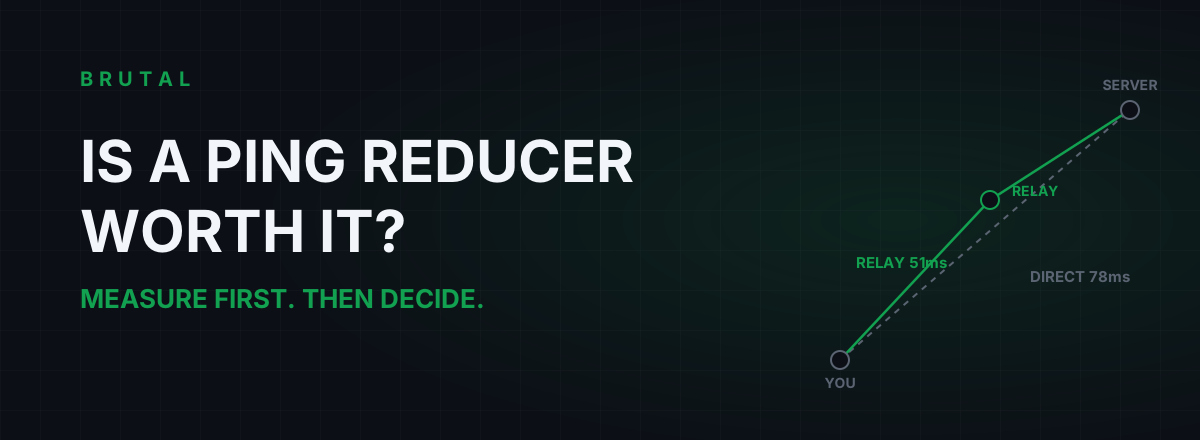
Is a Ping Reducer Worth It? A Decision You Can Test for Free
Most players don't need a ping reducer. Some genuinely do. A free ten-minute measurement tells you which one you are, before any subscription starts.
 Network & Latency
How to Reduce Ping in Online Games (Real Fixes)
Sort the ping you can fix - server, bufferbloat, Wi-Fi, routing - from the ping you can't, and skip the ping-booster snake oil.
Stop guessing. Measure it.
BRUTAL Optimizer is the honest way to speed up Windows — 17 free modules, a real FPS overlay, verified disk cleanup and drive health. No kernel driver of our own, no game hooks, every setting change reversible.