The Speed-of-Light Ping Floor: Your Lowest Possible Ping by Distance
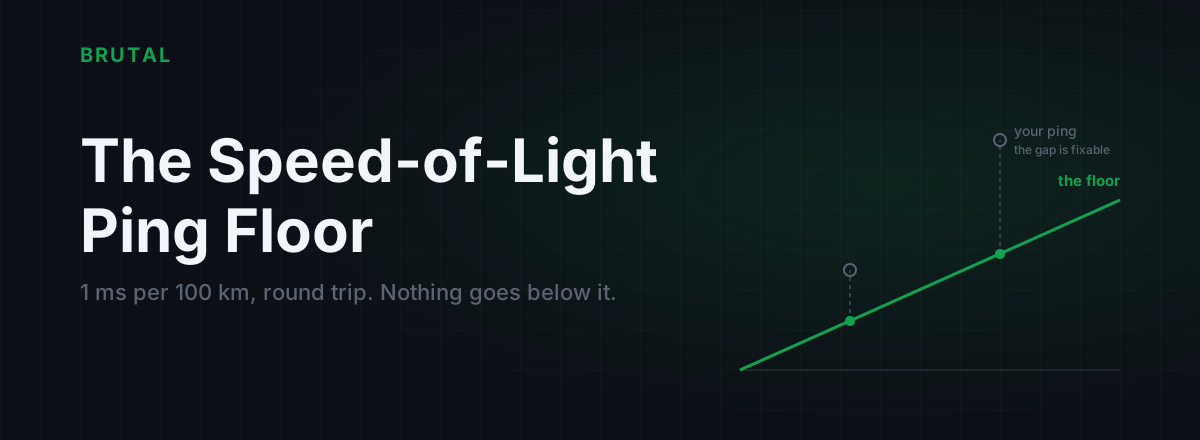
The lowest possible ping over any distance is set by physics, not software: light in fiber covers roughly 100 km per millisecond of round trip, so a server 3,000 km away has a hard floor of about 30 ms. No tool, tweak, cable, or paid service gets under that number, ever. What you can fix is the gap between that floor and the ping you actually see, and for a lot of players that gap is embarrassingly large.
Light in fiber is slower than you think
In a vacuum, light moves at just under 300,000 km per second. Your packets don't get a vacuum. They travel through glass, and glass has a refractive index of about 1.47, which drags the speed down to roughly 200,000 km per second. About two thirds of the headline number.
That still sounds absurdly fast until you do the division. It works out to 200 km per millisecond, one way. A ping is a round trip, out and back, so halve it: every 100 km of distance costs at least 1 ms of ping. That's the entire rule. Everything else in this article is that rule applied to real cities.
Copper and consumer fixed wireless sit in the same ballpark. Signals over open-air microwave links are genuinely faster, which is why high-frequency traders pay fortunes for microwave paths between Chicago and New York, but no consumer ISP carries game traffic that way. For you, the fiber number is the one that matters.
Routers and switches along the way add processing time too, but in a modern core network that's tens of microseconds per hop. Rounding error. The things that actually inflate your ping are distance, detours, and queues. Mostly detours and queues.
The lowest possible ping for your distance: two lines of math
Here's the whole calculator. No app needed.
Floor (ms) = great-circle distance in km ÷ 100
That's the absolute physical minimum: a perfectly straight fiber, zero queuing, zero processing, both endpoints sitting on the cable. Real cables aren't straight. They follow roads, railways, and seabeds, and they land where geography and money decide. So add some path stretch and a few milliseconds for your last mile:
Realistic best (ms) ≈ floor × 1.25 + 5
The 1.25 is a rule of thumb, not a law. Well-built routes beat it. London to New York is a 5,570 km great-circle hop, a 56 ms floor, and the best commercial transatlantic cables deliver it in about 59 ms round trip. That's within six percent of what physics allows. When the geography cooperates, real networks are already close to perfect, which is exactly why nobody can honestly promise to improve them much.
Worked examples: three real city pairs
Run the numbers on routes gamers actually care about and two things jump out: how close good paths get to the floor, and how spectacularly bad paths miss it. The lowest possible ping between two cities was fixed the day the map was drawn. The route your packets take was not.
| Route | Great-circle distance | Physics floor | Realistic good route | What players often see |
|---|---|---|---|---|
| Mumbai → Singapore | ~3,900 km | ~39 ms | 50–65 ms | 55–95 ms |
| Los Angeles → Tokyo | ~8,800 km | ~88 ms | 100–115 ms | 105–140 ms |
| Frankfurt → São Paulo | ~9,800 km | ~98 ms | 110–130 ms* | 185–220 ms |
Mumbai to Singapore is a friendly route. Submarine cables run down through the Bay of Bengal and the Strait of Malacca, reasonably close to the great-circle path, so a well-peered ISP lands you in the 50s or 60s. Los Angeles to Tokyo is similar: the transpacific cables are long but direct, and good routes sit within about 25 percent of the floor.
Frankfurt to São Paulo is the honest outlier, and it's why the table has an asterisk. The floor says 98 ms. Direct Europe-to-Brazil cable capacity exists and could plausibly deliver something in the 110 to 130 ms range. But most game traffic never touches it. The default paths cross to London or Paris, ride a transatlantic cable to the US East Coast, run down toward Miami, and only then head south to Brazil. That's nearly double the great-circle distance, and players see 185 to 220 ms. Same physics, same cities, twice the ping. The floor tells you what geography allows. The route decides what you actually get.
Do the math for your own server
You can compute your floor, the lowest possible ping for your distance, in about two minutes.
- Find where the server actually is. Run a traceroute to the game server and read the last named hops, or check the game's published server regions. Traceroute tells you more than any marketing page. The free measurement tools in the BRUTAL download do this without the command line.
- Get the great-circle distance. Any city-distance calculator works; the Great Circle Mapper is a solid vendor-neutral one.
- Divide by 100. That's your floor in milliseconds.
- Multiply by 1.25 and add 5. That's a realistic best for a sane route and a decent last mile.
- Compare with your actual ping, measured wired, at a quiet hour, so local noise doesn't pollute the number.
Then read the gap:
- Within about 20 percent of realistic best: your route is fine. Stop shopping for tools. There's almost nothing left to win.
- 1.5 to 2 times the realistic best: you probably have a routing problem, and routing problems are fixable.
- Fine at 2 pm, terrible at 9 pm: that's congestion, not distance. Different problem, different fix.
If a number beats the floor, the number is wrong
This comes up constantly, so let's be blunt about how a sub-floor number happens:
- It's pinging the wrong host. Plenty of "server ping" screenshots are actually a ping to an anycast DNS resolver or a CDN edge sitting 20 km from you. Cloudflare's 1.1.1.1 answering in 4 ms says nothing about a game server in Frankfurt.
- It's measuring the wrong thing. In-game meters disagree with ICMP pings because they include server processing, tick alignment, or smoothing. A different number in a different tool is not a faster route.
- It's fiction. Marketing screenshots are the cheapest thing in the world to fabricate. Physics is not.
A concrete check: Mumbai to the US West Coast is roughly 14,000 km great circle, so the floor is about 140 ms before a single router queue. Any app promising Indian players "20 ms to NA servers" is not bending light. It's lying, or it's measuring a server you don't play on. We wrote up the common tricks in the honest guide to free ping booster apps.
Nothing makes light move faster. Everything that honestly lowers ping is removing a detour or a queue.
What routing can actually do: close the gap
Now the useful part. The floor is only half the story, because plenty of connections run far above it for reasons that are entirely fixable.
Take a player in Chennai on a Singapore server. Great circle: about 2,900 km. Floor: about 29 ms. Realistic best: low 40s. Some ISPs deliver exactly that. Others hand the traffic to a transit partner that hairpins it through Mumbai, or occasionally through Europe, and the same player sees 90 ms or worse. Nothing about the distance changed. The ISP's path decided the ping, and paths like that are the entire reason relays exist.
A relay through a well-connected PoP can carry your traffic the geographically sane way when your ISP won't. The win is real but bounded: you can recover the 20 to 60 ms a detour wastes, depending on how bad the detour is, and you'll still land above the floor when you're done. That's the honest pitch for a GPN, and it's the only pitch physics permits. Smart Route measures the direct path against its relays for your specific connection, engages a relay only when it provably wins, and records every session as a Route Receipt, including the sessions where it stays out of the way. On a well-peered ISP, "Direct won" is the most common receipt, and that's the system working, not failing. Here's exactly how that decision gets made.
What doesn't move the floor at all
Worth naming clearly, because all of these get sold as ping fixes:
- More bandwidth. Upgrading from 100 Mbps to 1 Gbps gives your packets a wider road, not a faster one. Speed and ping are different things.
- TCP registry tweaks. Most games run on UDP, and the famous Nagle tweak does roughly nothing for them.
- Gaming DNS. DNS picks the address before you connect. It's not in the packet path while you play.
- Closing background apps. Only matters if something is actively saturating your upload. Usually nothing is.
One careful distinction. Removing self-inflicted latency is real and worth doing: bufferbloat at your router or a flaky Wi-Fi link can pile 20, 50, sometimes 100 ms on top of the floor, and fixing that is a genuine win you'll feel. But it's not beating physics. It's just no longer sabotaging it.
When the floor itself is your answer
Sometimes you do the math and the result is plain bad news. If you're in São Paulo and you want Frankfurt servers, your floor is 98 ms and your realistic best is over 120. No product sells its way around that. The honest options are picking a closer server region, accepting the ping and adjusting how you play, or playing something with local servers.
This is also the fastest way to choose between regions. Compute the floor for each candidate in 30 seconds and you'll sometimes find the "obvious" region isn't the closest one. Competitive players relocate near servers for a reason: past a certain point, geography is the only lever left.
So: know your floor, then measure your gap. If the gap is big, chase it, because that part is fixable. If the gap is small, you're done, whatever the ads say.
Frequently asked questions
What is the lowest possible ping for a given distance?
Divide the great-circle distance in kilometres by 100 to get the floor in milliseconds. A server 3,000 km away has a hard floor of about 30 ms. Real routes add path stretch and last-mile time, so a realistic best is roughly the floor times 1.25 plus 5 ms.
Can a VPN or ping reducer get below the speed-of-light floor?
No. Every honest routing tool works by removing detours and queues that sit on top of the floor, never by going under it. If a tool shows a ping below the floor for your distance, it's measuring the wrong host or the number is fabricated.
Why is my ping so much higher than the calculated minimum?
Usually path stretch: your ISP routes traffic through distant exchange points instead of the direct geographic path. Congested peering in the evening, bufferbloat at your router, and Wi-Fi retries add more on top. If your ping is more than about double the realistic best for your distance, a routing problem is likely, and those are fixable.
Is 0 ms ping possible?
Not over any real network. Even on a LAN you'll see around 1 ms, and a server in your own city is typically 2 to 5 ms. A displayed 0 just means the tool rounds down. Over the internet, distance guarantees a nonzero floor.
How accurate is the 100 km per millisecond rule?
For light in standard fiber it's accurate to within a few percent. Treat it as a hard lower bound, not a prediction: real cables aren't straight, so expect 10 to 50 percent more in practice. The best long-haul routes, like London to New York, get within about 6 percent of the floor.
Keep reading
 Network & Latency
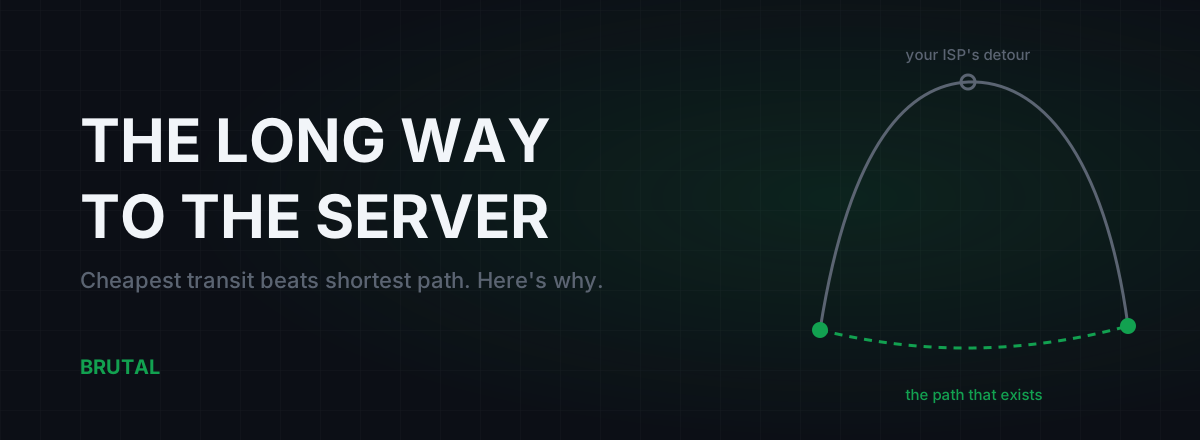
Bad Routing to Game Servers: Why Your ISP Takes the Long Way
Your ping to a game server is often set by ISP economics, not distance. Here's how BGP picks the cheap path over the fast one, how to spot the detour, and what actually fixes it.
 Network & Latency
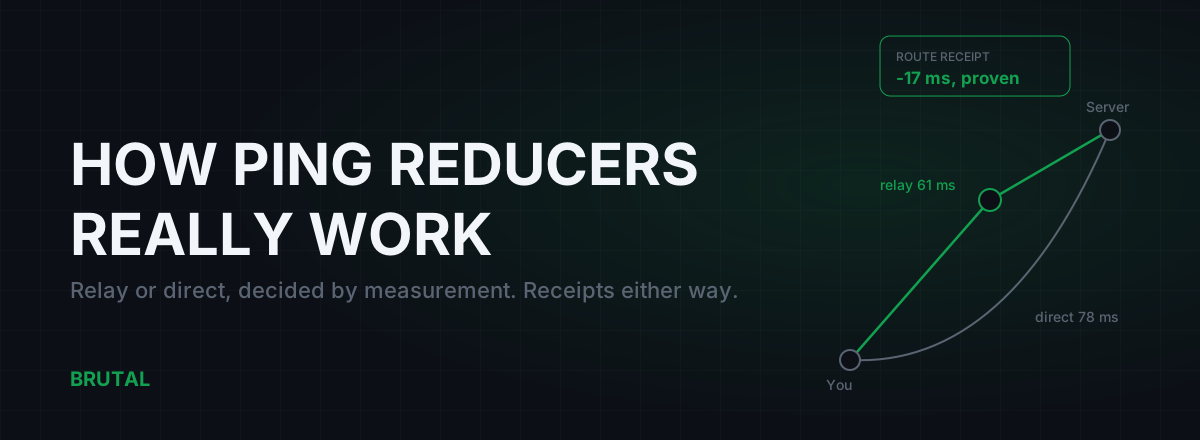
How Do Ping Reducers Work? Relay vs Direct, With Receipts
A ping reducer only helps when a relay path genuinely beats your ISP's route. Here's how Smart Route detects the server, measures both paths, and decides, with a receipt either way.
 Network & Latency
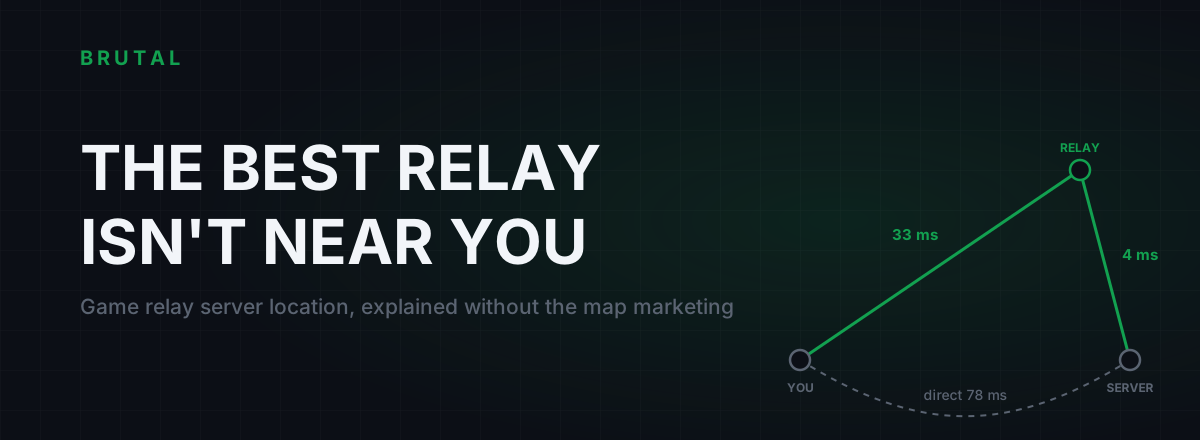
Game Relay Server Location: Why the Nearest PoP Can Be Wrong
The nearest relay is often the wrong one. The winning relay sits near your game server's region, just past where your ISP's routing goes wrong. Here's the counter-intuitive geography of ping.
See whether a relay beats your route.
Smart Route times your direct path and each relay with the same probe, and engages a relay only when it measurably wins — otherwise it stays on your normal connection and says so. Measuring your route is free; engaging a relay is part of Ultra.