CS2 High Ping Fix: Repair the Route, Not the Rig
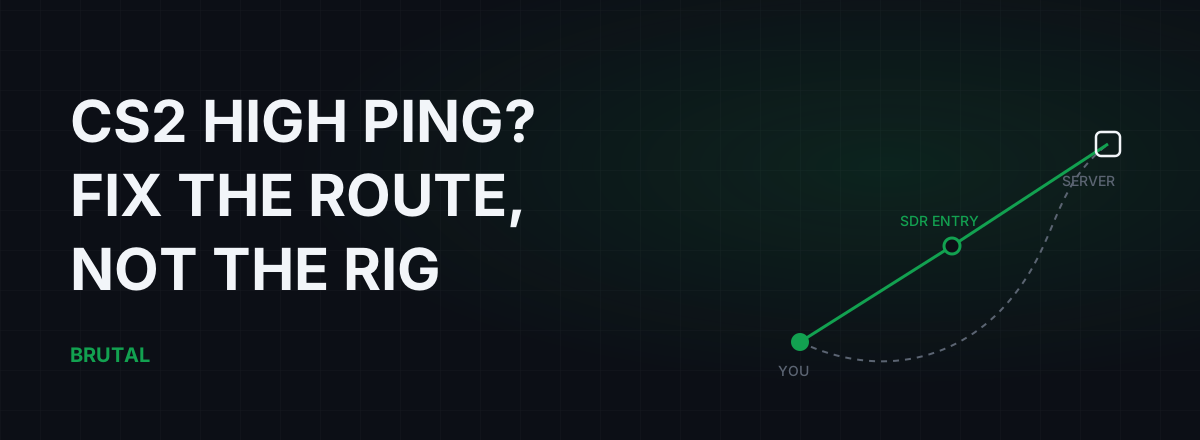
If you're getting high ping or rubber-banding in CS2, the fix is almost never inside your PC. Counter-Strike 2 routes every official match through Valve's own relay network, so the only part of the path you can actually change is the stretch between your home and Valve's nearest entry point. That's where the real CS2 high ping fix lives, and finding it takes about fifteen minutes of measurement, not a registry file.
CS2 already rides Valve's private network
Queue for a Premier match and watch what happens. Your PC doesn't connect to the game server. It connects to a Valve relay somewhere near you, and that relay forwards your traffic across Valve's private backbone to whichever data center hosts your match. Valve calls this the Steam Datagram Relay network, SDR for short, and every official CS2 server sits behind it.
Valve built it for two reasons. It hides the game server's real IP address, which kills most DDoS attacks against matches. And it carries your packets on links Valve controls instead of the open internet, which is usually faster and more stable than whatever your ISP would have picked on its own.
The ping CS2 shows you is the whole journey: your house, your ISP, Valve's entry relay, Valve's backbone, the server. Valve's half of that trip is genuinely good. It's run by people whose entire job is moving game packets, and you cannot improve it, tweak it, or route around it.
Which leads to the part most guides get wrong. You can't pick a server IP in CS2. You can't force a specific data center beyond the matchmaking ping cap. Every trick that involves choosing a better server belongs to other games. In CS2 there's exactly one thing you control: how your packets reach Valve's front door. That first mile, sometimes first few hundred miles, is where every real fix lives.
The first mile decides your CS2 ping
Your ISP decides where your traffic enters Valve's network, and this is where things quietly go wrong. ISPs hand traffic to other networks at peering points, and they choose those points for cost, not for your ping. If you live in Chennai and your ISP happens to hand traffic to Valve's network in Mumbai, your packets ride over a thousand kilometers of ISP infrastructure before Valve ever touches them. A detour like that adds 15-40ms depending on distance, and it shows up in every match, because the entry point doesn't change.
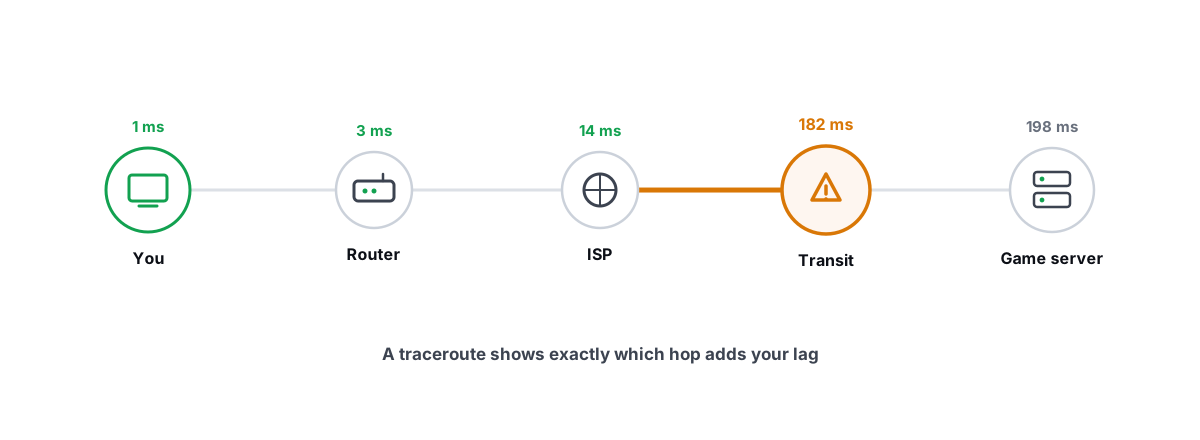
You can see this yourself. You can't traceroute the game server, it's hidden behind SDR, but you can trace to a well-connected host in your region and watch where your ISP hands traffic off. If your packets leave your city, bounce through two other cities, and exit the country before coming back, you've found your problem. If hop-by-hop output reads like noise, this traceroute guide for gamers walks through it line by line.
The honest news up front: if the first mile is the problem, no Windows setting fixes it. Your options are a data-backed complaint to your ISP, a different ISP, or a relay that reaches Valve's entry point by a better path than your ISP does. More on that last option below, including when it flatly doesn't work.
You can't out-tweak geography. You can only stop wasting milliseconds on the way there.
Read CS2's telemetry before touching anything
CS2 has a proper network readout built in, and it makes half the internet's advice unnecessary. Open Settings, go to the Game tab, find the Telemetry section, and set ping and packet loss to show all the time instead of only when there's a problem. Play one evening match and actually look at the numbers, because "lag" is three different diseases with three different cures.
| What you see | What it usually is | Where to look first |
|---|---|---|
| Steady 80-120ms ping, every match | Route length: your ISP enters Valve's network far from home | Traceroute, ISP peering, a measured relay test |
| Normal ping with spikes to 200ms+ | Congestion: bufferbloat on your line, or Wi-Fi retries | Loaded latency test, ethernet cable |
| Rubber-banding at 20-40ms ping | Packet loss or jitter, not ping at all | Telemetry loss %, cabling, Wi-Fi environment |
| Fine at 2pm, bad every night at 9pm | Peak-hour congestion at your ISP or its peering point | Compare off-peak vs peak numbers, then escalate |
That third row matters most. Rubber-banding, where you snap back a few steps or deaths arrive around corners, is almost never a raw ping problem. It's packets getting lost or arriving in bursts. You can hold a beautiful 25ms ping and still teleport around Mirage if 2% of your packets vanish. If loss keeps reading above zero, or your ping bounces instead of holding steady, jitter and how to fix it is the article you actually need.
One expectation check while you're here. CS2's sub-tick system changed how the server samples your actions, not how fast packets travel. Sub-tick doesn't lower latency, and it won't make 80ms feel like 30. Tick rate versus ping covers what each one actually buys you.
The max acceptable matchmaking ping setting
CS2 has one genuinely useful network setting, and it works by refusing bad matches, not by speeding anything up. Max Acceptable Matchmaking Ping, in the Game settings tab, caps how far away matchmaking is allowed to place you. It's a filter, not an accelerator.
Set it like this. Check your typical ping in matches that feel good. If you normally sit at 25-35ms, set the cap around 50-60. Matchmaking stops tossing you onto a data center two countries over when your local one is busy, which is exactly what happens at peak hours when the cap sits at a permissive default.
The trade is real: a tighter cap means longer queues, especially late at night or in smaller regions where fewer servers qualify. If queue times balloon, loosen it in steps of 10-15 until they're bearable.
And know its limit. The cap can't fix a bad route. If your ping to the nearest data center is 90ms because of a first-mile detour, capping at 60 doesn't lower anything. It just means you can't find a match.
CS2 high ping fixes that actually work
In rough order of how often they pay off:
Get off Wi-Fi. A cable removes retransmission jitter and usually shaves 5-15ms, but the bigger win is stability: the 150ms spikes when someone walks between you and the router simply stop. If a cable is impossible, at least move to 5GHz on a clean channel with line of sight to the router.
Fix bufferbloat. This is the classic "my ping triples when someone streams or my cloud backup runs" disease. Your router queues packets during uploads, and your CS2 traffic waits in that queue behind everything else. Test it: run a ping while something saturates your upload. If latency climbs from 20ms to 150ms under load, you have it. The Waveform bufferbloat test grades your line in about two minutes, and our bufferbloat explainer covers the fix, which is usually smart queue management on the router. This one repair turns around more "CS2 feels terrible at night" cases than everything else on this page combined.
Compare 2pm against 9pm. If your ping is 30 at lunch and 75 every evening, your line is fine and your ISP's peak-hour capacity, or its peering, isn't. That's evidence, and evidence is exactly what an ISP escalation needs to go anywhere.
Escalate with numbers, not vibes. "CS2 lags" gets you a modem reboot script. "Ping to your own gateway is 8ms, but latency doubles every evening at the same hop, here's the traceroute" gets forwarded to someone who can act. Collect three evenings of data first.
Windows tweaks: what's real and what's theater
There's a whole genre of CS2 high ping fix videos that never touch the network. Service disabling, interrupt tweaks, network throttling registry keys. Here's the honest split.
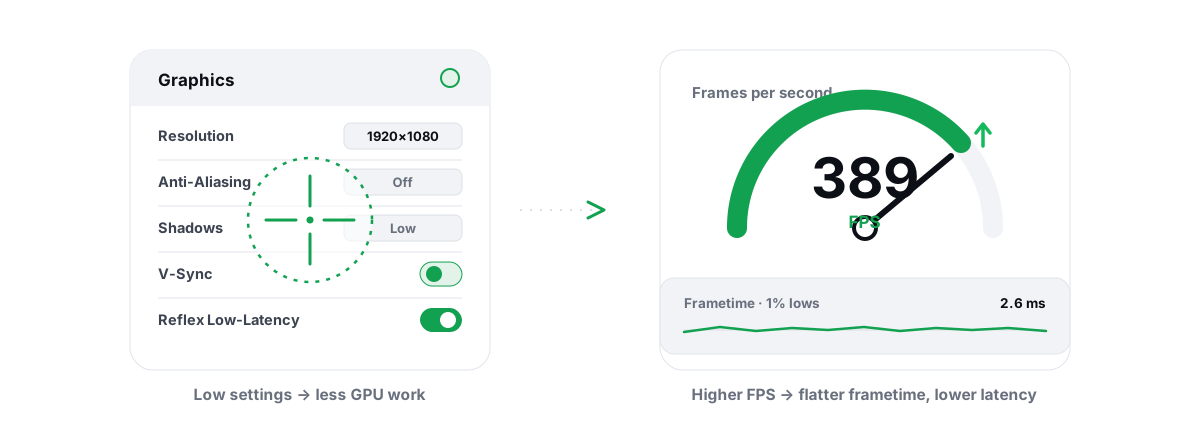
FPS tweaks are real, but they fix a different problem. A higher and steadier frame rate cuts input latency, the time between your flick and the photons leaving your monitor. It does nothing to network latency. Worth doing, wrong disease: our CS2 FPS optimization guide covers that side properly.
One Windows-side cause is real, though. Anything uploading in the background, a cloud photo backup, another launcher patching a game, a forgotten torrent, will saturate your uplink and trigger exactly the bufferbloat described above. That's not a registry fix. Find the uploader in Task Manager's network column and stop it, or fix the queue at the router so it can't hurt you either way.
When a relay helps CS2, and when it can't
Ping reducers market hard at Counter-Strike players, so let's be precise about what a relay can do here. CS2 is already relayed. Valve's backbone carries your traffic for most of the trip. A third-party relay, whether a VPN or a purpose-built gaming network, can change exactly one thing: the path from you to Valve's entry point.
So it helps when your ISP's route to that entry point is bad, and it does nothing when the route is already clean. For CS2 that means relays win less often than in games without a backbone. Maybe one case in ten, concentrated among players with ugly peering or heavy evening congestion, and worth 10-30ms when it hits. Not a miracle, a route correction.
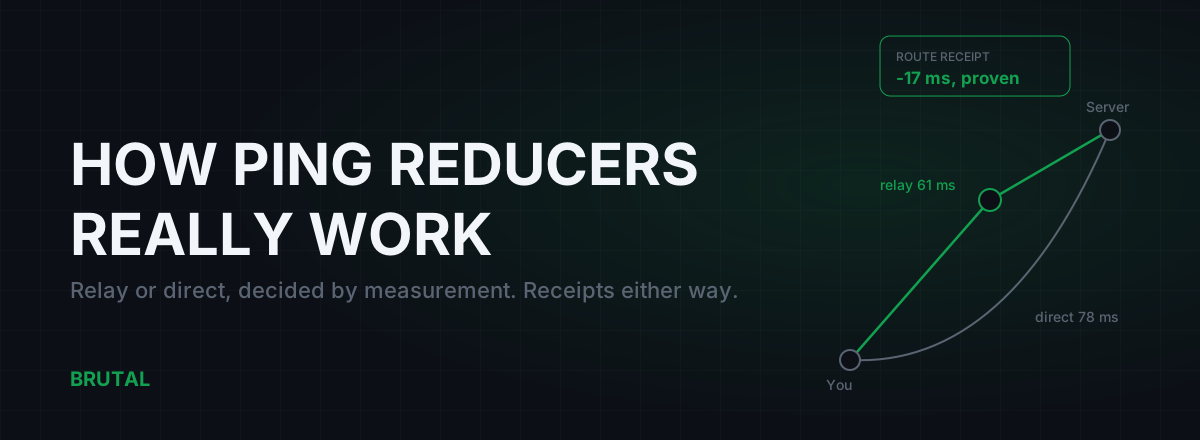
That's exactly why Smart Route measures before it routes. It detects which server your session is talking to, read-only, no injection, then measures the direct path against its relays for your connection at that moment, and engages only when a relay provably wins. When direct is already best, and for CS2 it usually is, it stays out of the way and writes "Direct won" on the session's Route Receipt. Paying for routing that loses to your own ISP shouldn't be a thing anyone tolerates.
Two footnotes. On anti-cheat: relays that only carry traffic never touch the game process, so there's nothing for VAC to scan; the details live in our anti-cheat safety piece. On FACEIT: third-party matchmaking runs its own servers outside Valve's network, so your route there is ordinary public internet. Both routing problems and relay wins are somewhat more likely on FACEIT than on official servers.
The fifteen-minute diagnosis
No purchases, no reinstalls:
- Turn on ping and packet loss telemetry. Play one deathmatch. Write both numbers down.
- Plug in ethernet if you're on Wi-Fi. Play again. Compare.
- Run a loaded latency test while a big upload runs. Note how far ping climbs.
- Repeat the ping check at midday and at 9pm. Note the gap.
- Traceroute to a nearby well-connected host and see where your ISP exits your city.
Then match the result to the table above. Steady-high means route: talk to your ISP or test a measured relay. Spikes under load mean bufferbloat: fix the queue. Loss at low ping means a physical or Wi-Fi problem, and no route change will paper over it. The ping test, traceroute, and bufferbloat grade all ship in the free download, so the whole diagnosis costs nothing.
Most players will land on "my line is fine and the game feels better wired". A minority will find a genuine first-mile detour worth fighting over. That's the whole CS2 high ping fix in the right order: measure first, then repair the one layer that's actually broken. Either way you'll know, which beats buying cures for a problem nobody ever measured.
Frequently asked questions
Why is my CS2 ping suddenly high when it was fine last week?
Usually the route changed, not your PC. ISPs shift peering and traffic paths without notice, and evening congestion comes and goes. Compare midday against 9pm ping, run a loaded latency test, and traceroute to see where your ISP exits your region. If it's a route change, an evidence-backed ISP ticket works better than another reboot.
What is a good ping for CS2?
Under 30ms feels instant, 30-60ms is fine for almost everyone, and past 80ms you'll notice duels going wrong. Sub-tick doesn't compensate for latency, so those bands hold on every official server. Region matters more than any setting: you can't hold 20ms to a data center 2,000km away.
Does lowering max acceptable matchmaking ping reduce my ping?
No. It filters which data centers matchmaking may use, so it prevents bad matches rather than speeding up good ones. Set it a bit above your normal ping to your nearest region and accept slightly longer queues. It can't fix a bad route to the nearest server.
Can a VPN or ping reducer lower ping in CS2?
Sometimes, but less often than in most games, because CS2 already routes through Valve's SDR backbone. A relay only helps if it reaches Valve's entry point by a better path than your ISP does, which is maybe one case in ten. Measure direct against relay before paying anything; if a tool won't show you that comparison, that tells you something.
Why do I rubber-band in CS2 even with low ping?
Rubber-banding is almost always packet loss or jitter, not raw latency. Turn on CS2's packet loss telemetry: anything consistently above about 1% will cause snapping and late deaths at any ping. The usual culprits are Wi-Fi interference, a saturated upload, or a faulty line, roughly in that order.
Keep reading
 Gaming & FPS
How to Optimize CS2 for FPS and Low Latency
Competitive CS2 settings, VAC-safe Windows tuning, and flat frametimes — real levers and debunked myths, with honest expectations.
 Network & Latency
How to Read a Traceroute: Find Your Lag's Real Source
Read a real ICMP traceroute and classify every hop so you know whether the lag is your router, your ISP, or the game server.
 Network & Latency
How Do Ping Reducers Work? Relay vs Direct, With Receipts
A ping reducer only helps when a relay path genuinely beats your ISP's route. Here's how Smart Route detects the server, measures both paths, and decides, with a receipt either way.
Stop guessing. Measure it.
BRUTAL Optimizer is the honest way to speed up Windows — 17 free modules, a real FPS overlay, verified disk cleanup and drive health. No kernel driver of our own, no game hooks, every setting change reversible.