Tick Rate vs Ping: Which One Is Actually Ruining Your Hit Reg?
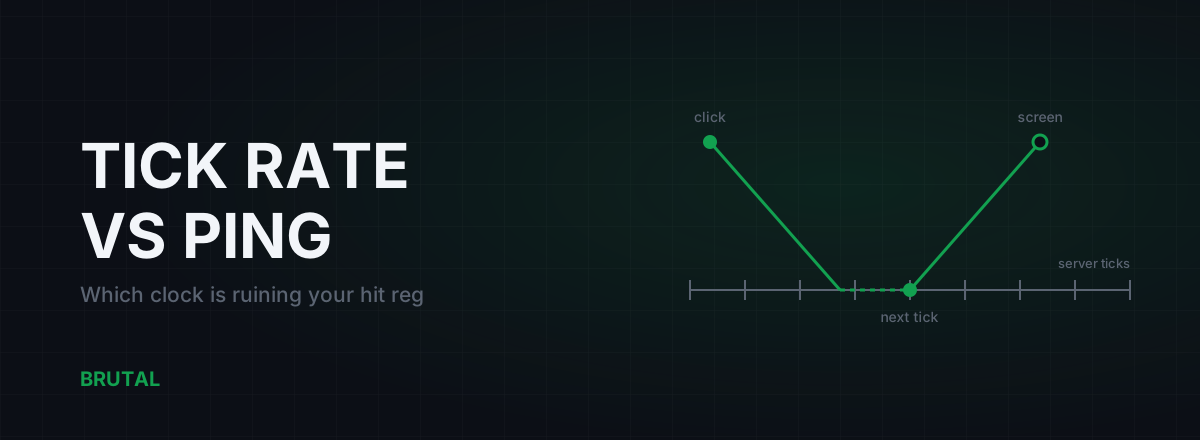
Ping and tick rate are two separate clocks, and both of them sit between your click and the kill feed. Ping is travel time, and you can sometimes improve it. Tick rate is how often the server actually updates the world, and nothing you install can change it. Most "bad hit reg" is the two stacking on top of each other, and knowing which one dominates tells you whether the fix is a better route or a different game.
What tick rate actually is
A game server doesn't simulate the world continuously. It runs in discrete steps called ticks. On each tick it collects every input that arrived since the last one, moves every player, evaluates every shot, then sends the updated world back out. A 60-tick server does this every 16.7 ms. A 20-tick server does it every 50 ms.
Between ticks the server is effectively deaf. Your perfectly timed flick doesn't get processed the instant it arrives. It sits in a queue until the next tick fires. On average that costs half a tick interval: about 8 ms on a 60-tick server, 25 ms on a 20-tick one. Worst case, nearly a full interval.
Rough numbers for popular games, with the honest caveat that publishers change these quietly and rarely announce it: Valorant runs 128-tick. CS2 runs 64-tick with sub-tick input timing layered on top. Fortnite sits around 30. Apex Legends and most big battle royales run 20 to 30, because simulating 60 to 100 players with full physics is expensive and server time costs real money.
What ping actually measures
Ping is round-trip time: your packet reaching the server plus the reply coming back. A 40 ms ping means roughly 20 ms each way, give or take some route asymmetry. It's the number everyone stares at because it's the number the game shows you.
But ping only measures travel. It says nothing about what happens at either end: how long the server sits on your input before a tick processes it, or how long your client buffers the server's updates before drawing them. Both of those costs are invisible in the scoreboard number, and on a low-tick game they are routinely bigger than your ping.
Games show you ping and not the rest for a simple reason. Ping is easy to measure and easy to blame on your ISP. The other delays are design decisions the developer made, and no netgraph is eager to advertise them.
The full delay chain, from click to screen
Trace one click on a 30-tick server with a 40 ms ping. Respectable numbers. Neither would worry you on a scoreboard.
- You click. Your client samples the input and sends a packet. Call this 0 ms.
- The packet travels to the server: about 20 ms, half your ping.
- The server is mid-interval, so your input waits for the next tick: anywhere from 0 to 33 ms, about 17 ms on average.
- The tick fires. The server checks your shot against its record of where everyone was, updates the world, and queues the result. A few milliseconds of processing.
- The result travels back to you: another 20 ms.
- Your client doesn't draw server updates the instant they arrive. It holds them in an interpolation buffer, usually about two update intervals, roughly 67 ms here.
- Your next frame renders the outcome. Add a frame or two depending on your fps.
Total: about 124 ms from click to confirmed-on-screen in the average case. Your ping explained 40 ms of that. The server's clock and the interpolation buffer quietly ate the other 84.
Tick rate vs ping: the actual math
Now run the same chain through two players and see which setup feels better. One has a fast connection to a slow server. The other has a mediocre connection to a fast server.
| Stage | 20-tick server, 20 ms ping | 60-tick server, 50 ms ping |
|---|---|---|
| Tick interval | 50 ms | 16.7 ms |
| Average wait for the next tick | 25 ms | 8 ms |
| Your click reaches the simulation | ~35 ms | ~33 ms |
| Typical interpolation buffer (2 updates) | 100 ms | 33 ms |
| Server event appears on your screen | ~110 ms | ~58 ms |
| Full loop: input to visible result | ~145 ms | ~91 ms |
The 60-tick player with two and a half times the ping sees the world about 52 ms fresher and completes the full input-to-result loop roughly 54 ms sooner. That's not subtle. Fifty milliseconds is a gap plenty of players can feel blind, and it's the entire budget people spend money trying to shave off their ping.
The counterintuitive part: your click reaches the simulation at almost the same moment in both cases, 35 ms versus 33. Low ping genuinely helps on the way in. Where the 20-tick server hurts you is on the way out. Snapshots are stale, sent rarely, and buffered longer, so you spend the whole match aiming at a picture of the past.
Caveats, because they matter: some games buffer one update interval instead of two, some servers batch their sends differently, and tick alignment is luck, so a given click can wait almost nothing or almost a full interval. The averages above wobble. The shape of the argument doesn't.
Interpolation delay, the tax nobody mentions
Interpolation is the least discussed number in this whole chain and often the biggest one.
Your client receives world snapshots at whatever rate the server sends them. If it drew each snapshot the moment it arrived, every other player would teleport between positions 20 to 60 times a second, and any late or lost packet would freeze them mid-air. So the client deliberately runs the world slightly in the past, blending smoothly between the last two snapshots it holds. The standard buffer is around two update intervals.
At 128-tick that buffer is under 16 ms and you'll never notice it. At 60-tick it's about 33 ms, still fine. At 20-tick it's 100 ms. Every enemy you see on a 20-tick server is a tenth of a second in the past before your ping adds a single millisecond.
One wrinkle: tick rate and send rate aren't always the same thing. Some servers simulate at 60 but only send you updates at 20 to save bandwidth, and your interpolation buffer is sized by the send rate, the slower of the two. When a game advertises its tick rate, the send rate is the number that actually sets your buffer.
A few older games expose interpolation settings you can tune. Most modern competitive titles lock them, and they're right to, because setting the buffer below what your connection can sustain trades smoothness for rubber-banding and extrapolation errors, which makes hit reg worse, not better. There's no free lunch hiding in a config file.
Hit reg, lag compensation, and dying behind walls
So why do shots that look perfect sometimes not count, and why do you die a full step after reaching cover?
Lag compensation. When your shot arrives, the server doesn't check it against where everyone is now. It rewinds its history to where everyone was on your screen when you fired, which is your one-way ping plus your interpolation buffer in the past, and judges the hit there. Valve's lag compensation write-up is twenty years old and still the clearest explanation of the trade.
This is "favor the shooter", and it mostly works. It's also exactly why you die behind walls: on the peeker's screen, delayed by their whole chain, you hadn't reached cover yet, and the server took their word for it. Peeker's advantage scales with the full delay chain of both players, not just ping. On a low-tick server the rewind window is wider for everyone, so those moments happen more often and feel more absurd.
There's also a resolution problem. The server can only rewind to states it actually stored, one per tick. At 20-tick, positions are recorded every 50 ms, and a fast strafe covers a meaningful distance between two stored positions. Games interpolate between stored states to fill the gap, but edge cases slip through, and they're the clips that end up on Reddit.
Ping is the part of the lag chain you can argue with. Tick rate is the part you just live in.
What you can change, and what you can't
The honest inventory.
You cannot change the server's tick rate, its processing time, its snapshot send rate, or, in most modern games, your client's interpolation buffer. No optimizer, VPN, ping reducer, registry tweak, or "netcode config" touches any of it. That half of the chain belongs to the developer, and your only real lever is choosing which games you take seriously.
You can change the network half. Travel time is real and sometimes has real slack in it: a bad ISP route can add 20 to 60 ms of detour, bufferbloat can add 100 ms or more whenever someone in the house streams, and Wi-Fi adds jitter that a cable removes entirely. Start with the guide on how to actually reduce your ping, because the cheap fixes there beat any paid tool.
On routing specifically: a relay helps in maybe one case in ten, when your ISP's path to the game server takes a genuine detour. That's why Smart Route measures direct against relay for your specific connection and engages only when the relay provably wins, and why it records "Direct won" as a result instead of hiding it. If you want the reasoning, here's how it decides.
How to tell which one is hurting you
The symptoms sort more cleanly than you'd expect.
Signs it's the server
Your ping is low and steady, packet loss is zero, and the game still feels mushy at all hours, on wired and wireless alike, and roughly the same for your friends in other cities. The mush gets worse in high-player-count modes. The game is a known 20 or 30-tick title. That's the netcode, and no purchase fixes it.
Signs it's your connection
The game feels fine at 2 pm and terrible at 9 pm. Ping looks fine in the menu but spikes in fights or when someone else starts streaming. Hits register in bursts, fine for a minute, then a cluster of no-regs. Those patterns point at jitter, loss, or congestion, which are all measurable and mostly fixable.
One last calibration. If you're on 128-tick Valorant with a stable 30 ms ping and your shots feel off, the delay chain isn't your problem, and it might be crosshair placement. If you're on a 20-tick battle royale, accept that a slice of every fight is decided by a clock you don't control, and spend your effort on the slice you do.
Frequently asked questions
Does a higher tick rate server reduce your ping?
No. Ping is travel time between you and the server, and tick rate is how often the server simulates the world. They're independent. A higher tick rate does cut the server-side waiting and shrinks the interpolation buffer, so the same ping feels noticeably more responsive.
Can a VPN or ping reducer change a game's tick rate?
No. Tick rate runs on the developer's servers and nothing on your side can touch it. A routed connection can only shorten travel time, and only when your ISP's path has a genuine detour, which is the exception rather than the rule.
Why is my hit reg bad even with 20 ms ping?
Because ping is only one slice of the delay chain. On a 20-tick server, tick waiting plus the interpolation buffer adds around 125 ms on average, which dwarfs your 20 ms. Stable low ping with constant mush usually means the server, not your connection.
Why do I die behind walls with low ping?
Lag compensation. The server rewinds to where you stood on the shooter's delayed screen and judges the hit there, so on your screen you'd already reached cover. The effect scales with both players' full delay chains, and it's more visible on low-tick servers.
What tick rate do popular games run at?
As commonly measured: Valorant 128, CS2 64 with sub-tick input timing, Fortnite around 30, Apex Legends and most battle royales 20 to 30. Publishers adjust these quietly, so treat any list, including this one, as a snapshot rather than gospel.
Keep reading
 Network & Latency
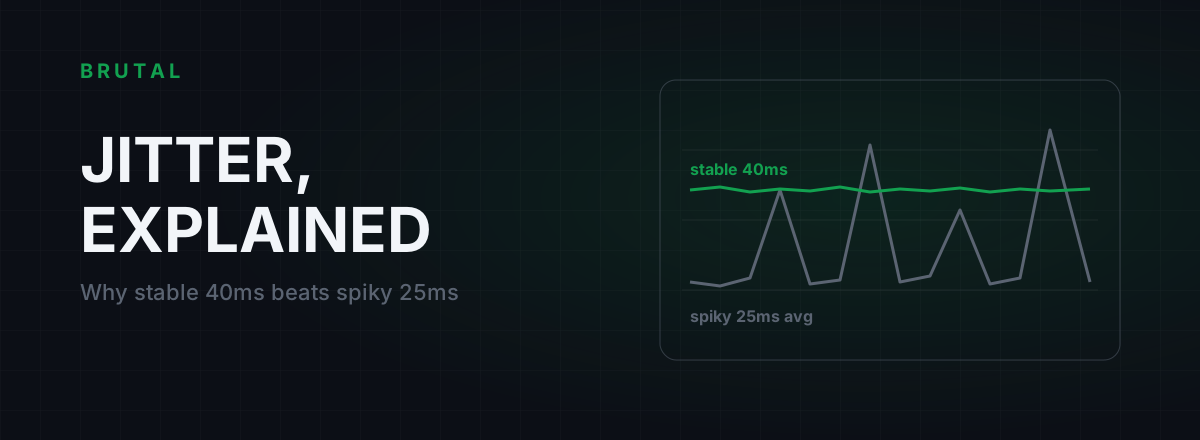
What Is Jitter in Gaming? Why Stable 40ms Beats Spiky 25ms
Jitter is the variation in your ping, and it wrecks aim and hit registration more than raw latency does. Where it comes from, how to measure yours, and the fix ladder that actually works.
 Network & Latency
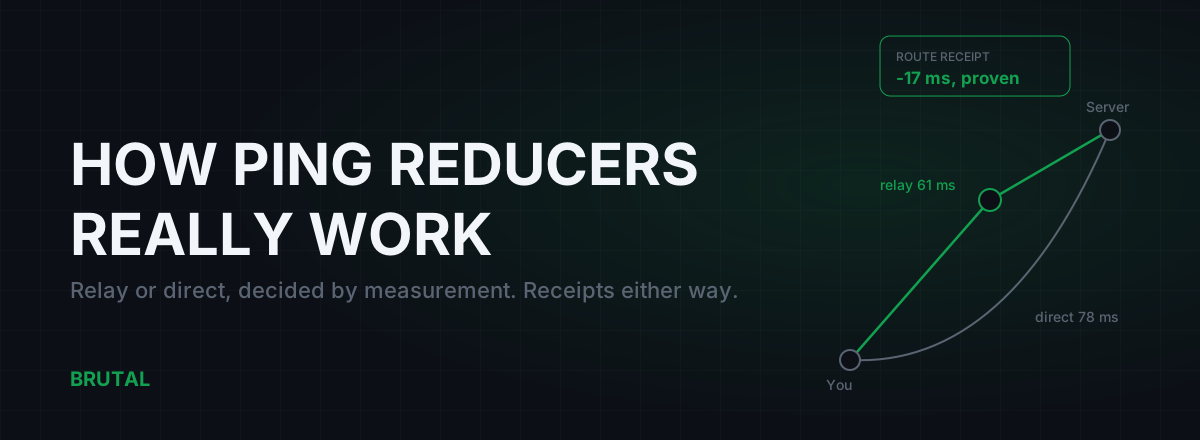
How Do Ping Reducers Work? Relay vs Direct, With Receipts
A ping reducer only helps when a relay path genuinely beats your ISP's route. Here's how Smart Route detects the server, measures both paths, and decides, with a receipt either way.
 Network & Latency
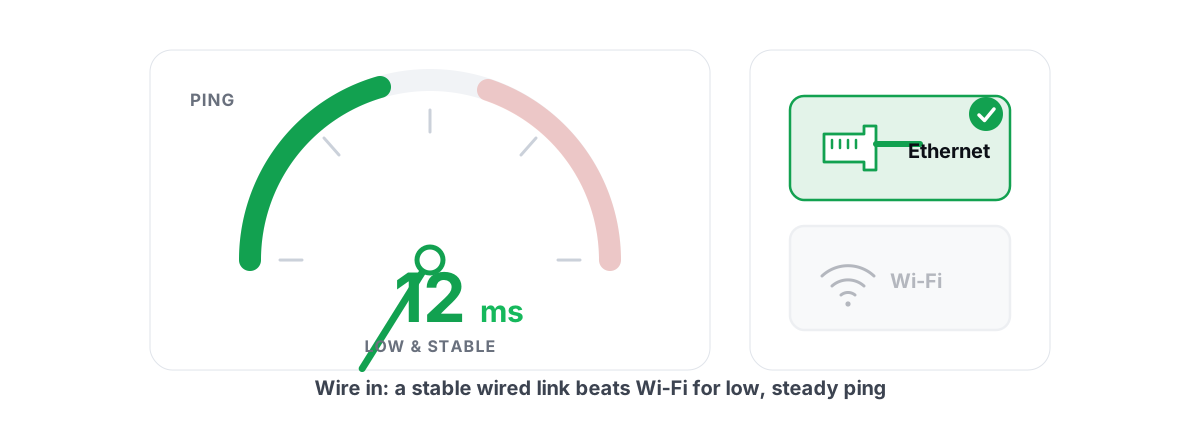
How to Reduce Ping in Online Games (Real Fixes)
Sort the ping you can fix - server, bufferbloat, Wi-Fi, routing - from the ping you can't, and skip the ping-booster snake oil.
Stop guessing. Measure it.
BRUTAL Optimizer is the honest way to speed up Windows — 17 free modules, a real FPS overlay, verified disk cleanup and drive health. No kernel driver of our own, no game hooks, every setting change reversible.