Is Playing on an Emulator Bannable? The Honest Answer
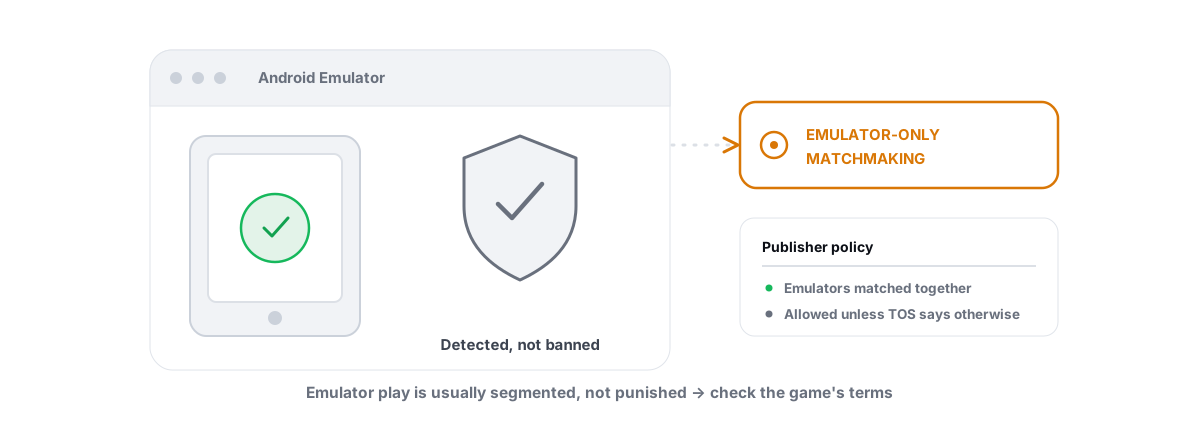
Is playing on emulator bannable? In most games, no. Emulators themselves are not a bannable offense — but a few publishers wall off or restrict emulator play on purpose, and the one thing that reliably kills accounts is software that tries to hide the emulator from anti-cheat.
This question gets answered badly all over the internet, usually by someone selling a "stealth" mod or a "bypass." Here is the honest version from a tech who builds performance tools and refuses to touch anti-cheat. Emulator detection is intentional. It is not a flaw you exploit your way around. And the moment you install something whose job is to spoof or mask the emulator, you have stopped playing on an emulator and started cheating — that is the actual ban.
Emulator detection is intentional, not a bug
An Android emulator runs a virtual machine on your PC. Its fingerprint differs from a real phone in a dozen ways: virtualized hardware IDs, x86 CPU features instead of ARM, a desktop GPU, keyboard-and-mouse input on a touch game, and a long list of giveaways the OS reports honestly.
Anti-cheat reads those signals. That is the point. PUBG Mobile, Free Fire and similar titles run detection so they can decide what to do with emulator players — not because the emulator did anything wrong, but because the publisher wants control over how those players are matched, or whether they are allowed at all.
Read that twice, because it is the crux of everything below: being detected as an emulator is the normal, expected outcome. The system is working as designed. Your account is fine. What is not fine is interfering with that detection.
If a tool's selling point is "undetectable emulator" or "bypass emulator detection," it is not a performance tool. It is anti-cheat evasion, and that is the bannable category — no matter how clean your aim is.
Emulator-only matchmaking versus outright bans, by game
Two very different things get lumped together as an "emulator ban." Separating them is most of the answer.
Emulator-only matchmaking means you play, but you are pooled with other emulator players. Mouse-and-keyboard against mouse-and-keyboard. Nobody is banned; the game just sorts you so phone players are not facing PC aim. Restriction or ban means the title actively blocks emulator clients, refuses to launch, or flags the account.
| Game | Typical emulator policy | What it means for you |
|---|---|---|
| PUBG Mobile / BGMI | Detected, routed to emulator-only matchmaking | You play, but only against other emulator users |
| Call of Duty Mobile | Detected; GameLoop supported, input-based pools | Emulator play allowed; matched with similar input |
| Free Fire | Officially discourages emulators; pools or restrictions on some clients | Playable on supported emulators, segregated lobbies |
| Genshin Impact | Official Android client does not support emulators; behavior varies by emulator | Often runs, but unsupported — no guarantee it keeps working |
| Mobile Legends, Arena of Valor | Detected; emulator support varies by region/version | Usually playable; check current client behavior |
| Valorant / kernel anti-cheat PC titles | Not an emulator scenario — runs natively with Vanguard | Different rules entirely; no Android emulator involved |
Policies shift between updates and regions, so treat the table as the shape of things, not a permanent contract. The reliable pattern: competitive shooters detect and segregate, story and PvE games mostly do not care, and almost nobody hands out bans for using a supported emulator the way it is meant to be used.
The real ban risk: tools that try to mask the emulator
This is where accounts actually die. Search "play PUBG Mobile on emulator like a phone" and you will find scripts, modified emulators and "anti-detection" packs that promise to make your VM report as a real Android device so you get dropped into phone lobbies.
That is exactly what anti-cheat is built to catch. Spoofing device properties, hooking the detection routines, faking touch input from a mouse — these tamper with the integrity checks the game runs on itself. When the publisher catches it (and they update faster than the bypass authors), the penalty is not "back to emulator matchmaking." It is a suspension or a permanent ban, because you tried to defeat the system instead of using it.
The irony is that the segregated lobby you were trying to escape was never a punishment. It was the publisher letting you play. Masking the emulator throws that away and trades a fair-fight pool for a real ban risk. The same logic applies to any tool that touches game integrity — we lay out the broader pattern in do PC optimizers get you banned.
Why BRUTAL refuses to hide your emulator
BRUTAL Optimizer tunes emulator performance. It does not, and will never, hide an emulator from a game or help evade anti-cheat. That is a hard line, not a missing feature.
When BRUTAL detects a running emulator — GameLoop, BlueStacks, LDPlayer, Nox, MEmu or MuMu — it does ordinary Windows-level things: sets the emulator's CPU, I/O and memory priority, raises timer resolution, applies a tier-aware game profile (resolution, CPU cores, RAM, FPS target, renderer) and a network QoS DSCP policy for the game's ports. None of that changes what the emulator reports to the game. The VM still looks like a VM. You land in the same matchmaking pool you would have without any tuning.
That is deliberate. Masking the emulator would be the fastest way to get our users banned, and "the honest optimizer" means we would rather ship less than ship something that burns your account. The emulator stays exactly as visible to anti-cheat as before — just running faster.
How a user-mode optimizer stays anti-cheat-safe
The reason a tool like this can sit next to Vanguard, Easy Anti-Cheat and BattlEye without tripping anything is architectural. It is worth understanding even if you never install it, because it is the test you should apply to any tool you run near a competitive game.
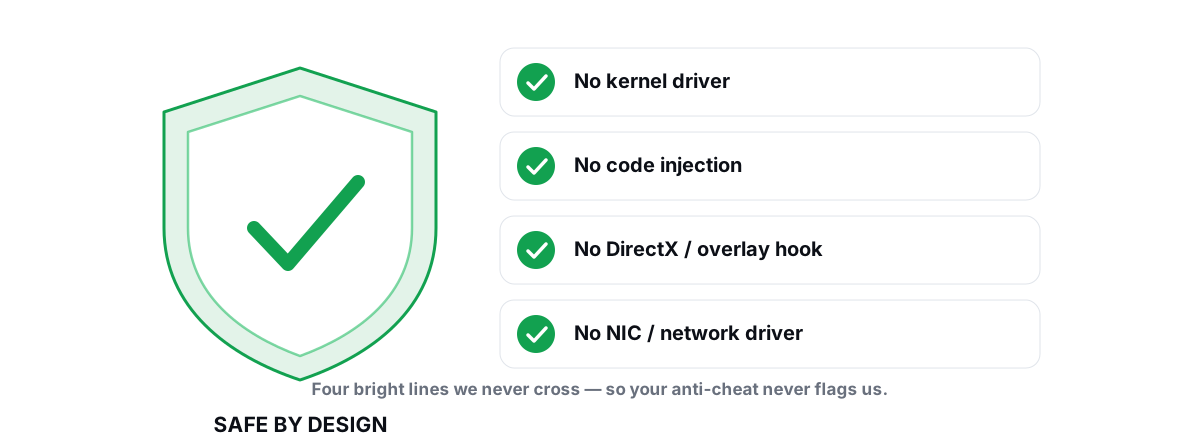
- No kernel driver. It loads no ring-0 component. Kernel anti-cheat is suspicious of unknown drivers for good reason.
- No DirectX hook, no process injection. It never writes into the game's or emulator's memory. The FPS overlay counts DWM composition / D3DKMT present frames at the OS level instead of injecting an overlay into the game.
- No network-stack or NIC driver. Network tuning is the QoS and DNS that Windows already exposes through
netsh— not a packet filter wedged into your driver stack. - It wraps in-box Windows tools.
fsutil,defrag.exe,powercfg,bcdedit,DISM, the registry — the same utilities Windows ships. Nothing exotic, nothing hidden.
Every setting change is reversible per module, and a System Restore point is attempted before the big ones. For the full reasoning, the anti-cheat-safe optimization guide spells out which techniques are safe and which get flagged, and why an optimizer needs Administrator explains the elevation without the spyware vibe.
What actually bans accounts that gets blamed on emulators
When someone says "I got banned for using an emulator," dig in and it is almost always one of these — the emulator was incidental.
- Aimbots, wallhacks, recoil scripts. The classic. Detected by anti-cheat directly; ban follows. The emulator just happened to be the platform.
- Auto-clickers and macro automation that the game classes as third-party manipulation — common in idle and gacha titles.
- Account sharing or boosting flagged by sudden device or region changes. The new device being an emulator is a coincidence.
- Modified game clients or APK mods sideloaded into the emulator. That is tampering with the game, full stop.
- Emulator-masking tools — the ones from the section above. This is the genuinely emulator-related ban, and it is self-inflicted.
None of those is "ran a stock emulator and a performance optimizer." A user-mode optimizer that leaves the game and the emulator's reported identity untouched never appears on that list, because it never interacts with game integrity. For how that distinction plays out on a kernel-anti-cheat title, is BRUTAL Optimizer safe with Valorant walks through it.
Reading each publisher's actual policy
You do not need a lawyer, but you should glance at the source instead of trusting a forum post. Two minutes saves you an account.
- Find the game's official emulator stance. Tencent publishes GameLoop precisely because it sanctions emulator play for PUBG Mobile. Other titles state in their support docs or ToS whether emulators are supported, segregated, or prohibited.
- Separate "matchmaking" language from "ban" language. "Emulator players are matched together" is a sorting rule. "Emulators are not permitted" is a restriction. The consequences are not the same.
- Check the date. Policies change with major patches. A 2023 Reddit thread is not current.
- Ignore anything promising you can play in phone lobbies from an emulator. That is the spoofing trap, and no legitimate publisher offers it.
If a game outright prohibits emulators and you care about the account, play it on a phone. No optimizer changes a hard prohibition, and no honest one pretends to.
Playing smart and within the rules
So yes, you can play on an emulator safely. Run a supported one, keep it stock, accept the lobby the game sorts you into, and never install anything whose pitch is hiding the emulator. The performance you get is the performance of an honestly-configured VM — which, dialed in right, is genuinely good.
The biggest real lever is not software at all: enable CPU virtualization (Intel VT-x / AMD-V / SVM) in your BIOS. Without it the emulator falls back to slow software emulation. With it, you run close to native speed. After that, give the emulator a sensible CPU-core and RAM allocation, set a frame-rate cap your hardware can actually hold, and pick a renderer that matches your GPU — on NVIDIA that usually means OpenGL+ or DirectX+, on AMD often Vulkan, on Intel OpenGL+. We go deep on this in how to get 90-120 FPS on an Android emulator and the per-emulator guide to optimizing GameLoop for BGMI / PUBG Mobile.
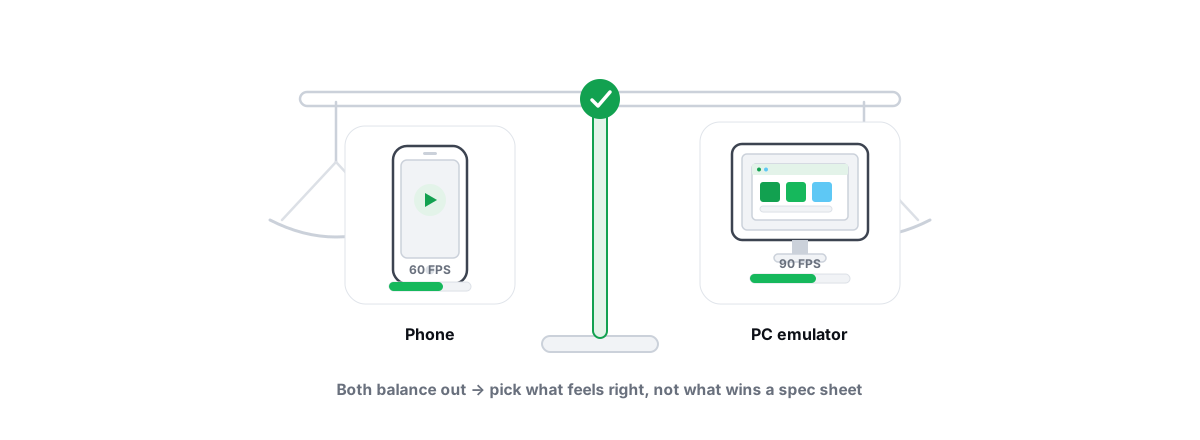
Be honest with yourself about expectations, too. An emulator is a virtual machine, so it is heavier than a phone, and the realistic gap between a bad config and a good one is a few to several FPS plus much smoother frametimes — not magic. If you are weighing the platform at all, emulator versus phone for mobile gaming compares them straight.
If you want that tuning done for you safely, the BRUTAL emulator optimizer detects all six major emulators and applies tier-aware profiles, while the Guardian auto-tuner raises priority and timer resolution only while the emulator runs and reverts when you stop. It improves performance and nothing else — it never hides the emulator, never touches the game, and runs entirely in user mode alongside whatever anti-cheat the title uses. That restraint is the whole point.
Frequently asked questions
Is playing on an emulator bannable?
In most games, no. Emulators are detected on purpose and players are usually routed into emulator-only matchmaking rather than banned. A few titles restrict emulator play outright, but the common ban trigger is tools that try to mask or spoof the emulator to dodge detection.
Why does PUBG Mobile put emulator players in separate lobbies?
So mouse-and-keyboard emulator players are matched against each other instead of facing phone players who use touch controls. It is a fairness sorting rule, not a punishment, and nobody is banned for it.
Will an emulator-masking or bypass tool keep me safe?
No. Tools that spoof device properties to make your emulator look like a phone are anti-cheat evasion. They tamper with integrity checks the game runs, publishers update faster than the bypass authors, and getting caught means a suspension or permanent ban.
Does BRUTAL Optimizer hide my emulator from the game?
Never. BRUTAL tunes emulator performance only - it sets CPU, IO and memory priority, applies a game profile and network QoS, and raises timer resolution. It does not change what the emulator reports to the game, so you stay in the same matchmaking pool, just running faster.
What actually gets accounts banned when people blame the emulator?
Aimbots, recoil scripts, auto-clickers, modified game clients, account sharing flags, and emulator-masking tools. A stock emulator plus a user-mode optimizer that leaves game integrity alone is not on that list.
Keep reading
 Anti-Cheat & Safety
Can a PC Optimizer Get You Banned in Games?
Injection, memory writes, and signed-driver abuse can get you banned. Registry and powercfg tweaks never do. Here is the honest line.
 Anti-Cheat & Safety
Anti Cheat Safe Optimization: The 4 Bright Lines
The four bright lines that separate safe user-mode tweaks from the tools that get your game account flagged.
 Emulators
Emulator vs Phone Gaming: The Honest Trade-offs
Emulator or phone for mobile gaming? The real input and screen wins, the VM tax, emulator-only lobbies, and ban policy by publisher.
Stop guessing. Measure it.
BRUTAL Optimizer is the honest way to speed up Windows — 17 free modules, a real FPS overlay, verified disk cleanup and drive health. No kernel driver of our own, no game hooks, every setting change reversible.