WiFi 6E and WiFi 7 Gaming Latency: What Actually Improves
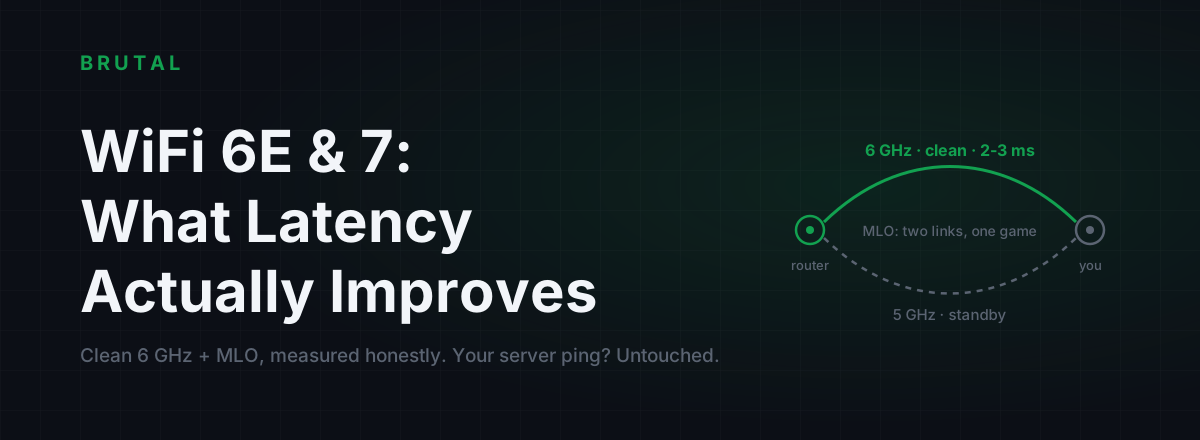
WiFi 7 improves gaming latency in exactly one place: the wireless hop between your device and your router. In a congested building, clean 6GHz spectrum and Multi-Link Operation can turn a spiky 8ms-average, 90ms-worst-case hop into a steady 2-3ms one, and you can feel that. What no router can do is lower your ping to the game server, because that number is set by distance and your ISP's routing. Here's what actually changed in 6E and 7, honest numbers per generation, and how to find out which half of your connection is the problem before you spend anything.
The two halves of your ping
The ping your game shows is two journeys added together. The first is your device to your router: under 1ms on a cable, 2-15ms on typical WiFi, and occasionally 50-200ms when the air gets ugly. The second is your router to the game server: 5-15ms to a server in your city, 30-80ms across a region, 150ms and up across an ocean.
A router upgrade only ever works on the first journey. That's the whole honest story of WiFi 7 gaming latency in one sentence, and it's why the same upgrade transforms one player's connection and does nothing for another's.
If your WiFi hop is already clean, quiet house, router in the same room, median around 3ms, then WiFi 7 has almost nothing left to fix. If your hop is dirty, and in dense housing it usually is, the new standards attack the exact thing that makes wireless gaming feel bad. Not the average. The spikes.
Why WiFi 5 and WiFi 6 spike
WiFi is a shared medium. Only one device transmits on a channel at a time, and "device" includes every neighbour's phone, TV and doorbell camera sitting on the same channel. Everyone in range is queueing for the same air.
When a frame collides or gets stomped by interference, it gets retransmitted, sometimes several times, and every retry adds milliseconds. That retry pile-up is the spike you feel as a micro-freeze or a rubber-band mid-fight. Your median ping can be a perfectly fine 6ms while your worst moments hit 80ms, and in a shooter you feel the worst moments, not the median. The gap between the two is jitter, and it decides how WiFi feels far more than any average does.
The 2.4GHz band is the worst offender: three usable channels shared with microwaves, Bluetooth and every smart plug in the building. 5GHz is better, but in an apartment block you're still splitting a handful of channels with dozens of networks, and several of the cleanest ones carry DFS rules, meaning your router must vacate them the moment it detects radar. That shows up as a sudden mid-game dropout you never traced back to its cause. Channel tuning claws some of this back, but you're rearranging furniture on shared spectrum.
WiFi 6 made real efficiency gains inside your own network. OFDMA lets the router serve several of its own devices in a single transmission, which genuinely helps a busy household. But on 5GHz it still shares the same crowded air with every network around you. WiFi 6 made the medium smarter, not quieter.
WiFi 6E: the clean-spectrum win
WiFi 6E is WiFi 6 with permission to use the 6GHz band, and the 6GHz band is the actual product. It's a large slice of new spectrum (how large depends on your country's regulator) with three properties that matter for latency.
First, only 6E and WiFi 7 devices are allowed on it. No decade-old printer transmitting slow legacy frames that hog airtime, no b/g/n chatter at all. Second, it's still close to empty: scan an apartment block today and you might find one or two 6GHz networks sitting next to forty on 5GHz. Third, the main gaming channels carry no DFS radar rules, so no surprise mid-game channel evacuations.
Fewer transmitters means fewer collisions, fewer collisions mean fewer retries, and fewer retries mean a hop that sits at 2-4ms and stays there. The win isn't speed. It's silence.
The honest limits: 6GHz range is shorter than 5GHz and walls hurt it more. A 6E router two rooms and a brick wall away will quietly fall back to 5GHz, at which point you've bought nothing. And both ends need a 6GHz radio, the router and the phone, laptop or PCIe card. A surprising number of "WiFi 6E homes" are running entirely on the old bands without knowing it.
What MLO in WiFi 7 actually does
WiFi 7's headline features, 320MHz channels and 4K-QAM, are throughput features. They make file transfers faster. They do close to nothing for a game sending a few hundred small packets a second.
The WiFi 7 feature that matters for latency is Multi-Link Operation. With MLO, your device and router hold connections on two bands at once, typically 5GHz and 6GHz, and traffic can flow over either. When one band has a bad moment, a neighbour's cloud backup kicks off, a microwave fires up, a frame gets stomped, your packets keep moving on the other link instead of queueing behind retries.
Where 6E cleans up the median, MLO compresses the tail. In practice the median barely moves compared to a clean 6GHz link, maybe half a millisecond, but the bad moments shrink hard: spikes that would have been 20-40ms on a single link come through under 10ms because the second link absorbed them. Competitive play lives in the tail, so this is the first WiFi generation whose flagship feature aims at the thing gamers actually feel.
Hedges you should hear before paying: MLO needs WiFi 7 on both ends, and client support in 2026 still means recent flagship phones and new laptops, not your three-year-old PCIe card. Early router firmware has been uneven, and a few models shipped MLO that measured worse than a plain 6GHz link until updates fixed it. And MLO can't save you if both bands are weak at the same spot in your home. It's redundancy, not range.
WiFi 7 gaming latency: the measured shape
These are typical local-hop numbers from a moderately congested apartment building, router one room away, measured across an evening of play. Treat them as the shape of the thing, not a promise. Your walls and your neighbours will move every number.
| Generation | Typical median (local hop) | Bad moments | What actually changed |
|---|---|---|---|
| Ethernet | ~1ms | 1-2ms | Nothing shares the wire; the baseline everything chases |
| WiFi 5 (5GHz) | 6-10ms | 50-200ms spikes, several per hour | Crowded shared air, aggressive retries |
| WiFi 6 (5GHz) | 5-8ms | 30-100ms, less often | OFDMA schedules your own devices better; neighbours unchanged |
| WiFi 6E (6GHz) | 2-4ms | Usually under 15ms | Near-empty spectrum, no legacy devices, no DFS |
| WiFi 7 (MLO, 5+6GHz) | 2-3ms | Usually under 10ms | Second link absorbs single-band bad moments |
Notice the pattern. Medians only crawl down from generation to generation, 8 to 6 to 3 to 2.5, and you'd struggle to feel any single step. It's the bad-moment column that collapses, 90 down to 8. If a spec sheet sells you WiFi 7 on average speed, it's selling you the number that was never your problem.
When a new router beats any software tweak
There are situations where no Windows setting, DNS change or optimizer, ours included, can compete with new hardware, because the problem is physics on a shared channel.
You game on WiFi in dense housing and your ping graph looks like a heartbeat monitor in the evenings: that's contention on crowded spectrum, and moving to a near-empty band fixes it in a way software never will. You have a WiFi 5 router juggling thirty smart-home devices: it schedules them badly, and there's no registry tweak for that. Or your router buffers like it's 2012: if one person uploading a video makes everyone's ping triple, that's bufferbloat, and a modern router with smart queue management fixes at the source what no client-side setting can reach. You can grade your own line in two minutes with the Waveform bufferbloat test.
When it changes nothing
Now the other half, the money-saving half.
If your ping is high and steady, say 70ms flat to the server you always play on, your problem is distance or routing, and the radio standard in your living room is irrelevant. If your lag arrives every evening around 8pm even on a cable, that's congestion upstream at your ISP, and no router in any shop touches it. Saturated modem, CGNAT, an overloaded game server: same story. Maybe one player in three who blames their WiFi actually has a WiFi problem.
The one-evening test that settles it: run a cable, any cable, straight to the router and play your normal games for a night. If ethernet feels identical to your WiFi and the numbers match, your wireless hop was never the problem, and neither 6E nor 7 will change what you feel. If ethernet is clearly smoother, you've just proven the upgrade will pay off, or better, that you should keep the cable.
A new router fixes the first ten metres of your connection. Your ping lives in the next thousand kilometres.
Test your WiFi hop in ten minutes
You don't need to buy anything to find out which camp you're in. Open a command prompt and find your router's address with ipconfig (it's the Default Gateway, usually something like 192.168.1.1). Then ping it continuously while your household does its normal evening things: ping -t 192.168.1.1. Let it run for ten minutes, then press Ctrl+C and read the summary.
Median under 5ms with a maximum under 20ms: your WiFi hop is clean, and a new router buys you almost nothing you can feel. Decent median but spikes past 50ms every minute or two: that's contention or interference, and you're exactly the person 6E and 7 were built for. Occasional spikes into the hundreds: suspect DFS events, a device stuck on 2.4GHz, or WiFi power saving.
Two gotchas worth knowing. Laptops on battery often add 10-100ms of latency all by themselves because the WiFi adapter naps between packets, so test plugged in with power saving off before blaming the router. And check which band you're actually connected to: plenty of "5GHz homes" have half their devices silently parked on 2.4GHz, where no upgrade short of a cable will save them.
Honest buy guidance
In order of value for money:
Run a cable if you can. A flat CAT6 under the carpet costs less than a takeaway and beats every router on this page for consistency. Everything below assumes cabling is genuinely impossible.
If your devices have 6GHz radios but not WiFi 7, buy 6E. It captures most of the latency win, the clean spectrum, and prices dropped hard once WiFi 7 launched. If you're buying new anyway and own MLO-capable clients, WiFi 7 is the better long-term choice; just buy it for MLO and the clean band, not for the 46Gbps headline you'll never see. Placement still beats generation: a 6GHz router in the same room outperforms a WiFi 7 router two walls away. And before paying flagship prices for anything marketed as a gaming router, read what those actually do, because most of the premium is RGB and adjectives.
Whatever you buy, verify it. The measurement tools in the free download, ping test, bufferbloat grade, traceroute, let you baseline your connection before and after, so you know what your money bought instead of hoping. And if the test above shows your WiFi hop is already clean, the fix lives further up the path: Smart Route measures whether a relayed route beats your direct route for your actual game session, engages only when it proves a win, and tells you plainly when direct wins. Same rule either way: measure first, spend second.
Frequently asked questions
Does WiFi 7 lower ping in games?
It lowers the wireless hop between your device and router, typically a few milliseconds on the median and a lot on the spikes. It does not lower the ping between your router and the game server, which is usually the bigger number. If your ping is high on ethernet too, WiFi 7 won't change it.
Is WiFi 6E enough for gaming, or should I wait for WiFi 7?
6E captures most of the latency win, because the clean 6GHz band is what kills contention spikes. WiFi 7 adds MLO, which tightens the worst moments further, but only if your devices support it too. If your clients are 6E-only, a discounted 6E router is the sensible buy.
Is WiFi 7 as good as ethernet for gaming?
On throughput, sometimes. On latency consistency, not quite: a clean WiFi 7 link sits around 2-3ms with rare small spikes, while a cable sits near 1ms with almost none. If a cable is possible, it still wins. WiFi 7 is the best can't-run-a-cable option yet, and that's all it claims to be.
Does WiFi 7 fix lag spikes?
Only the spikes that originate on your wireless hop, which is exactly what MLO and clean 6GHz target. Spikes from ISP congestion, bufferbloat at the modem, or a distant server survive any router upgrade untouched. One evening of playing on a cable tells you which kind you have.
Do I need new devices for WiFi 6E or WiFi 7?
Yes, both ends must support the standard. Using the 6GHz band needs a 6E or WiFi 7 radio in your phone or PC, and MLO needs WiFi 7 on the client side as well. A WiFi 7 router serving WiFi 6 devices simply runs them on the old bands, so you get none of the latency benefit.
Keep reading
 Network & Latency
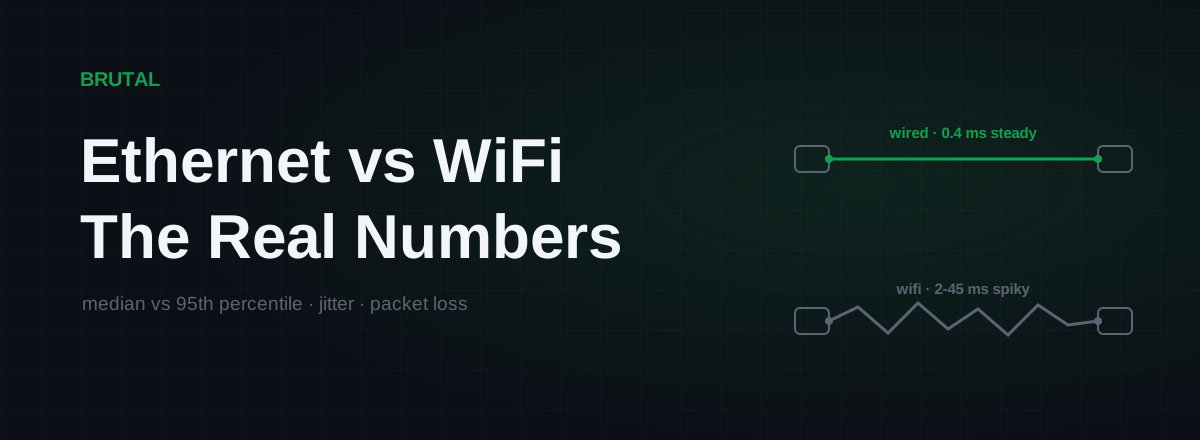
Ethernet vs WiFi for Gaming: The Real Latency Numbers
A cable saves maybe 1-3ms of average latency. The real win is jitter and packet loss. Here's when WiFi 6 close to the router is genuinely fine, and when wireless silently ruins your games.
 Network & Latency
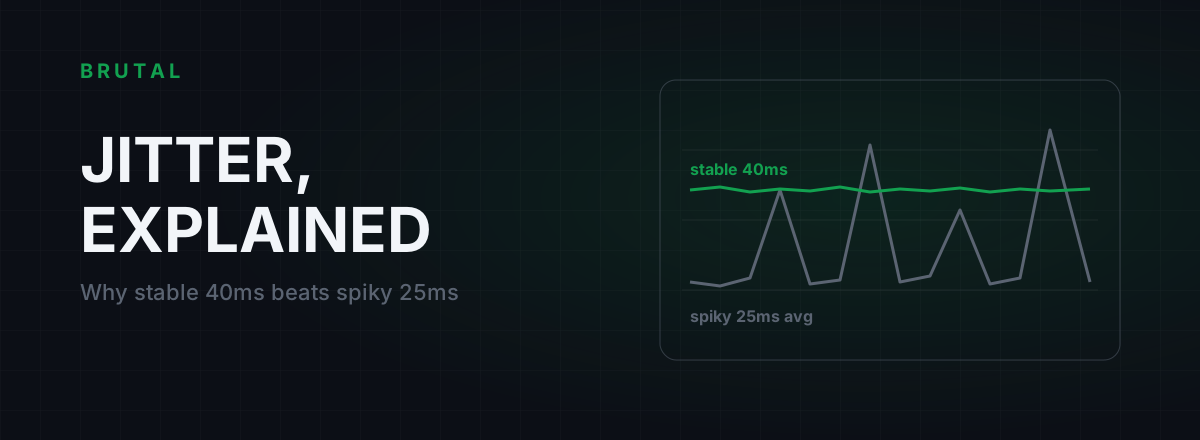
What Is Jitter in Gaming? Why Stable 40ms Beats Spiky 25ms
Jitter is the variation in your ping, and it wrecks aim and hit registration more than raw latency does. Where it comes from, how to measure yours, and the fix ladder that actually works.
 Myths & Honest Truths
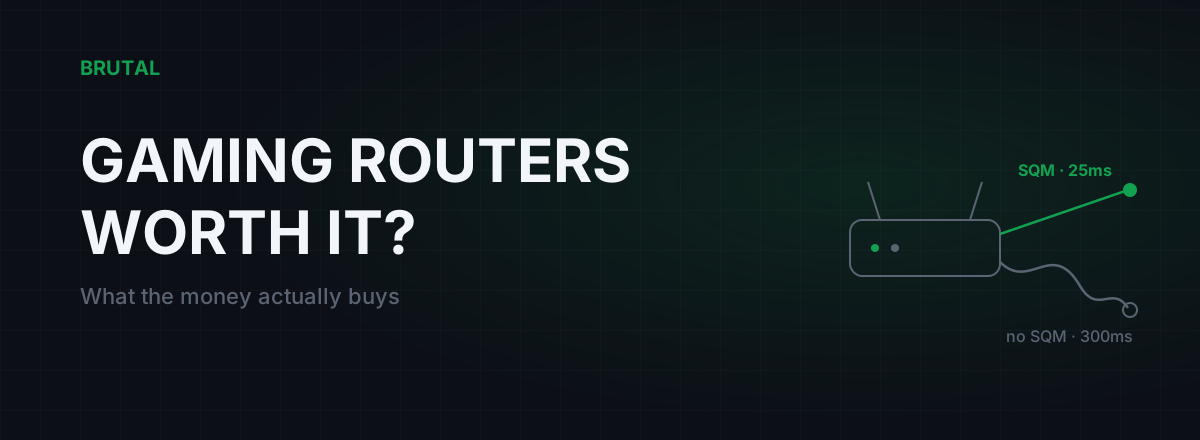
Are Gaming Routers Worth It? What the Money Actually Buys
Most of a gaming router's price is marketing. The one feature that actually lowers lag is SQM, and a $90 router can have it. Here's an honest buy-or-skip framework backed by measurement.
Stop guessing. Measure it.
BRUTAL Optimizer is the honest way to speed up Windows — 17 free modules, a real FPS overlay, verified disk cleanup and drive health. No kernel driver of our own, no game hooks, every setting change reversible.