Free Fire MAX High Ping: Honest Fixes for Low-End Setups
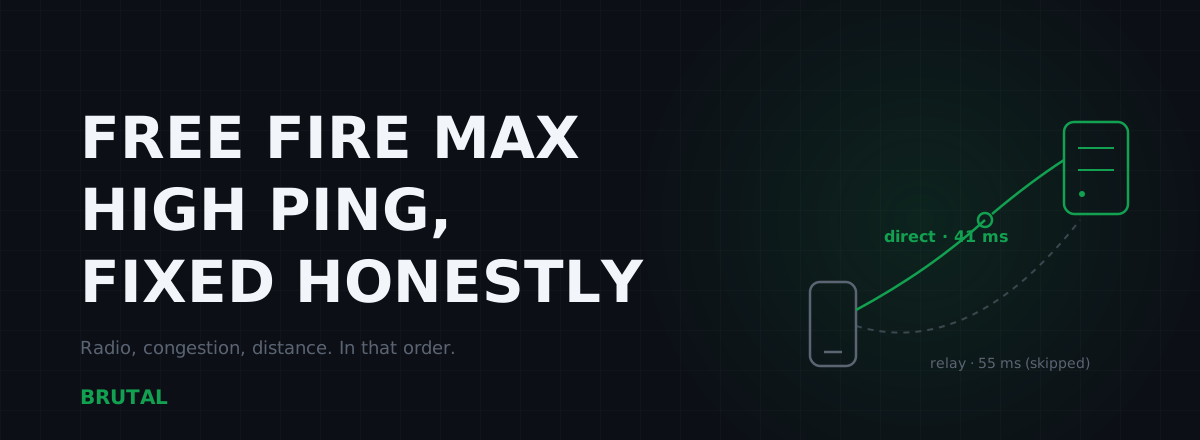
Free Fire MAX high ping comes from three places: how far you are from Garena's servers, how shaky the radio link between your phone and the router or cell tower is, and how congested your connection gets in the evening. You can usually fix the radio, sometimes the congestion, and almost never the distance. Here's how to tell which one is hurting you, and what's actually worth doing on a budget phone.
What actually causes Free Fire MAX high ping
Ping is a round trip. Your tap leaves the phone, crosses your home WiFi or the cell radio, rides your ISP's network to Garena's server, and the confirmation comes back. Every millisecond of that loop belongs to one of four segments: the radio link, your router's queue, your ISP's path, and raw distance.
On mobile, the first segment causes more grief than people expect. A phone two rooms away from a cheap router can add 30 to 100ms of retransmission delay all by itself, and it arrives as spikes rather than a steady number. That's why your ping reads 45ms in the lobby and 180ms mid-fight.
Roughly ranked by how often each one is the real problem:
- Weak radio link. 2.4GHz WiFi through walls, or one bar of 4G. The most common cause and the most fixable.
- Evening congestion. Your household or your ISP under load. Shows up as fine-at-noon, awful-at-9pm.
- Server distance. Playing on a region far from home. Constant, all hours, unfixable by software.
- Bad ISP routing. Real, but rarer than the internet claims. Maybe one case in ten.
Notice what isn't on the list: background apps, RAM, cache files, or your phone being "unoptimized". We'll get to those.
Garena regions and server distance
Garena splits Free Fire MAX into regions: India, Indonesia, Brazil, Singapore and Malaysia, Thailand, Vietnam, MENA, Bangladesh, Pakistan, and several LATAM groupings. Garena doesn't publish datacenter locations, but player traceroutes land where you'd expect: India-region traffic terminates inside India, the SG region in Singapore, Indonesia around Jakarta, Brazil in São Paulo.
Distance sets a floor no app can break. Light in fibre costs roughly 1ms of round trip per 100km before a single router adds its share. Our ping floor calculator does the math for any pair of cities, but the short version:
- Same metro as the server: 5 to 15ms is realistic.
- Same country: 20 to 50ms depending on how your ISP routes.
- Neighbouring country: 40 to 90ms.
- Wrong continent: 150ms and up. Permanently.
This is where a lot of LATAM frustration comes from. A player in Lima or Buenos Aires whose matches land on Brazil-hosted servers is 3,000km or more from São Paulo, so 60 to 100ms is the honest floor, and no booster changes it. Same story for a Bangladeshi player grinding on an SG account, or anyone who made their account on a foreign region years ago and kept the rank.
If your ping is high at every hour of the day, on WiFi and on data, from your house and your friend's house, it's distance. Everything else in this article fixes variation. Nothing fixes geography.
Budget phones and weak WiFi radios
The WiFi chip in an entry-level phone is not the WiFi chip in a flagship. Plenty of budget phones ship a single-antenna, 2.4GHz-only radio because it costs a dollar less. That one component decides more of your Free Fire MAX experience than the processor does.
2.4GHz is a bad neighbourhood. It has three usable channels shared with every router on your street, plus microwave ovens, Bluetooth headphones, and baby monitors. When packets collide, WiFi silently retransmits, and each retransmission is latency you feel as a spike. The cruel part: a steady 80ms is more playable than an average of 40ms that jumps to 150ms in fights.
What actually helps, in order:
- Get closer to the router. Boring, free, and worth more than every app on the Play Store combined. Every wall between you and the router costs you.
- Use 5GHz if your phone supports it. Check the spec sheet for "dual-band". If yes, name the 5GHz network separately in your router settings so the phone can't quietly wander back to 2.4GHz.
- Pick a quieter channel. If you're stuck on 2.4GHz in an apartment block, moving off a crowded channel can calm the spikes. Our guide to WiFi interference and channels covers how to check.
What doesn't help: signal booster apps (software can't grow an antenna), aluminium foil tricks, and holding the phone differently. If the radio is weak and you can't get closer, the answer is usually the next section.
WiFi vs 4G: the honest decision
There's no universal winner. Mobile data adds radio latency of its own, typically 25 to 50ms on 4G and less on 5G, but it bypasses your home WiFi entirely. In a crowded apartment with a cheap router, 4G often beats your own WiFi. With fibre and a decent dual-band router in the same room, WiFi should win comfortably.
| Your situation | Better bet | Why |
|---|---|---|
| 2.4GHz-only phone in an apartment block | 4G/5G | Channel congestion causes spikes no setting avoids |
| Fibre + dual-band router in the same room | WiFi (5GHz) | Lowest floor, no cell-tower variance |
| Router two or more walls away | Try 4G | Weak signal means constant retransmissions; the tower may be a cleaner shot |
| Evening, family streaming on the same line | 4G | Your home link is saturated; the cell tower may not be |
| One or two bars of cell signal | WiFi, even mediocre | A weak cell radio spikes worse than weak WiFi |
The same test settles the question for CODM and every other mobile shooter. Steadiness beats the average: the connection that never spikes past 90ms wins you more close fights than the one that averages 50ms with excursions to 200ms.
The background app truth
Swiping away background apps barely moves ping, and the boost apps that do it automatically move it even less. Idle apps hold RAM. RAM is not bandwidth, and it has nothing to do with how long a packet takes to reach Singapore or Mumbai. Android already freezes most background activity on its own. We measured the whole thing in does closing apps lower ping, and the answer is a firm mostly-no.
You can't close an app hard enough to move a server closer.
Two exceptions are real. First, an app that's actively uploading: cloud photo backup right after you took twenty photos, or the Play Store auto-updating mid-match, can genuinely choke your uplink. Pause those specifically instead of purging everything. Second, and far bigger: traffic from other devices. A 4K stream on the TV or a laptop pulling a Windows update fills your router's queue, and every Free Fire MAX packet waits behind that video. That queueing delay is bufferbloat, and you can grade yours in about a minute with Waveform's free test.
Ping booster apps for Free Fire MAX
Most free "ping booster" apps are VPNs wrapped in ads. A VPN adds a hop between you and the server, and when you already play in your own region, that hop almost always adds latency instead of removing it. We dug through a pile of them in the free ping booster truth, and the pattern is consistent: a few milliseconds worse in-region, occasionally much worse, plus ads.
The narrow honest case: if your ISP routes traffic to Garena badly, wandering the long way before reaching a well-connected exchange, a routed path can win. It happens, but it's maybe one case in ten, and it's more common on cross-border paths than inside a well-served region like India or Brazil. The only way to know is to measure the same server with and without the tool, at the same time of day. Any app that claims it lowers ping for everyone is lying to most of its users.
When the lag isn't ping at all
Free Fire MAX is the heavier build. Same servers and same netcode as classic Free Fire, but higher-resolution textures and richer effects, which is exactly what a budget phone struggles to render. A big share of "high ping" complaints are actually frame drops wearing a ping costume.
Telling them apart takes ten seconds: watch the in-game ping number while the lag happens. If the number stays steady and the game still stutters, that's rendering, not network. Drop graphics to Smooth, cap the frame rate at something your phone actually holds, and clear storage if you're above roughly 90% full, because nearly-full flash slows down and causes hitching. If the ping number itself jumps when the game stutters, it's network, and the earlier sections apply.
Mixing the two up wastes evenings. Lowering graphics won't fix a WiFi spike, and switching to 4G won't fix a GPU that can't hold 30fps.
Playing on a PC emulator
If you play Free Fire MAX on an emulator, you've traded phone problems for PC ones, and the first fix is the oldest: plug in a cable. Ethernet beats WiFi for the same reason 4G sometimes beats your router. It removes the flaky radio segment entirely.
A PC also lets you measure properly. The free download of BRUTAL Optimizer includes a ping test, traceroute, DNS benchmark, and a bufferbloat grade, so you can see which segment of the chain is eating your milliseconds instead of guessing. Those tools cost nothing and never touch the game.
Smart Route, the paid part, watches the game's live server connection read-only, no injection and no kernel driver, then measures your direct route against its relays and engages only when a relay provably wins. Every session gets a Route Receipt either way. For in-region Free Fire MAX, expect plenty of receipts that say "Direct won", because when the direct path is already good, the honest move is to leave it alone.
What to do tonight
- Run the 60-second WiFi vs 4G test, once now and once at peak evening. Pick the steadier link, not the lower average.
- If WiFi wins, move closer to the router and force 5GHz if your phone has it.
- Quiet the line during ranked: pause the TV stream, downloads, and photo backups sharing your connection.
- Check whether your lag is frames or network by watching the ping number during a stutter. Fix the one that's actually broken.
- If you're on a foreign-region account, accept the physics or start an in-region account. Nothing else removes that latency.
None of this costs money, and most of it takes minutes. The unglamorous truth about Free Fire MAX high ping is that geography and radio quality decide almost everything, and the fixes that work are the ones nobody can sell you.
Frequently asked questions
Why is my ping so high in Free Fire MAX?
Usually one of three things: a weak WiFi or 4G radio link, evening congestion on your home connection, or plain distance to your Garena region's servers. Check the in-game ping on WiFi and mobile data separately; whichever is steadier is your better link. If ping is high at all hours on both connections, distance is the likely cause and software can't fix it.
Is WiFi or mobile data better for Free Fire MAX?
Neither wins universally. In a crowded apartment, a budget phone's 2.4GHz WiFi often loses to 4G, while a fibre connection with a nearby dual-band router usually beats mobile data. Test both for a minute each in the lobby and pick the steadier ping, not just the lower average.
Does closing background apps lower ping in Free Fire MAX?
Almost never. Idle apps use RAM, not bandwidth, and RAM has nothing to do with latency. The exception is an app actively uploading, like cloud photo backup or an auto-update mid-match. Traffic from other devices on your network matters far more than anything running on your phone.
What is a good ping for Free Fire MAX?
Under 50ms feels instant. 50 to 100ms is playable and where most mobile players sit. Past 100ms you'll notice you lose close-range trades, and past 150ms you're fighting the connection more than the enemy.
Do ping booster apps work for Free Fire MAX?
Most free ones are VPNs wrapped in ads, and adding a VPN hop usually increases latency when you already play in your own region. A routed path only helps when your ISP's route to Garena is genuinely bad, maybe one case in ten. Measure the same server with and without the app before trusting it.
Can I change my server region in Free Fire MAX?
Not freely. Your region is tied to your account, and playing on another region's account means physically distant servers and permanently higher ping. If you're grinding on a foreign region, an in-region account is the only real fix for that extra latency.
Keep reading
 Myths & Honest Truths
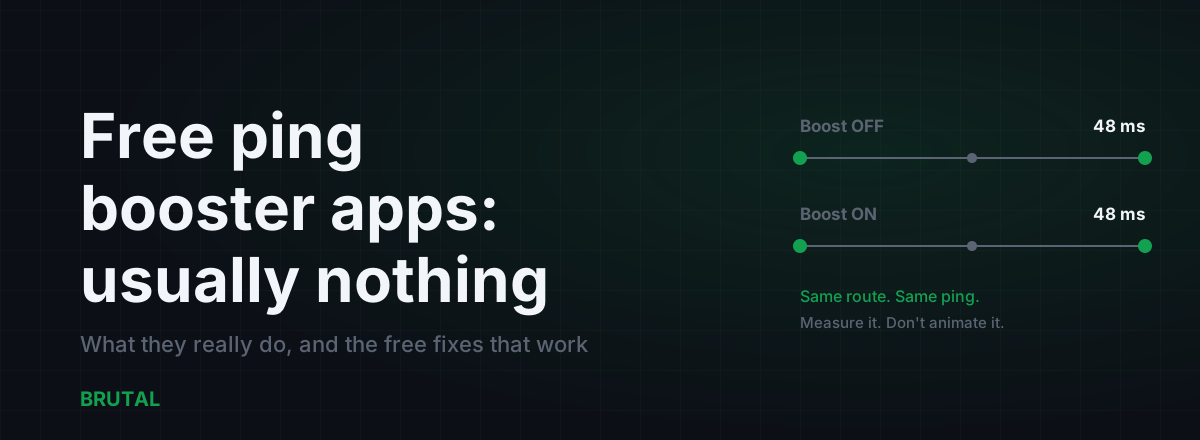
Free Ping Booster Apps: What They Actually Do (Usually Nothing)
The app-store ping booster aisle is mostly DNS flushers, RAM cleaners, and ad farms. Here's what a real tool must show you, and the free fixes that genuinely lower ping.
 Gaming & FPS
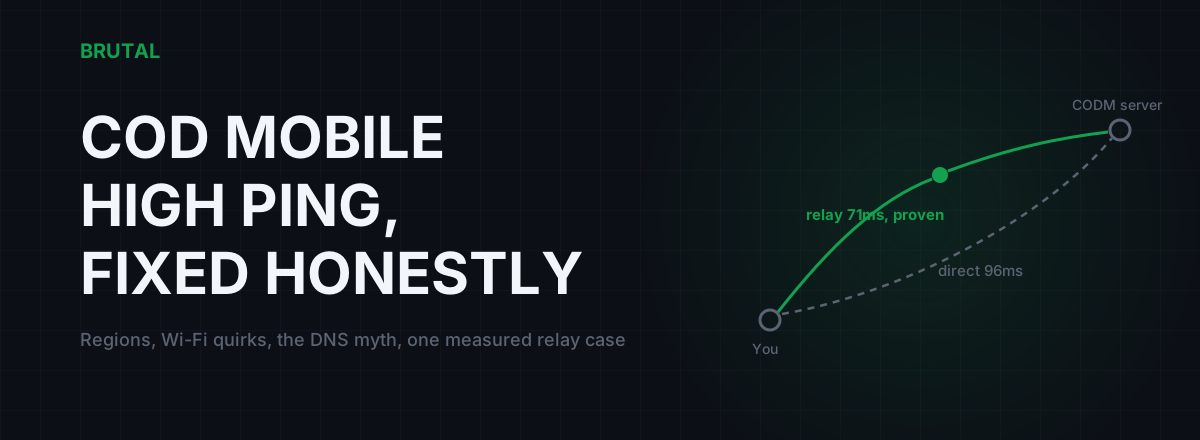
COD Mobile High Ping Fix: A Checklist That Respects Physics
Most CODM ping advice is placebo. What actually moves the number: the right version's servers, phone Wi-Fi quirks, household uploads, and one measured case where a relay helps.
Stop guessing. Measure it.
BRUTAL Optimizer is the honest way to speed up Windows — 17 free modules, a real FPS overlay, verified disk cleanup and drive health. No kernel driver of our own, no game hooks, every setting change reversible.