Dota 2 High Ping: Server Picks, SDR, and Fixes That Actually Work
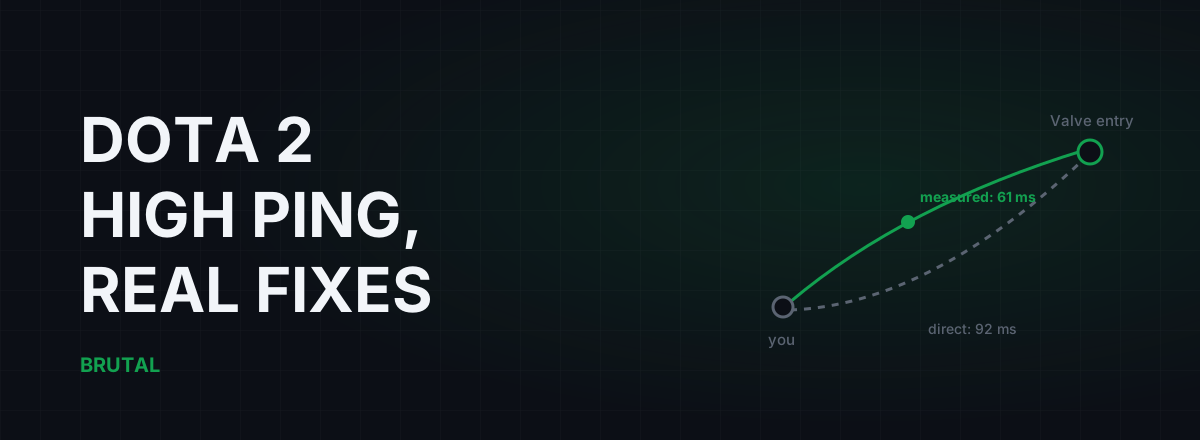
Dota 2 high ping is usually one of two problems: you're queueing into the wrong region, or your ISP takes a bad road to Valve's network. The first takes two minutes to fix in the Find Match panel. The second takes measurement, and only sometimes has a fix at all. Here's how to tell which one you have, and what to do about each.
What counts as high ping in Dota 2
Dota is more forgiving than a shooter. Turn rates, cast points, and fights that resolve over seconds rather than milliseconds mean most players genuinely can't feel the difference between 30ms and 55ms. Under 50ms is great. Up to about 80ms is fine for the vast majority of pub games.
Past 100ms you start paying in specific places: contested last hits against a good laner, the gap between pressing BKB and actually being magic immune, defensive item reflexes like Eul's or Glimmer, and anything micro-heavy. A Meepo player on 130ms is playing a different, worse game than a Meepo player on 40ms.
Before fixing anything, separate three different complaints. Steady high ping, say a constant 120ms, is a distance or routing problem, and that's what this article covers. Ping that's fine most of the time but jumps during fights or in the evening is congestion, which needs a different diagnosis, covered in why ping spikes only when you're gaming. And packet loss, the thing that makes heroes rubber-band and eats your commands, can happen on a 20ms connection. Dota shows you both numbers in-game: turn on the network information display in the options, or type ping in the console mid-match. Get that reading first. Everything below depends on it.
How Dota 2's servers actually work
Dota 2 runs on Valve's own dedicated servers in regions around the world, and your traffic rides Steam Datagram Relay (SDR), Valve's private relay network. In plain terms: your packets don't cross the open internet all the way to the game server. They enter Valve's network at a relay point near you, then travel Valve's own well-peered links the rest of the way.
That's the same backbone CS2 uses, and it's genuinely good infrastructure. But there's one big difference between the games. CS2 matchmaking picks your server automatically using ping data it collects in the background. Dota hands you a manual checklist of regions in the Find Match panel and trusts you to get it right. Most players ticked those boxes years ago, based on geography or vibes, and never looked again.
If your Dota 2 high ping appeared out of nowhere, check the ticks before anything else. A region you enabled for one party queue in 2023 can still be matching you onto a server 4,000km away today. This also changes which advice applies to you: half the internet's "optimize your route to the game server" folklore predates SDR and quietly stopped being true. The CS2 version of this guide spends its time on routing because CS2 players don't get a server list. You do. Use it.
Pick your Dota 2 region by measured ping, not the flag
The region list shows names, not your latency to them. Two regions can look equally close on a map and sit 40ms apart on your ISP's actual routes, because packets follow cables and peering agreements, not geography.
The honest method costs about twenty minutes. Tick exactly one candidate region, queue a bot match or a low-stakes unranked game, and write down the in-game ping once you're loaded in. Repeat for each region you'd realistically play on. Now you have real numbers, for your connection, on Valve's actual servers, and you never have to guess again. Re-check when things feel off, because ISPs change routes without telling anyone.
Multi-region ticking is a real tradeoff, not a mistake. More regions means faster queues, and the matchmaker balances ping across all ten players, which sometimes means everyone gets a mediocre compromise server. If your closest server has a thin population at your play time, and Dubai, South Africa, and sometimes India at odd hours all qualify, you're choosing between a long queue at 25ms and a fast queue at 90ms. Pick deliberately instead of by default.
Parties make it worse. Queue with a friend two regions away and someone eats 120ms, because no setting fixes geography. Decide up front whose ping suffers, and rotate it between games.
| You're in | Closest busy region | Rough ping range | The catch |
|---|---|---|---|
| India (metro) | India, or SE Asia (Singapore) | 15–45ms local, 40–85ms to SEA | India queues thin out off-peak, so many players tick both and eat the mix |
| Philippines / Indonesia | SE Asia (Singapore) | 25–70ms depending on ISP | Two ISPs in the same city can differ by 30ms to the same server |
| Middle East | Dubai, else EU East | 10–40ms local, 90–140ms to EU | Dubai queues are thin; EU trades real latency for population |
| Australia / NZ | Australia | 10–50ms (NZ higher) | Off-peak queues push you to SEA at 100ms+ if both are ticked |
Treat those numbers as rough shapes, not promises. Your ISP decides where you land inside each range, which is exactly why you measure instead of trusting a table, including this one.
Your entry point to Valve's network matters
SDR changes what "the route" means. The middle and far end of the journey run on Valve's private links, which you can't influence and rarely need to. The part that varies wildly is the first stretch: your PC, through your ISP, to the Valve relay where your traffic enters that network. Two households in the same city, on different ISPs, can differ by 30ms or more to the same entry point, because one ISP peers well and the other sends traffic on a scenic detour through another country.
This is why "my friend has 35ms on SEA and I'm stuck at 90 in the same city" is almost never about your PC. It's about the road your ISP bought.
You can't traceroute Valve's relays in any clean way, but you don't need to. Tracerouting to any well-connected host in the server's region shows you the shape of your ISP's exit: how many hops before your packets leave the ISP, where the latency jumps, and whether your traffic detours through the wrong country. Traceroute, explained for gamers walks through reading one in about ten minutes.
One useful timing clue: if your Dota ping is fine at noon and ugly at 9pm, the path is congested, not long. That's an ISP capacity or peering problem, and it usually shows up in the first few hops of a traceroute.
Fixes on your side that actually move the number
After region selection, three things reliably matter, in this order.
Get off Wi-Fi for ranked. Wi-Fi's crime in Dota isn't raw ping, it's variance. Retransmissions and interference turn a steady 40ms into 40-with-spikes-to-150, which feels like the game hiccupping in exactly the fights that matter. A cable removes the whole category of problem. The measurements are in Ethernet vs Wi-Fi for gaming.
Fix bufferbloat. When someone in the house uploads, streams, or lets a cloud backup run, your router queues packets and your in-game ping can triple while the connection still looks "fast" on a speed test. Run the Waveform bufferbloat test while the household is doing its normal evening thing. Anything worse than a B grade is felt in Dota, and the fix lives in your router's QoS settings, not in the game. This is the single most common cause of "my ping is fine in the morning".
Audit what's actually using the network. Steam pauses its own downloads during gameplay by default, but check the setting anyway, then remember the rest of the network: another PC pulling a Windows update, a console preloading a patch, a phone backing up photos. One saturated uplink is enough. Notice what this list doesn't include: RAM cleaners, FPS boosters, and miscellaneous Windows tweaks. Ping is a network property. Your frame rate and your latency are different problems with different fixes.
What doesn't fix Dota 2 high ping
The Dota "ping fix" folklore is old, and most of it is dead weight.
Changing DNS does nothing for in-match latency. DNS resolves names before a connection starts; your match traffic is UDP flowing to an IP address the client already knows. A faster resolver can shave a moment off menus and loading screens, and that's the honest ceiling.
TCP registry tweaks, the TcpAckFrequency and Nagle-disable guides that get reposted every year, target TCP. Dota's game traffic is UDP. The tweak literally never touches the packets you care about.
Closing background apps helps only if one of them is actually using the network, which Task Manager's network column will tell you in five seconds. Killing idle processes to "free up ping" is theater.
When a relay genuinely helps, and when it can't
Because of SDR, a relay service has exactly one honest job in Dota: get your packets to Valve's entry point faster than your ISP does. That's the whole job. It can't speed up Valve's backbone, and it can't beat distance, because physics sets a hard floor under every route.
When your ISP's path is clean, the direct route wins and a relay just adds a hop. When your ISP peers badly, pushes evening traffic through a congested exchange, or routes you out through another country, a relay with better peering can save real time, commonly 15–60ms in the bad-routing cases and roughly nothing otherwise. On some ISPs that's most evenings. On others it's close to never. Nobody can tell you which group you're in without measuring your connection, at your play time, on your route.
That's the entire design premise of Smart Route: it watches the live game connection read-only, no injection, no hooks, nothing touching Dota's files, so there's no VAC surface to worry about, then measures direct against its relays for your actual session and engages only when the relay provably wins. When it doesn't win, you get a receipt saying "Direct won" and your traffic never left the normal path. The decision logic is public in how Smart Route decides relay or direct. The measurement tools, ping test, traceroute, and the bufferbloat grade, ship in the free download and stay free, because most Dota ping problems are solved by the free half of this article.
A flag next to a server name tells you where Valve rented racks. It tells you nothing about your road to them.
A 15-minute diagnosis routine
- Open Find Match and untick every region you haven't measured. If your ping instantly improves, you're done.
- Play one bot match per candidate region and record the in-game ping and loss. Keep the best region, note the runner-up.
- If you're on Wi-Fi, play one match on a cable. If the spikes vanish, the answer was the air, not the internet.
- Run a bufferbloat test during your normal play hours with the household online. A bad grade means your fix is at the router, not in Dota.
- If ping is still steady-high on your nearest busy region, wired, with clean bufferbloat, the problem is your ISP's route to Valve's entry point. Read a traceroute, complain to the ISP with evidence, or trial a measured relay and believe the receipt either way.
Most Dota 2 high ping cases die at step 1 or 2. A decent chunk of the rest die at step 4. The genuinely hard cases, bad ISP routing you can't change, are the only ones where paying anyone for anything makes sense, and even then only if the measurement says so.
Frequently asked questions
What is a good ping for Dota 2?
Under 50ms is excellent, and up to about 80ms plays fine for most people. Past 100ms you'll feel it in contested last hits and reaction items like BKB. Stability matters more than the raw number: a steady 70ms beats a 40ms that spikes to 150 in teamfights.
Why is my Dota 2 ping suddenly high?
Check your region ticks in Find Match first; a stale selection can match you onto servers thousands of kilometres away. If the regions are right, test for bufferbloat during your normal play hours, and note whether the problem is evening-only, which points at ISP congestion rather than distance.
Which server should I pick in Dota 2?
The one you measured, not the closest flag. Queue one bot match or unranked game per candidate region and read the in-game ping. Distance is only a hint: your ISP's routing decides the real number, and two nearby regions can differ by 40ms on your connection.
Does a VPN lower ping in Dota 2?
Occasionally, when your ISP routes badly to Valve's network entry point and the VPN's path is cleaner. Most of the time it adds a hop and slightly raises ping. Measure direct versus routed on your own connection before paying for anything, and distrust any tool that won't show you both numbers.
Are ping reducers safe to use with Dota 2 and VAC?
Network-level routing (a VPN or GPN relay) doesn't touch game files or inject into the Dota process, so it isn't the kind of thing VAC looks for. Tools that hook or modify the game client are a different category entirely and worth avoiding.
Keep reading
 Gaming & FPS
CS2 High Ping Fix: It's the Route to Valve, Not Your Rig
CS2 already routes through Valve's relay network. High ping usually means a bad first mile to the SDR entry point. Here's how to diagnose it honestly and what actually fixes it.
 Network & Latency
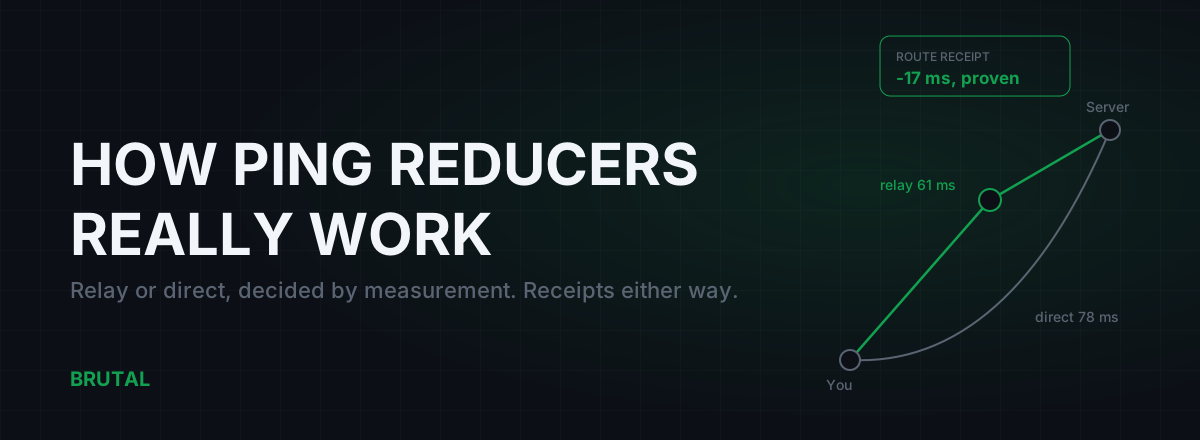
How Do Ping Reducers Work? Relay vs Direct, With Receipts
A ping reducer only helps when a relay path genuinely beats your ISP's route. Here's how Smart Route detects the server, measures both paths, and decides, with a receipt either way.
 Network & Latency
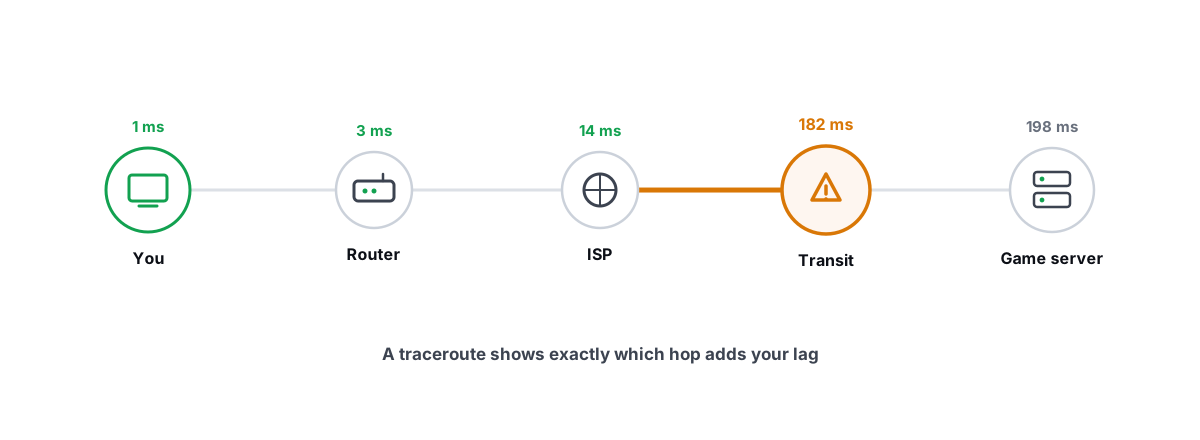
How to Read a Traceroute: Find Your Lag's Real Source
Read a real ICMP traceroute and classify every hop so you know whether the lag is your router, your ISP, or the game server.
Stop guessing. Measure it.
BRUTAL Optimizer is the honest way to speed up Windows — 17 free modules, a real FPS overlay, verified disk cleanup and drive health. No kernel driver of our own, no game hooks, every setting change reversible.