Cloud Gaming Latency: The Full Chain, Honestly
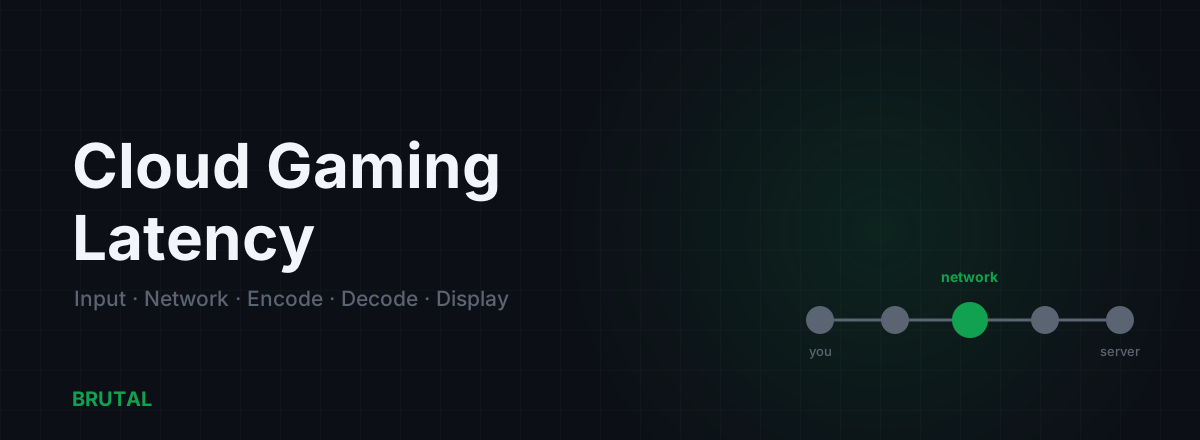
Cloud gaming latency is the total delay between moving your controller and seeing the result on screen, and it is never a single number. It's a chain: input, network, encode, decode, and display, each adding its own few milliseconds. That's why a service can report a clean 20ms network ping and still feel closer to 60ms in your hands.
What cloud gaming latency actually is
When a game runs on your own PC, the frame is drawn locally. The only real delay is your input device, the game's frame time, and your monitor. Cloud gaming moves the rendering onto a distant server, so every frame takes a round trip. The image you see was drawn somewhere else, compressed into a video stream, shipped across the internet, and rebuilt on your device.
That adds four stages your local rig never had to deal with:
- Encode: the server compresses each rendered frame into H.264 or H.265 video. Roughly 5 to 12ms depending on the encoder.
- Network: the video travels to you while your inputs travel back. This is the ping everyone quotes.
- Decode: your device rebuilds the video into pixels. Another 4 to 10ms, and worse on weak hardware.
- Display: buffering, plus your screen's own refresh and processing.
Stack those on top of the input lag and network delay you already had on a local setup, and the headline "20ms" stops telling the whole story. Your controller still has to be polled, the frame still has to reach your eyes, and a streaming client usually holds a small buffer to smooth out a rough line. Each of those is small on its own. Added together, they change how the game feels.
Why 20ms of network feels like 60ms total
The trap is treating network ping as the answer. It's one leg of five. A responsive local game might already carry 30 to 40ms of end-to-end lag before anything leaves your house, counting input polling, frame time, and display. Cloud gaming keeps all of that and adds encode, transmission, decode, and extra buffering on top of it.
Here is a realistic budget for a well-connected session to a nearby data center. Your numbers will vary, but the shape holds.
Notice what dominates. The network leg is real, but so is everything around it. Even if you drove the network to zero, you'd still be sitting on 35 to 40ms of encode, decode, and display that no route change can remove. That's the honest ceiling of cloud gaming latency, and it's why a fast connection alone never makes a cloud stream feel exactly like local play.
| Stage | Typical delay | Can you reduce it? | How |
|---|---|---|---|
| Input (device + USB poll) | 2–5 ms | A little | Wired controller or mouse, higher poll rate |
| Network round-trip | 10–40 ms | Yes | Nearest server, ethernet, cleaner route |
| Server encode | 5–12 ms | No | Fixed by the service and its hardware |
| Client decode | 4–10 ms | Sometimes | A device with hardware video decode |
| Display + buffer | 8–25 ms | Yes | Low-latency mode, wired display, 120 Hz |
Server proximity is the whole game
Latency has a floor set by the speed of light. Light in fiber travels roughly 200km per millisecond, and real routes are never straight, so figure closer to 100 to 150km of usable distance per millisecond of one-way delay. A server 1,500km away simply cannot give you a 5ms ping, no matter how good your line is. That's physics, not a settings problem.
This is why picking the closest data center matters more than the brand on the box. GeForce Now, Boosteroid, and Xbox Cloud Gaming all live or die by whether they run a server near you. If your nearest node is two countries over, the fastest home connection in the world can't rescue it. Before you judge a service, check where its servers actually sit relative to where you are, then choose the closest region the app offers.
The WiFi penalty roughly doubles the felt lag
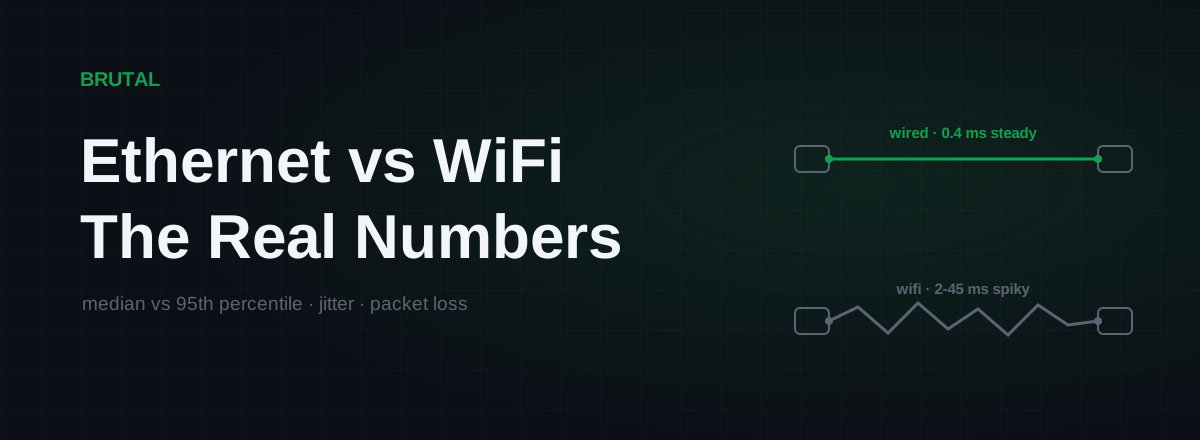
Here is the part most people get wrong. WiFi doesn't just add a few milliseconds of average latency. It adds jitter, retransmissions, and buffering, and cloud gaming is unusually sensitive to all three because it's a live video stream running in both directions at once. A connection that pings 20ms on ethernet can feel like 40 to 50ms of unstable lag over WiFi, with occasional spikes that make the picture soften or stutter for a moment.
For cloud gaming specifically, wired is not a nice-to-have. It's the line between playable and frustrating. If you can run a cable, run it. If you can't, a strong 5GHz or Wi-Fi 6 link close to the router beats a weak signal across the house, but it still trails a wire. We break the gap down in ethernet vs WiFi gaming latency, and the trade-offs of newer wireless and mobile connections show up in 5G vs fiber for gaming.
GeForce Now, Boosteroid, and Xbox Cloud
People want a ranking. The honest answer is that the differences between services usually matter less than the difference between your WiFi and a cable. All three stream compressed video from a data center, all three pay the same encode and decode tax, and all three are hostage to how close their nearest server sits to you.
Where they genuinely differ: server geography, which is who has a node near you; maximum frame rate and codec on higher tiers; and how aggressively they buffer to smooth a rough connection. A higher frame rate stream trims a few milliseconds off the display and input sampling side, which helps a little. But if you're comparing two services and one has a server 100km away while the other is 900km away, proximity wins every time, regardless of the marketing. Judge by your own trial on your own line, not by a spec sheet.
An honest verdict by genre
Cloud gaming latency isn't good or bad in the abstract. It's good or bad for a specific game.
Turn-based games, strategy, RPGs, city builders, and most single-player adventures play fine in the cloud. A 60ms round trip on a game where you think before every action is invisible. This is where cloud gaming genuinely shines, and where the convenience of playing a heavy title on a light device is worth it.
Fast single-player action and third-person games sit in the middle. Playable for most people, noticeable to some. If you're sensitive to input lag you'll feel it, but it rarely ruins the experience.
Competitive shooters and fighting games are where it hurts. When your local rig already runs sub-40ms and the game punishes a single late input, adding encode plus decode plus a network round trip is felt immediately. No cloud service beats a local PC here, and no honest article will tell you otherwise. Twitch play is the one genre where the math simply doesn't work, and where raw ping and how often the server samples the world matter most, as we cover in server tick rate vs ping.
A game that forgives a slow reaction survives the cloud. A game that punishes one belongs on your own PC.
Can a ping tool or GPN help cloud gaming?
This is where we have to be straight with you, even though we build routing software. A gaming route relay can only touch the network leg. That's one stage out of five. It cannot shorten encode, it cannot speed up your decoder, and it cannot remove display buffering. So the best a route change can ever do for cloud gaming is shave part of that network segment, and only if your default internet path was genuinely taking a longer route than necessary.
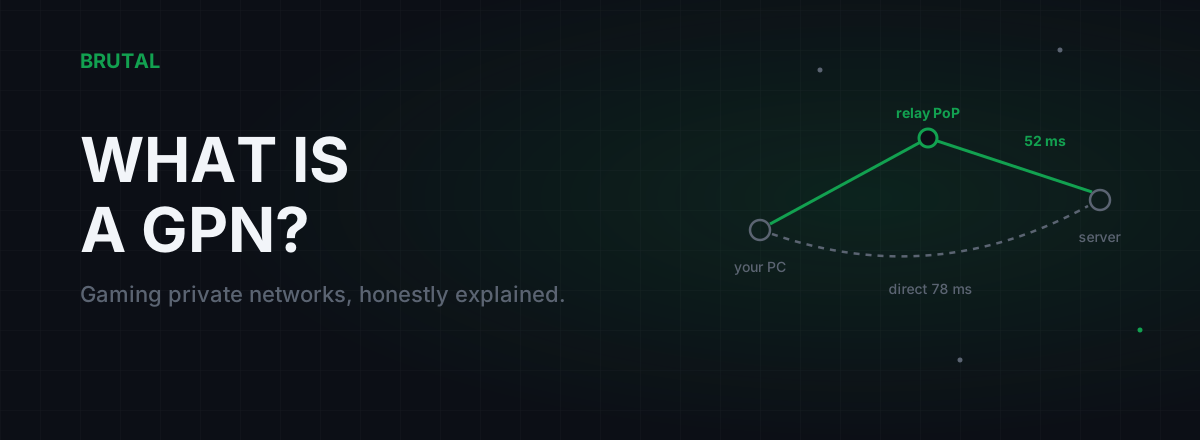
Compare that to native online play, where your own PC renders locally and the network is a much larger share of the total delay. There, a better route can move a bigger fraction of the number. Cloud gaming is a weaker case for routing precisely because so much of the latency lives in stages a route can't reach. If you want the full picture on what a gaming route relay is and isn't, read what is a GPN.
That's exactly why Smart Route measures first and engages a relay only when it proves it beats your direct path. On cloud gaming, it will often measure your direct route and report "Direct won", because your ISP's path to a nearby data center is already close to the speed-of-light floor. That's not a failure. It's the tool refusing to add a hop that doesn't help. We explain the decision logic in how Smart Route decides relay or direct.
How to actually cut cloud gaming latency
Work the stages you can control, biggest first:
- Get wired. One ethernet cable is the single largest, most reliable win for cloud gaming latency.
- Pick the nearest data center. Check the service's server map and choose the closest region. Distance is a hard floor you can't negotiate away.
- Turn on any low-latency or high-frame-rate mode. A 120Hz stream and a low-latency toggle trim the display and sampling side of the chain.
- Fix bufferbloat on your router. A congested upstream inflates ping under load. Simple QoS can flatten the spikes.
- Use a device with hardware video decode. A modern phone, console, or PC decodes faster than an aging streaming stick.
- Measure before you buy anything. Prove where your delay actually lives before spending on a supposed fix.
For the network leg on native games, the same fundamentals in how to reduce ping in online games apply. And if you just want to see where your own delay sits, the measurement tools in the free download will show you the network leg with no purchase required.
The short version: cloud gaming latency is a stack, not a single ping. Server proximity and a wired connection do most of the work. Encode, decode, and display set a floor that no software can beat. Judge it by genre, wire it up, pick the closest server, and the honest majority of games play just fine.
Frequently asked questions
What's a good latency for cloud gaming?
Under about 40ms of total end-to-end delay feels responsive for most games. The one part you control is the network ping to the nearest data center, and getting that under 20ms on a wired connection is the realistic target.
Does GeForce Now have lower latency than Boosteroid?
Usually the gap between services is smaller than the gap between your own WiFi and ethernet. What matters most is whether the service has a server close to you and whether you're wired. Server proximity beats brand every time.
Can a VPN or ping booster lower cloud gaming latency?
Only the network leg, and only if your default route was genuinely longer than necessary. It cannot touch encode, decode, or display, so the possible gain is capped at part of one stage out of five. Cloud gaming is a weaker case for routing than native online play.
Why does cloud gaming feel laggy even on fast internet?
Speed is bandwidth, not latency. A fast plan moves more data but doesn't remove the fixed delay of compressing the video, sending it, decoding it, and buffering it for your screen. Those stages stay the same on a 100Mbps or a 1Gbps line.
Is ethernet really necessary for cloud gaming?
For competitive play, effectively yes. WiFi adds jitter, retransmissions, and buffering, and a live two-way video stream is unusually sensitive to all three. A wired connection often roughly halves the felt lag versus a shaky wireless link.
Keep reading
 Network & Latency
Ethernet vs WiFi for Gaming: The Real Latency Numbers
A cable saves maybe 1-3ms of average latency. The real win is jitter and packet loss. Here's when WiFi 6 close to the router is genuinely fine, and when wireless silently ruins your games.
 Network & Latency
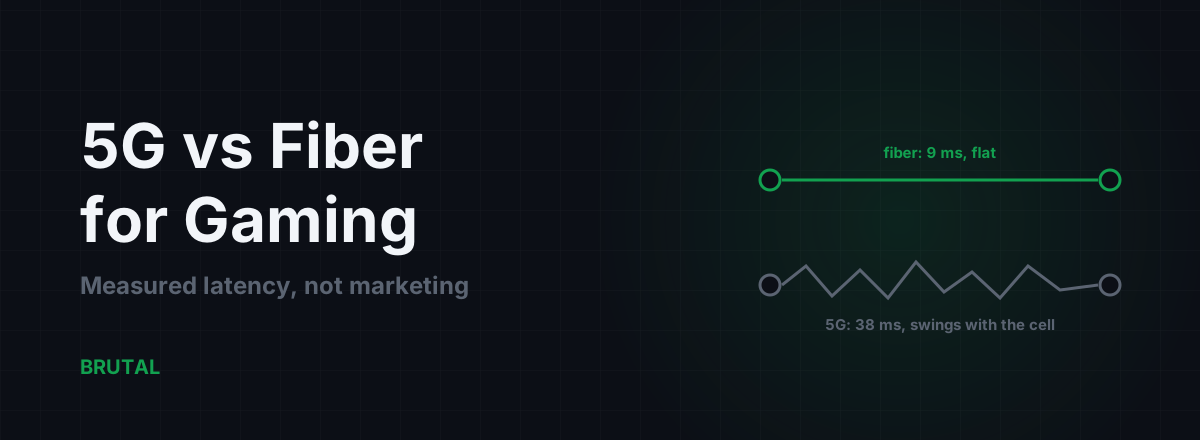
5G vs Fiber for Gaming: Measured Latency, Not Marketing
Fiber beats 5G on latency and jitter almost everywhere it exists. But 5G isn't always the loser, especially against bad DSL. Here are the measured numbers and the honest cases for each.
 Network & Latency
What Is BRUTAL GPN? Smart Route, Explained
BRUTAL GPN is the relay network behind Smart Route: it carries only your game's traffic, and only when a relay measurably beats your ISP's route. How it works, and when physics says no.
Stop guessing. Measure it.
BRUTAL Optimizer is the honest way to speed up Windows — 17 free modules, a real FPS overlay, verified disk cleanup and drive health. No kernel driver of our own, no game hooks, and per-module undo for the settings it changes.