5G vs Fiber for Gaming: Measured Latency, Not Marketing
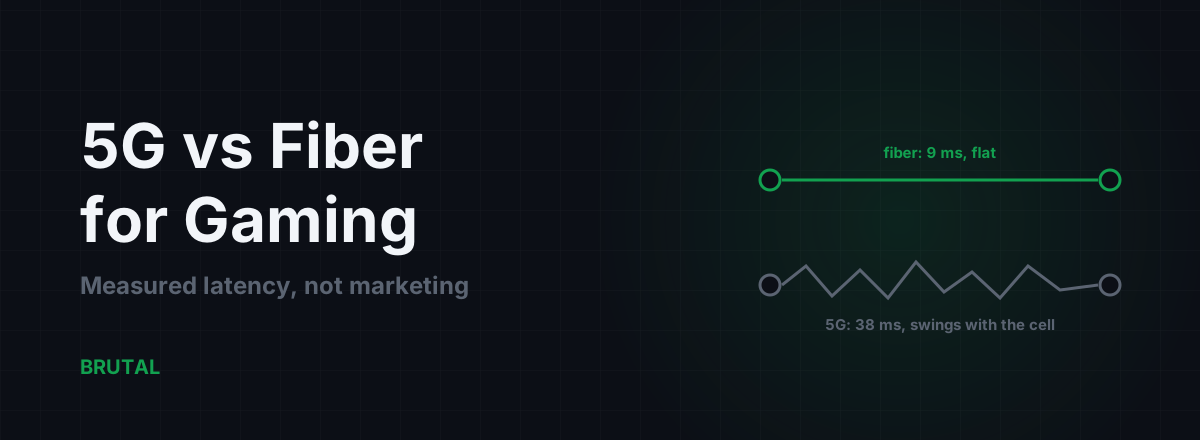
If fiber is available at your address, get fiber. In any honest 5G vs fiber for gaming comparison, fiber wins where it counts: typically 5-15 ms to a nearby game server with jitter under 2 ms, against 25-50 ms on 5G with swings of 10-30 ms once the cell gets busy. But 5G isn't automatically the loser. Against a long copper DSL line or an oversubscribed cable segment, 5G home internet can genuinely be the better option, and the only way to know for your street is to measure it, not to read a coverage map.
5G vs fiber for gaming: the numbers first
Start by ignoring bandwidth. Both technologies deliver far more throughput than any game needs; a competitive shooter moves well under 1 Mbps in each direction. What decides how a game feels is round-trip time, and how much that time varies from packet to packet. On those two measures, fiber and 5G are not close.
| Connection | Typical ping (nearby server) | Typical jitter | Busy-evening behavior |
|---|---|---|---|
| Fiber (FTTH) | 5-15 ms | under 2 ms | stays flat |
| Cable (DOCSIS) | 15-30 ms | 2-8 ms | bufferbloat under upload load |
| 5G standalone, strong signal | 20-35 ms | 5-15 ms | rises with cell load |
| 5G home internet (FWA) | 30-50 ms | 10-30 ms | deprioritized behind phones |
| 4G LTE | 40-60 ms | 10-30 ms | worst at peak hours |
| DSL, long copper loop | 25-60 ms | 5-20 ms | depends on the line, not the hour |
Those are typical ranges from real-world measurement, not promises. Your address can beat or miss any row. A quiet rural cell with strong signal can look almost fiber-like, and a fiber ISP with lazy routing can waste a perfect line. The physics just makes fiber's good case the common one and 5G's good case the fragile one.
Why fiber wins: it's the jitter, not the average
Fiber is a wired path made of glass. Your packets travel it without competing for radio spectrum, without retransmissions caused by a wall or the weather, and without asking permission to send. Even on a shared GPON segment the scheduling is deterministic enough that latency barely moves: ping the same server a thousand times on a healthy fiber line and the spread between your fastest and slowest reply is often 2-3 ms.
5G is a radio negotiation. Before your uplink packet leaves the modem, the device has to be granted airtime by the tower's scheduler, and it shares that airtime with every phone on the cell. The air interface alone adds a floor of several milliseconds each way in perfect conditions, and most 5G deployments still run non-standalone mode, which anchors signaling on the 4G core and adds more on top. None of that is a defect. It's what shared spectrum costs.
One thing worth being fair about: past your ISP's edge, both connections ride the same backbone. The distance to the game server sets the same floor for everyone; nothing about fiber makes light travel faster. The entire fiber-versus-5G difference lives in the first few kilometers, the access hop between your home and the ISP's network. It just happens that the access hop is where 5G spends 20-40 ms and fiber spends 2.
For gaming, the variance hurts more than the average. A rock-steady 35 ms is playable in almost anything. A 25 ms average that spikes to 80 ms whenever the cell gets busy feels worse, because your aim, your peeks, and your dodges are all timed against a number that keeps changing. If that trade-off is new to you, jitter is the whole story here.
A coverage map tells you where the signal reaches. It doesn't tell you what your ping does at 9 pm.
5G latency: best case, typical case, worst case
Best case first, because it's real and worth naming. On standalone 5G, mid-band spectrum, strong signal, and a lightly loaded cell, you can see 20-30 ms to a nearby server with single-digit jitter. That's console-lobby fine, and for plenty of players it's ranked fine. mmWave demos go lower still, 10-15 ms in trade-show conditions, but mmWave coverage is measured in city blocks and barely gets through a window, so you'll almost never actually game on it.
Typical case: 30-45 ms with 10-20 ms of jitter. That's what most urban 5G connections measure at normal hours on non-standalone networks, which is still most of them. Perfectly playable for co-op, MMOs, and casual matches. Noticeable in anything where a tenth of a second decides a duel.
Worst case: 60-100 ms and up, with spikes into the hundreds. The causes stack on each other: weak signal forcing retransmissions, the modem hopping between bands, tower handovers if anything moves, and plain congestion when the cell fills up. The nasty part is that the worst case isn't rare. It tends to arrive on a schedule, every evening, exactly when you want to play.
Two variables move you between these cases more than anything else. The first is standalone versus non-standalone: SA networks skip the 4G anchor and typically shave 10-15 ms, and carriers are migrating to SA slowly, so the typical case should improve over the next few years. The second is signal strength, which you can actually influence. A phone held near a window, or an FWA router with its antenna pointed at the tower, sits in a different latency class than the same hardware behind two brick walls.
Fiber's three cases, for contrast: good, good, and your ISP is having an incident.
What cell load does to your jitter
The chart above is the shape to remember, and it's most of the 5G vs fiber for gaming argument in one picture. Fiber's distribution is a narrow spike: median 9 ms, 95th percentile 12 ms, nearly every packet indistinguishable from the last. 5G's distribution is wide with a long right tail: a median of 38 ms doesn't sound bad until you notice the 95th percentile sitting at 74 ms, which means one packet in twenty took nearly twice the median.
You don't feel the median. You feel the tail. In a shooter, the tail is the fight you swear you won and didn't.
Cell load is what fattens that tail. Every active device on your sector competes for the same scheduler, so your evening latency depends on your neighbors' streaming habits in a way fiber's simply doesn't. To be fair about it: at 3 am on a quiet cell, 5G's distribution tightens dramatically and can look close to wired. That's genuinely true. It's also a description of 3 am, not of your ranked session.
The 5G home internet (FWA) reality
Fixed wireless access, the 5G router your carrier ships for home internet, has three quirks the sales page won't mention.
First, deprioritization. Most FWA plans sit on a lower traffic-priority tier than phones, which means that when the cell gets busy, the tower schedules smartphones first and your home router last. Your ping degrades the most exactly when the cell is busiest, which is exactly when you and everyone else are home playing. The plan terms usually admit this if you read far enough down the page.
Second, CGNAT. Nearly every FWA connection puts you behind carrier-grade NAT, so you don't get a public IP address. That means no port forwarding, strict NAT types in some games, and trouble hosting or joining certain peer-to-peer sessions. There are workarounds, and we've written up the honest ones, but it's friction fiber doesn't have.
Third, placement sensitivity. Moving an FWA router from an interior shelf to a window facing the tower can improve your signal enough to drop 10-20 ms of latency and a whole class of jitter. It's the cheapest upgrade in this entire article, and most people never try it.
None of this makes FWA bad. For casual and co-op play it's usually fine, and it's often dramatically better than the connection it replaces. It's just not a fiber substitute for competitive play, and it shouldn't be sold as one.
When 5G is honestly the better option
Fiber wins where fiber exists. The interesting question is what to do where it doesn't.
If you're on a long DSL loop, 5G probably wins. Copper latency grows with line length, and lines with errors often run interleaving, an error-correction mode that adds 10-30 ms of fixed delay by itself. A DSL line syncing at 8 Mbps with 45 ms to its first hop loses to a decent 5G signal on every measure a gamer cares about, jitter included.
If you're on cable that collapses every evening, try the cheap fix before switching: run a bufferbloat test and shape your router, because bufferbloat is a queueing problem you can often solve with a config change. If the segment itself is oversubscribed and your ISP won't act, 5G with a strong signal can genuinely beat cable at peak hours. We've measured it going both ways, so test both if you can.
If your address has no wired option at all, the ranking is short: good 5G beats 4G, and both beat geostationary satellite by an enormous margin.
How often does 5G win overall? In fiber-covered neighborhoods, maybe one address in twenty has a real reason to choose 5G. In DSL-only areas it's closer to half. The point isn't that 5G loses; it's that the answer lives at your address, not in a technology slogan.
Tethering is a fallback, not a plan
Your phone's hotspot is the emergency version of everything above, with extra taxes: a Wi-Fi or USB hop between PC and phone, a modem tuned for battery life rather than latency, and thermal throttling if you play long enough. It's worth having configured for outage nights, and we've measured what hotspot gaming actually costs: expect roughly 5-15 ms and a jitter penalty over the same network's dedicated FWA router. Fine for one evening. Don't build a ranked schedule on it.
Measure your own line before you switch
The 5G vs fiber question gets settled by a week of data, not by this article. Here's the test that actually answers it.
Plug your PC into the router with a cable first, because Wi-Fi adds its own jitter and you want to measure the line, not your living room. Then, at the hours you actually play: ping the server region you actually play in, run a traceroute, and take a bufferbloat test while something uploads, the vendor-neutral Waveform bufferbloat test grades this in two minutes. Repeat across several evenings, because one night's data can lie and seven nights rarely do.
Read the results with the access hop in mind. If your first-hop latency is already 30-40 ms before your packets have gone anywhere, that's the radio or the copper talking, and no amount of DNS tweaking or router shopping will move it. If the first hop is quick and the delay appears six hops in, your access technology is fine and your problem is the route, which is a different article and a much more fixable one.
One honest limit to close on. Tools like Smart Route measure your direct route against relay routes and only engage a relay when the measurement proves a win, and every session produces a Route Receipt, including the ones that say the direct route won. But no relay, ours included, can shave a single millisecond off the radio link between your device and the tower. Routing helps after your packets reach wires. If the air interface is your problem, the fix is signal, placement, or fiber, and anyone who claims otherwise is selling something.
So: fiber if you can get it. 5G if your copper is worse. A week of measurements before you believe either side.
Frequently asked questions
Is 5G good enough for online gaming?
Yes for most play. Typical 5G adds 30-45 ms of ping with 10-20 ms of jitter, which is fine for co-op, MMOs, and casual matches. For competitive shooters the jitter is the problem, not the average: your timing gets less predictable at peak hours. If fiber is available, it's the better pick for ranked play.
Why does my 5G ping spike in the evening?
Cell congestion. Every device on your tower's sector shares the same radio scheduler, so your latency depends on how busy the cell is. 5G home internet plans are also usually deprioritized behind phone traffic, which makes the evening effect worse. The same connection often measures dramatically better late at night.
Is 5G home internet (FWA) good for gaming?
It's usually fine for casual play and often much better than the DSL it replaces. Expect 30-50 ms ping, extra jitter at peak hours, and CGNAT, which blocks port forwarding and can cause strict NAT types in some games. Moving the router to a window facing the tower makes a real, measurable difference.
Does 5G have lower ping than 4G?
Usually, by around 10-20 ms. Standalone 5G does better than non-standalone, which still anchors signaling on the 4G core. Both remain well above fiber, and both share the same evening congestion behavior.
Should I switch from DSL to 5G for gaming?
If your DSL runs a long copper line with 40 ms or more to the first hop, probably yes; a decent 5G signal beats that on both ping and jitter. Test before you commit: measure your DSL at your actual play hours, then trial 5G at the same hours if the carrier offers a return window.
Keep reading
 Network & Latency
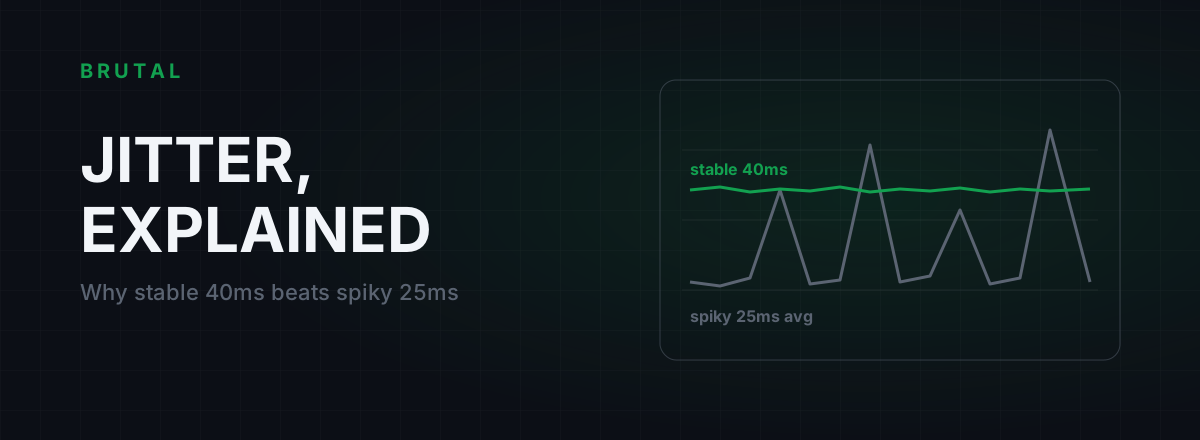
What Is Jitter in Gaming? Why Stable 40ms Beats Spiky 25ms
Jitter is the variation in your ping, and it wrecks aim and hit registration more than raw latency does. Where it comes from, how to measure yours, and the fix ladder that actually works.
 Network & Latency
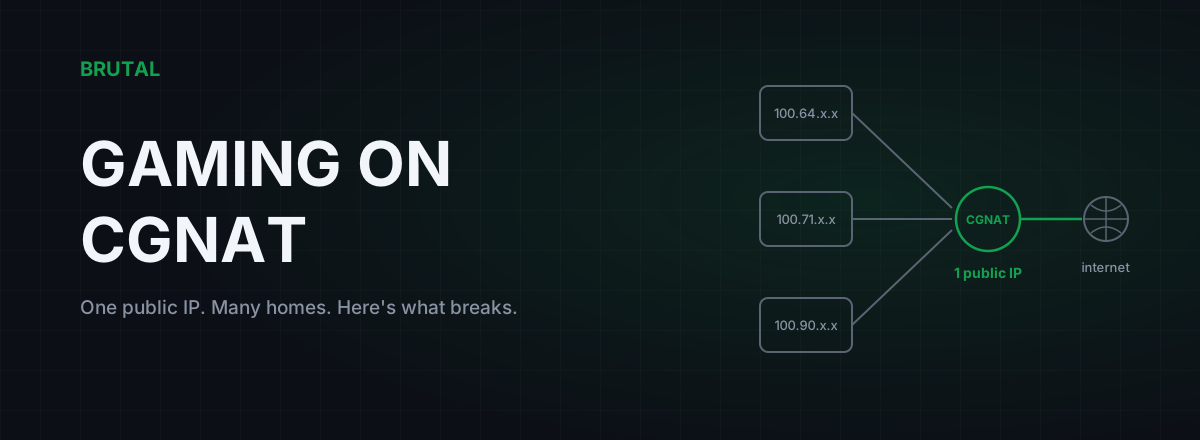
CGNAT Gaming Problems: How to Detect It and Actually Fix It
Your ISP is sharing one public IP across dozens of homes. That's why you can't host, your NAT is strict, and port forwarding does nothing. Here's how to confirm CGNAT and what actually fixes it.
 Myths & Honest Truths
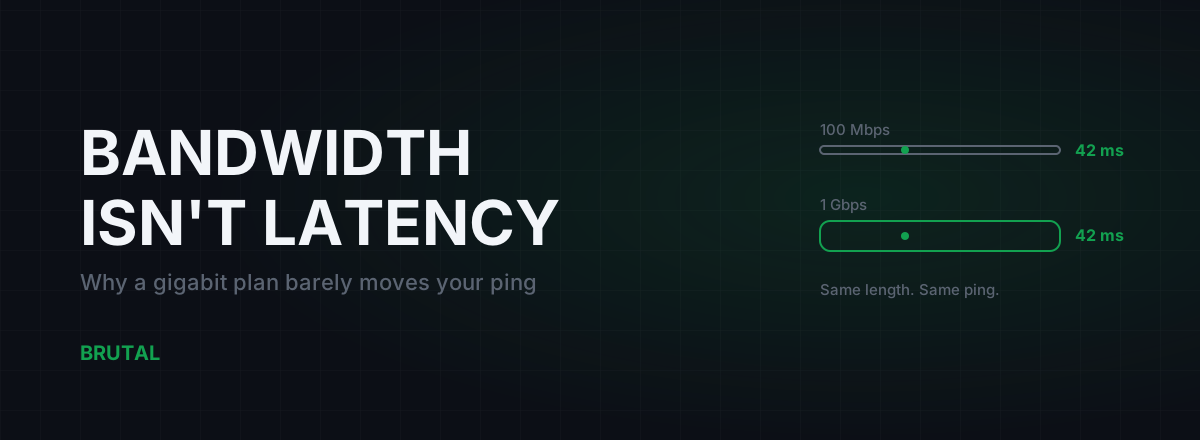
Does Faster Internet Lower Ping? Bandwidth vs Latency, Honestly
Upgrading from 100 Mbps to gigabit changes your ping by roughly zero. Game packets are tiny. Here's where speed actually helps, and what really moves latency: distance, route, and medium.
Stop guessing. Measure it.
BRUTAL Optimizer is the honest way to speed up Windows — 17 free modules, a real FPS overlay, verified disk cleanup and drive health. No kernel driver of our own, no game hooks, every setting change reversible.