Mobile Hotspot for Gaming: Real Latency, Real Limits
A mobile hotspot for gaming works better than its reputation suggests. On a decent 4G or 5G signal you'll usually land between 30 and 70ms to a nearby game server, which is playable for almost anything. The honest catch is everything around that number: an extra hop between your PC and the phone, carrier-grade NAT you can't turn off, and jitter that rises and falls with how busy your cell tower happens to be.
The double hop your packets have to survive
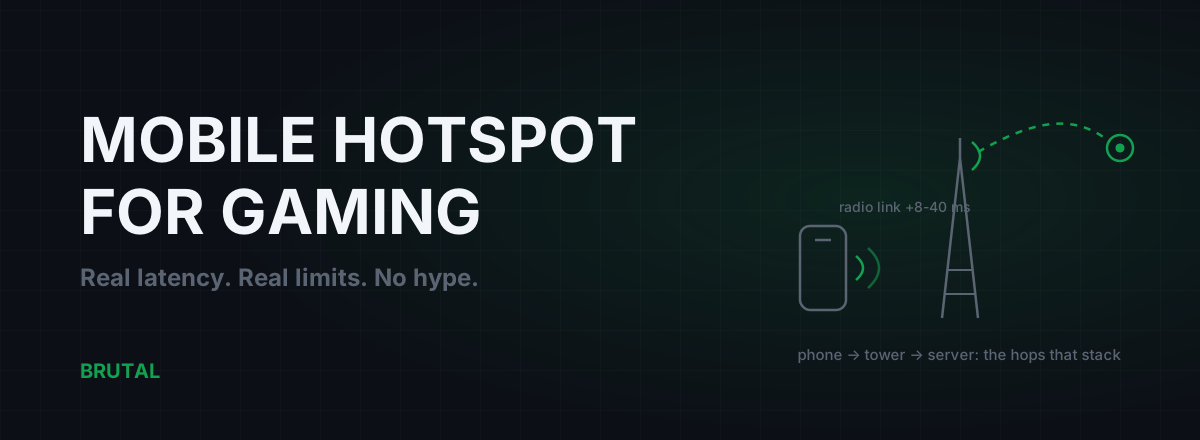
On a wired connection your traffic goes PC, router, ISP, internet. On a hotspot it goes PC to phone, phone to cell tower, tower to the carrier's core network, and only then out to the public internet. That first leg, PC to phone, is the hop most people forget exists.
Tether over Wi-Fi and you've stacked two radio links on top of each other. The Wi-Fi leg adds 2-10ms on a clean 5GHz channel, more on 2.4GHz, and it adds jitter, because your phone's hotspot radio is a budget access point doing double duty while the same chip juggles a cellular modem. The cellular leg is the big one: figure 15-40ms of radio latency on 4G, and 8-25ms on mid-band 5G if your carrier runs a reasonably modern network. The carrier core and its NAT add a few more milliseconds before your packets ever touch the internet proper.
None of those hops is fatal on its own. The problem is that they stack, and each one contributes its own jitter, not just its own latency. A wired line has one access medium that behaves the same at 2am and 8pm. A hotspot has two radio links and a shared tower, and all three vary.
Real latency numbers, not carrier marketing
Carrier ads quote lab conditions. Here's what a mobile hotspot for gaming actually delivers to a server in your own region, measured from the game itself, not from a speed test app running on the phone.
| Connection | Ping to a nearby server | Typical jitter | The catch |
|---|---|---|---|
| Fiber | 5-15 ms | 1-2 ms | None. This is the benchmark. |
| Cable | 10-30 ms | 2-8 ms | Bufferbloat under household load |
| DSL | 20-45 ms | 3-10 ms | Old copper runs high and bloats hard |
| 4G hotspot | 35-80 ms | 8-25 ms | Tower load swings it by the hour |
| 5G hotspot (mid-band) | 25-55 ms | 5-15 ms | Falls back to 4G at coverage edges |
Read the jitter column before the ping column. A stable 45ms feels better in a shooter than 35ms that swings 25ms in either direction, because your aim and the server's view of you stay in agreement. If that sounds backwards, jitter is most of the story of why some connections feel awful despite decent averages.
And bandwidth fixes none of this. A 300Mbps 5G connection with 20ms of jitter plays worse than a 40Mbps wired line with 2ms of jitter, because games barely use bandwidth at all. Speed and ping are different things, and a hotspot is where that difference shows up hardest.
CGNAT comes standard, and you can't opt out
Every major mobile carrier puts hotspot traffic behind carrier-grade NAT. Your phone doesn't get its own public IPv4 address; it shares one with hundreds or thousands of other customers, and the carrier's NAT hardware rewrites every connection on the way through.
For most modern games this costs less than people fear. The latency overhead of the NAT itself is small, usually 1-5ms. What it actually breaks: port forwarding (impossible), hosting anything (forget it), and your NAT type (expect Strict, or NAT Type 3 in games that report it). Co-op and peer-to-peer titles suffer most, because two players behind strict NAT sometimes can't connect directly and get bounced through whatever relay the game picks, which can be on another continent.
There's no phone setting that fixes this. Some carriers hand out working IPv6, and games that support it bypass the NAT entirely, so it's worth checking whether yours does. Beyond that, your options are the ones in the CGNAT fix guide: live with it, or tunnel out to something with a public IP, which only makes sense when the tunnel's route actually measures faster than your direct one.
Tower load and bands: why your ping changes by the hour
A cell tower is a shared medium. Every phone on your sector competes for transmission slots, and the tower's scheduler decides who talks when. At 10am you might see a steady 30ms. At 9pm, with the whole neighborhood streaming video through the same sector, the same tower can give you 55ms with spikes into the hundreds.
The band you're connected to matters as much as signal strength. Low-band spectrum (700-900MHz) travels far and punches through walls, so it's what you get at the edge of coverage, and it's also what everyone else gets, which makes it the most congested. Mid-band (1800-3500MHz, including 5G's n78) carries most of the capacity and most of the latency benefit. Five bars of low-band 4G can play worse than two bars of mid-band 5G.
Bars measure signal strength. They don't measure how many people share your tower, and the second number is the one that ruins your evening.
One more carrier reality: many "unlimited" plans deprioritize hotspot data, either after a monthly tether cap or from the first byte. Deprioritized traffic gets served last when the tower is busy, which costs you nothing at 3am and everything at 9pm. If your hotspot plays fine off-peak but falls apart in the evening while the phone itself still streams smoothly, deprioritization is the likely suspect, and no setting on your end overrides it. Read what your plan actually says about tethering before you blame the tower.
This is the core honesty problem with any hotspot verdict: the answer changes by hour and by street. Nobody on a forum can tell you whether your tower is congested at 9pm. Only a measurement taken at 9pm can.
When a mobile hotspot for gaming actually wins
Sometimes the hotspot is the better connection, and that deserves to be said plainly.
- Bad DSL. Old copper lines often start at 40-60ms before the internet path even begins, and many bloat past 200ms the moment anything downloads. If that's your line, check bufferbloat first, because it's often fixable, but a clean 5G signal can beat unfixable copper outright.
- Hotel, dorm, and apartment Wi-Fi. Shared building networks stack their own congestion on top of NAT weirdness you can't touch. A hotspot gives you a network where you're the only user on the local segment.
- Outages. As a failover while your ISP is down, a hotspot is unbeatable. Some routers even accept a USB-tethered phone as a backup WAN.
- Rural fixed wireless and old satellite. If your home internet is already wireless with worse gear than your phone, the phone often wins.
Maybe one home connection in ten is bad enough that a clean mid-band 5G hotspot beats it outright. If yours is in that unlucky ten percent, the hotspot isn't a compromise, it's an upgrade. The wired-versus-cellular question in full lives in 5G vs fiber.
Setup that actually helps
Everything here is free, and every item earns its place in measurable milliseconds.
If you have to tether over Wi-Fi, open the phone's hotspot settings and force the 5GHz band. Some phones hide this behind "extend compatibility," which you want off. The 2.4GHz default is slower, more crowded, and jitters more. Then treat the link like any Wi-Fi link: short distance, line of sight, no microwave oven between you and the phone.
Placement moves real milliseconds. Radio latency and retransmissions drop as signal improves, so put the phone by a window, ideally on the side of the building facing your carrier's tower. A meter of movement can change cellular conditions more than any software setting. Find the good spot, park the phone there, and stop touching it.
Kill battery saver and data saver while gaming. Both make the modem sleep aggressively between packets, and games send small packets constantly; the wake-up cost shows up as jitter.
One more that's honestly hit-and-miss: toggling airplane mode forces the phone to renegotiate with the tower, and sometimes it lands on a less congested band. It works maybe one time in three. It costs ten seconds, so try it when ping suddenly degrades, but don't build a ritual around it.
Battery, heat, and the slow throttle
A phone running a hotspot is doing sustained modem work it wasn't shaped for, and it heats up. Thirty to sixty minutes into a session, a warm phone starts thermal throttling, and the modem is not exempt. The symptoms are distinctive: your first hour is fine, then throughput sags and jitter roughly doubles while the average ping creeps upward. It looks like network congestion, but it's your phone cooking.
The fixes are boring and physical. Take the case off. Keep the phone out of direct sunlight. On USB tether the trickle charge is usually fine, but avoid stacking fast charging on top of hotspot duty, since that's two heat sources in one slab of glass. And don't run the game's companion app, a stream, or downloads on the phone while it tethers; every watt the chip burns is heat the modem shares.
What doesn't help
DNS changes deserve a specific debunk because they get recommended everywhere: DNS resolves names before you connect, then gets out of the way. Your game packets never touch it, so swapping resolvers won't move in-game ping on a hotspot or anywhere else. Here's what DNS actually affects.
Closing background apps on the PC rarely moves ping either, unless something is actively saturating the connection. On a hotspot the likeliest saturator is Windows Update, which is worth pausing on a metered connection for data-cap reasons anyway.
And a VPN layered on top of cellular usually adds latency, because it's one more hop and one more detour on a path that's already long. The exception is when your carrier routes game traffic badly, which happens, but you find that out by measuring, not by subscribing on faith.
Measure both connections before you commit
The whole hotspot question collapses into one comparison: your home line versus your phone, to the servers you actually play on, at the hours you actually play. Run a ping test and a traceroute on both, and grade the bufferbloat on your home line while you're at it. Do it across two or three evenings, because a cellular result from Tuesday morning tells you nothing about Friday night. Compare the medians and the worst few percent, not the single best run; a hotspot will win the occasional lottery ping and still lose the evening. The measurement tools in the free download (ping to real server regions, traceroute, bufferbloat grade) work on either connection and cost nothing.
If the hotspot wins, use it without apology. If you're stuck on cellular and the route beyond the tower looks ugly, a measured relay can sometimes shave the internet-path portion; Smart Route tests direct against a relay for your specific connection and only engages when the relay provably wins, recording "Direct won" when it doesn't. The honest limit: most hotspot latency lives in the radio link between your phone and the tower, and no relay, ours included, can route around a radio.
Frequently asked questions
Is a mobile hotspot good enough for online gaming?
For most games, yes. On a decent 4G or 5G signal expect 30-70ms to a nearby server, which is fine for shooters, MOBAs, and co-op games. The real risk is jitter from tower congestion at peak hours, so test at the times you actually play before relying on it.
Why is my ping so high on a mobile hotspot?
Usually some mix of a weak or low-band signal, a congested tower at peak hours, and Wi-Fi tethering adding its own hop. Move the phone to a window, switch to USB tethering, and re-test at a different hour. If ping is only bad in the evening, it's tower load or plan deprioritization, and no phone setting fixes either.
Is USB tethering better than a Wi-Fi hotspot for gaming?
Yes, consistently. USB removes one radio link from the path, which typically saves 2-8ms and eliminates the Wi-Fi leg's jitter spikes. Any data-capable cable works, and it keeps the phone charged. It's the single best free improvement for hotspot gaming.
Does 5G have lower ping than 4G for gaming?
Usually. Mid-band 5G tends to run 10-25ms lower than 4G on the radio link, with less jitter. But a strong 4G signal on an idle tower can still beat weak 5G at a coverage edge, and many phones silently fall back to 4G. Measure rather than trust the status-bar icon.
Can you fix CGNAT on a mobile hotspot?
Not directly. Carriers don't offer public IPv4 on consumer mobile plans, so port forwarding stays impossible. IPv6 bypasses the NAT in games that support it, and tunneling through a server with a public IP works but adds latency unless the route genuinely wins. For most games, strict NAT is an annoyance rather than a blocker.
Keep reading
 Network & Latency
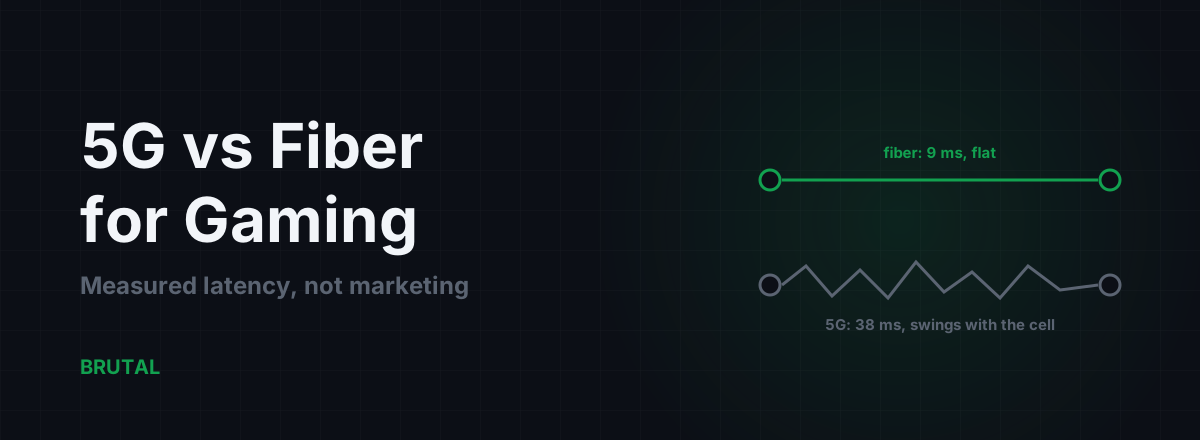
5G vs Fiber for Gaming: Measured Latency, Not Marketing
Fiber beats 5G on latency and jitter almost everywhere it exists. But 5G isn't always the loser, especially against bad DSL. Here are the measured numbers and the honest cases for each.
 Network & Latency
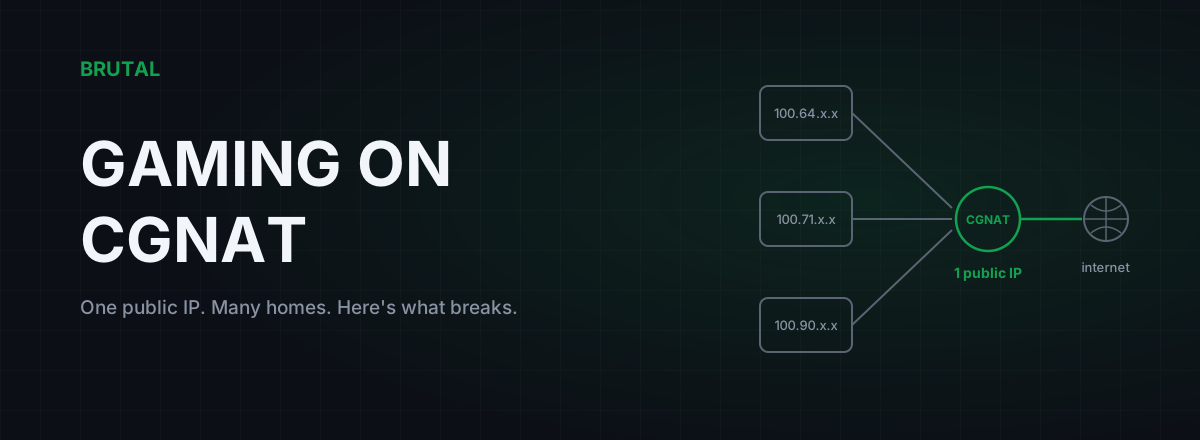
CGNAT Gaming Problems: How to Detect It and Actually Fix It
Your ISP is sharing one public IP across dozens of homes. That's why you can't host, your NAT is strict, and port forwarding does nothing. Here's how to confirm CGNAT and what actually fixes it.
 Network & Latency
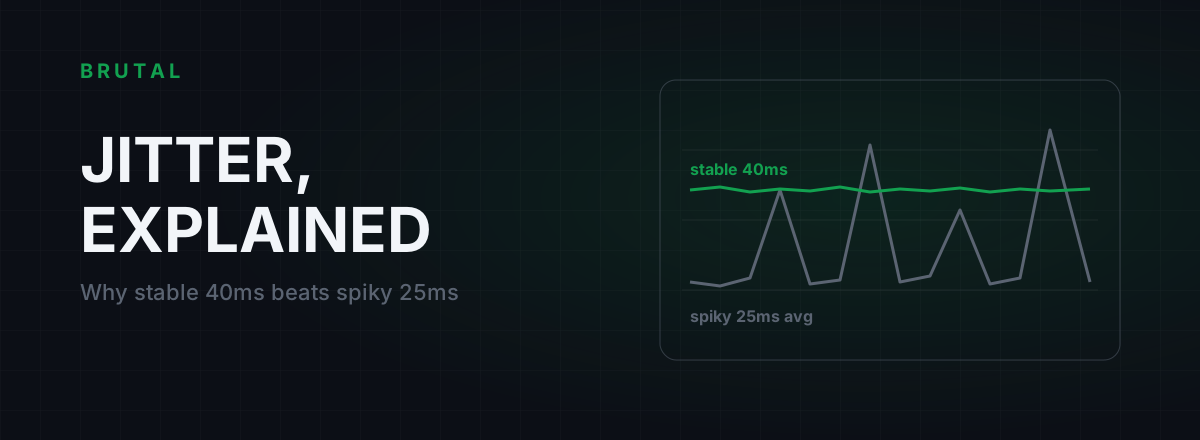
What Is Jitter in Gaming? Why Stable 40ms Beats Spiky 25ms
Jitter is the variation in your ping, and it wrecks aim and hit registration more than raw latency does. Where it comes from, how to measure yours, and the fix ladder that actually works.
See whether a relay beats your route.
Smart Route times your direct path and each relay with the same probe, and engages a relay only when it measurably wins — otherwise it stays on your normal connection and says so. Measuring your route is free; engaging a relay is part of Ultra.