Cat5e vs Cat6 vs Cat8 for Gaming: Stop Overpaying for Cable
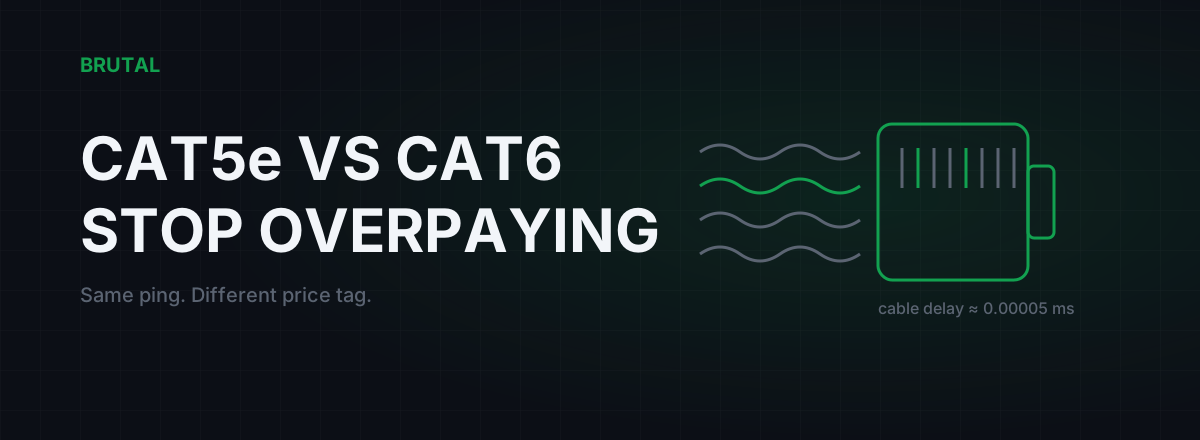
Cat5e vs cat6 for gaming has a short, money-saving answer: if your cat5e cable is intact, it carries game traffic at the same latency as cat6, cat6a, or cat8. Cable category raises the bandwidth ceiling, and a game uses well under one percent of what even old cat5e delivers. The cable problems that actually hurt your connection are damage, worn connectors, and fake copper, and none of them are fixed by buying a higher number.
Cat5e vs cat6 for gaming: the short answer
Any undamaged cat5e cable made this century runs gigabit Ethernet at full speed over runs up to 100 meters. That's the certified spec, not a lucky best case. Meanwhile a competitive shooter sends and receives somewhere between 30 and 150 kbps during a match, maybe a bit more with voice chat running. Do the division: your game is using around 0.01% of the cable's capacity.
Latency is even more lopsided. The signal in a copper pair travels at roughly two-thirds the speed of light, about 5 nanoseconds per meter, and that speed is identical in cat5e, cat6, and cat8. A 10-meter cable adds about 0.00005 ms to your ping. Your actual ping to a game server is 20-60 ms depending on distance. The cable is one part in a hundred thousand.
So the buying advice is boring. If you're buying a new cable anyway, get cat6, because it costs about the same as cat5e and gives you headroom for a future 2.5G or 10G network. But replacing a working cat5e cable with cat6 "for gaming" changes nothing you can measure in a game. Not ping, not jitter, not packet loss, not hit registration.
If someone sold you a cat8 cable with promises about lower lag, you got a perfectly fine cable and a dishonest pitch.
What cable category actually changes
Category is a certification of how much signal frequency the cable carries cleanly, which sets the maximum data rate at a given distance. Higher categories use tighter twisting, better crosstalk isolation, and sometimes shielding. All of that raises throughput. None of it moves electrons through the wire any faster.
| Category | Certified bandwidth | Max speed | Difference in a game |
|---|---|---|---|
| Cat5e | 100 MHz | 1 Gbps at 100 m (2.5G usually works too) | None |
| Cat6 | 250 MHz | 1 Gbps at 100 m, 10G to roughly 50 m | None |
| Cat6a | 500 MHz | 10 Gbps at 100 m | None |
| Cat8 | 2000 MHz | 25/40 Gbps to 30 m | None |
Notice the last column. Bandwidth and latency are different physical quantities, and games barely touch the first one. A worthwhile detail from that table: 2.5GBASE-T, the speed on many current motherboards, was deliberately designed to run over existing cat5e. Even your "old" cable was future-proofed for the upgrade most homes will actually make.
If the bandwidth-versus-latency distinction feels slippery, it's the same confusion that drives people to buy faster internet plans hoping for lower ping, with the same disappointing result.
A higher category cable is a wider pipe, not a faster one. The water doesn't arrive any sooner. You can just pour more at once.
Why your ping doesn't care about the cable
Break a 32 ms ping into its actual parts and the cable disappears.
Propagation through 10 meters of copper: about 0.00005 ms. Serializing a small game packet onto a gigabit link: about 0.001 ms. Those two numbers are the cable's entire contribution to your ping, and they're the same for cat5e and cat8 because the physics doesn't read the label on the jacket.
Everything else lives elsewhere. Your router's queue can add anywhere from nothing to 200 ms or more the moment someone in the house starts a download, which is bufferbloat and dwarfs every cable decision ever made. The route from your ISP to the game server contributes the 20-60 ms core of your ping. The server itself adds a few milliseconds of processing.
This is why "upgraded my cable and ping dropped 15 ms" stories are almost always something else. The person also rebooted the router, or the old cable was genuinely damaged, or evening congestion happened to end. The category change gets credit for a coincidence.
The cable problems that are real
Cables do cause gaming problems. Just never because of the number printed on the jacket.
Physical damage. A cable crushed under a chair wheel, pinched in a door, kinked at a hard right angle, or stapled too tight can have a degraded or broken pair inside. Gigabit uses all four pairs; 100 Mbps uses only two. So a damaged pair often doesn't kill the link, it silently downgrades you to 100 Mbps, or holds gigabit with a rising error rate. Errors on the wire become dropped packets, and in a UDP game dropped packets feel like rubber-banding and ghost hits, not slowness.
Worn connectors. A snapped retention clip lets the plug back out half a millimeter. That's enough for an intermittent connection that cuts out for 50 ms at a time, which plays as random lag spikes and then tests perfectly clean the moment you go looking for it. If the clip is broken, the cable is broken.
Copper-clad aluminum. Very cheap listings, including a lot of "cat8 gaming" ones, use CCA wire instead of solid copper. It has higher resistance, performs worse over distance, struggles with PoE, and doesn't meet the actual Ethernet spec. The category printed on a CCA cable is fiction. Look for "pure copper" or "solid bare copper" in the listing, and be suspicious of any 20-meter cable that costs less than a coffee.
Run length. The spec allows 100 meters per channel. Home runs rarely get close, but if your cable snakes through walls with couplers and patch panels in between, the whole chain counts, and cheap couplers are a classic source of flaky links.
Electrical noise. Ethernet uses differential signaling and shrugs off most household interference. But several meters of unshielded cable running tightly parallel to mains power, or coiled behind the desk next to a motor or fluorescent ballast, can raise the error rate. Cross power lines at an angle instead of running alongside them and you're fine. You don't need shielded cable to fix this; you need ten centimeters of separation.
The cat8 marketing problem
Cat8 is a real standard with a real job: 25 and 40 Gbps links up to 30 meters, built for short hops between switches and servers inside data centers. It's a good spec doing honest work in a building you don't live in. It also requires shielded construction that's properly grounded end to end to perform as rated, which consumer routers and cheap wall plates don't provide.
The "cat8 gaming cable" listings are something else entirely. Flat braided cables promising "48 Gbps" and "zero lag" to a customer whose router has gigabit ports. Plug a cat8 cable into gigabit hardware and it negotiates exactly what cat5e negotiates: 1 Gbps, same latency, same everything. The extra money bought certification headroom your equipment cannot use. And on no-name listings you often don't even get that, because the cheapest "cat8" cables are the CCA junk from the previous section with a bigger number on the jacket.
The two-minute cable test
Before buying anything, test what you have. This takes two minutes and catches nearly every real cable fault.
Step 1: check the negotiated link speed
On Windows, open Settings, then Network & internet, then Ethernet, and read the link speed line. Or press Win+R, run ncpa.cpl, and double-click the adapter. On gigabit hardware it should say 1.0 Gbps, or 2.5 Gbps on newer gear. If it reads 100 Mbps, that's the classic broken-pair signature and your cable, plug, or port has a physical problem. This one check settles most "is my cable bad" arguments on the spot.
Step 2: ping your router for a minute
Open Command Prompt and run ping -n 60 192.168.1.1, swapping in your gateway address. A healthy wired link returns every reply in under 1 ms with zero loss. Replies bouncing between 1 and 10 ms, or any timeouts at all, on a wired connection point at the cable, the connector, or the network card. If you want the same idea measured continuously, with jitter and loss tracked over time and the internet side tested too, the free download includes ping, traceroute, and bufferbloat tools.
Step 3: the wiggle test
While the ping runs, gently flex the cable near both connectors and anywhere it's been pinched or bent. A spike or a timeout while you're touching it is a verdict. And if you have any spare cable at all, swap it and re-run step two; a swap test beats an hour of theorizing. Cables are the cheapest component in the whole chain. When in doubt, replace.
When a new cable is actually worth buying
There are honest reasons to spend money here. They're just narrower than the marketing suggests.
Buy a new cable if the link negotiates 100 Mbps on gigabit hardware and swapping cables fixes it. Buy one if there's visible damage: exposed conductors, a crushed section, a missing clip. Buy one if the jacket says cat5 with no "e", which means it predates roughly 2001; it may still run gigabit on a short run, but if it fails the two-minute test, its time has come. And replace anything you suspect is copper-clad aluminum, because it was never really the category it claimed.
Buy cat6 or cat6a if you're genuinely building past gigabit: a 2.5G or 10G switch, a NAS you actually move big files to, a fiber plan faster than 1 Gbps. That's a bandwidth reason, and bandwidth is what categories are for.
And if you're buying a cable anyway because you need a different length, just get cat6. It's the same price as cat5e and removes a future question. What's not worth doing is replacing a working cat5e cable in the hope of lower ping. The cat5e vs cat6 for gaming question has the same answer at every budget: the ping stays identical.
Where your gaming latency actually lives
The one cable decision that genuinely moves latency isn't cat5e vs cat6. It's Wi-Fi vs any Ethernet cable at all. Going wired removes the retransmissions and airtime contention that make wireless spiky, and that's routinely worth 5-30 ms of jitter reduction, sometimes more on a congested channel. The moment you're wired, the cable's job is done, and every category does that job equally.
After that, your latency is decided by things no cable touches: whether your router queues traffic badly under load, how your ISP routes to the game server, and how far away that server is. Those are measurable problems with measurable fixes, and measuring them costs nothing.
Spend your money where the milliseconds are. The wire between your PC and your router was never the bottleneck, and no amount of cat8 will make it one.
Frequently asked questions
Is cat6 better than cat5e for gaming?
Not in any way you can measure in a game. Both run gigabit Ethernet at identical latency, and a game uses a tiny fraction of one percent of that capacity. Cat6 is worth choosing only when you're buying a new cable anyway, because it costs about the same and gives you 10G headroom for future upgrades.
Does a cat8 ethernet cable reduce ping?
No. Cat8 raises the bandwidth ceiling to 25/40 Gbps over short runs for data centers, but the signal travels through the copper at the same speed as in cat5e. On a home router with gigabit ports, a cat8 cable negotiates exactly what a cat5e cable does, at the same latency.
How do I know if my ethernet cable is bad?
Check the negotiated link speed first: 100 Mbps on gigabit hardware is the classic broken-pair signature. Then ping your router for 60 seconds; a healthy wired link shows every reply under 1 ms with zero loss. Flex the cable near the connectors during the ping, and if you can provoke a spike or timeout, replace it.
Does ethernet cable length affect ping?
Technically yes, practically no. The signal moves about 5 nanoseconds per meter, so even a maximum-length 100-meter run adds roughly 0.0005 ms, invisible next to a 30 ms internet route. The 100-meter limit exists for signal integrity, not because latency becomes noticeable.
Should I buy a shielded ethernet cable for gaming?
For most homes, no. Ethernet's differential signaling shrugs off ordinary household interference, and unshielded cat5e or cat6 works fine. Shielding only helps in genuinely noisy electrical environments, and it needs to be properly grounded at the connector to do anything at all, which most consumer gear doesn't provide.
Keep reading
 Network & Latency
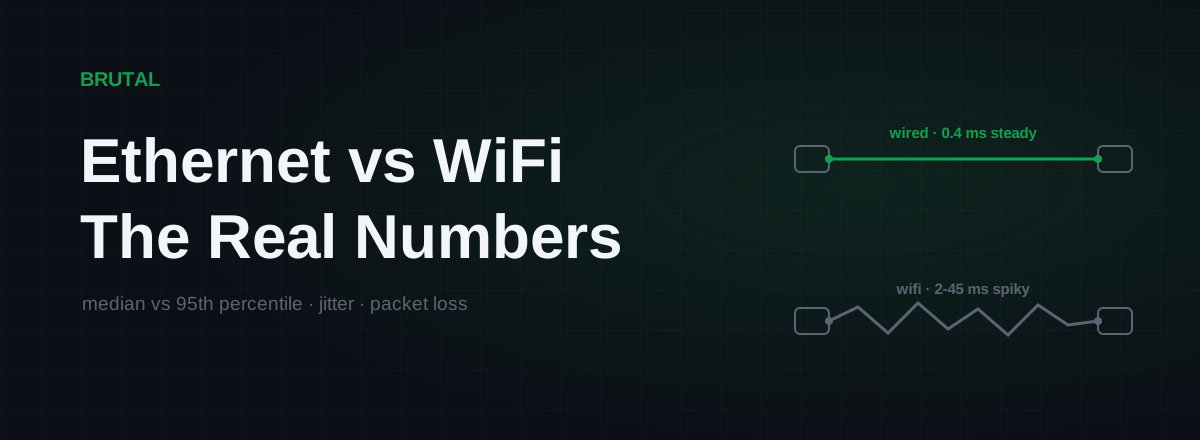
Ethernet vs WiFi for Gaming: The Real Latency Numbers
A cable saves maybe 1-3ms of average latency. The real win is jitter and packet loss. Here's when WiFi 6 close to the router is genuinely fine, and when wireless silently ruins your games.
 Myths & Honest Truths
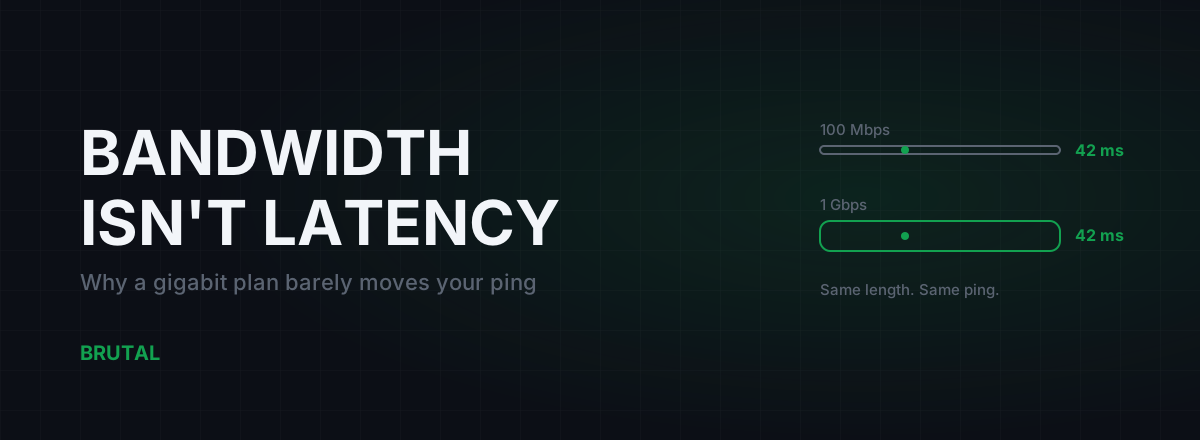
Does Faster Internet Lower Ping? Bandwidth vs Latency, Honestly
Upgrading from 100 Mbps to gigabit changes your ping by roughly zero. Game packets are tiny. Here's where speed actually helps, and what really moves latency: distance, route, and medium.
 Network & Latency
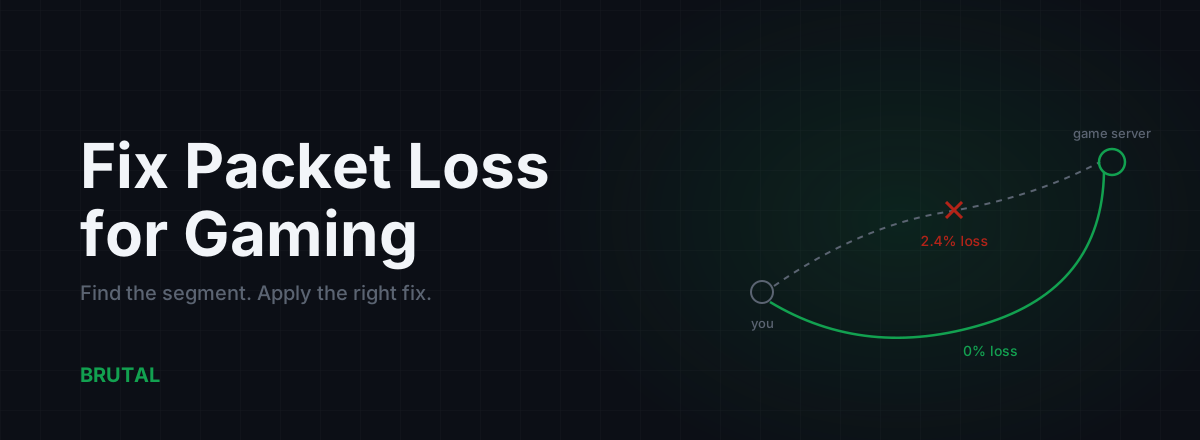
How to Fix Packet Loss for Gaming, Step by Step
Packet loss ruins games faster than high ping. Here's how to find which segment is dropping packets and fix it: cable, Wi-Fi, router, ISP escalation, and when a relay can route around it.
See whether a relay beats your route.
Smart Route times your direct path and each relay with the same probe, and engages a relay only when it measurably wins — otherwise it stays on your normal connection and says so. Measuring your route is free; engaging a relay is part of Ultra.