Powerline Adapter vs Mesh vs MoCA for Gaming: Measured, Ranked
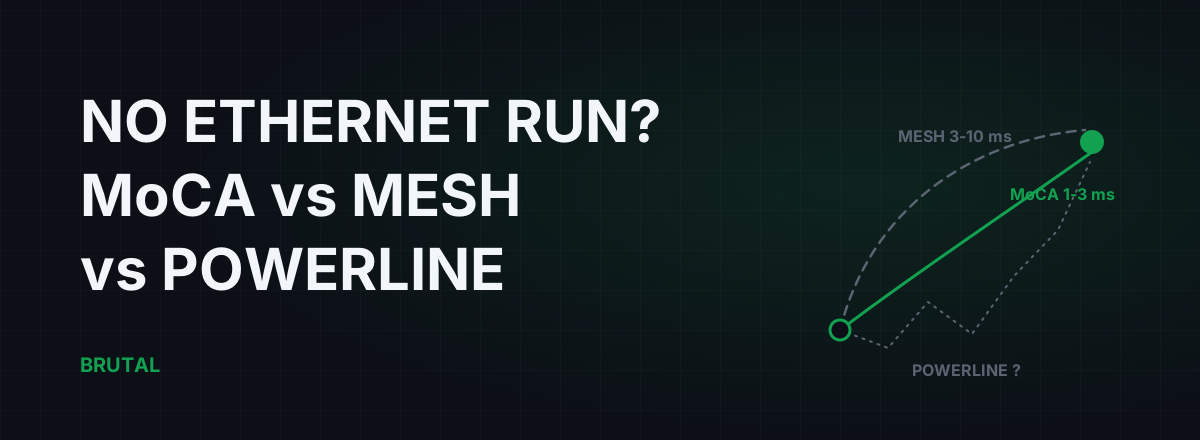
If you can't run an ethernet cable to your gaming PC, you have three real options: MoCA over the coax already in your walls, a mesh system with a dedicated backhaul, or a powerline adapter. Gaming treats them very differently. MoCA lands within about 1-3 ms of a real cable. A good mesh adds maybe 3-10 ms with some jitter. A powerline adapter gaming setup is a lottery your house wiring runs: on a clean circuit it's genuinely fine, and on the wrong one it adds 20-60 ms spikes and bursts of packet loss every time the fridge compressor kicks in.
The no-ethernet-run problem
Every latency guide, including ours on ethernet vs Wi-Fi, starts the same way: plug in a cable. It's the right advice. It's also useless if you rent, your walls are brick, your landlord said no, or the router lives in a hallway two rooms and one floor away from your PC.
So this article assumes the honest version of the problem. Ethernet is off the table. Plain Wi-Fi through two walls is costing you fights. You want to know which workaround actually holds up, not on a spec sheet but under game traffic, in the evening, while someone else in the house is streaming.
Short answer up front: coax beats radio, radio beats mains wiring, and mains wiring is the only one of the three that can be anywhere from "basically ethernet" to "worse than the Wi-Fi you were escaping".
Judge them on jitter and loss, not the Mbps on the box
All three technologies sell themselves on throughput. Gaming needs almost none of it. A competitive shooter moves well under 1 Mbps in each direction. What it needs is consistency: a packet leaves your PC, and it arrives at the router in roughly the same time as the last one, every time.
Three numbers decide whether one of these links is good for gaming. Added latency, meaning how much slower the hop to your router is compared to a direct cable. Jitter, meaning how much that time wobbles between packets, which is what actually makes aim feel off. And packet loss, which is the worst of the three because a lost packet isn't late, it's gone.
Keep that lens for the whole comparison. A link that delivers a stable 100 Mbps is better for gaming than one that delivers 800 Mbps with 15 ms of wobble. This is also why the numbers printed on the packaging tell you nearly nothing.
MoCA: near-ethernet over coax you already have
MoCA (Multimedia over Coax Alliance) runs ethernet frames over the TV coax behind your walls. If your home was ever wired for cable TV, there's a decent chance both the router room and your PC room have a coax jack. That's the whole trick: one adapter at each end, and the coax becomes a wire-speed link.
The numbers are the closest any of these gets to a real cable. MoCA 2.5 adapters typically add around 1-3 ms over direct ethernet, with jitter under a millisecond and effectively zero packet loss. Real throughput sits in the 1-2.5 Gbps range, not a brochure fantasy. And because coax is shielded, your breaker panel, your neighbour's microwave, and your washing machine are all irrelevant to it. In a blind test you'd struggle to tell MoCA from ethernet in anything except a big LAN file transfer.
The catches are practical, not performance. Both rooms need coax runs that actually connect to each other; splitters hiding in a closet can be ancient or disconnected, and anything in the path should be rated to 1675 MHz for MoCA 2.5. If you have cable internet, add a PoE filter (point-of-entry, not power-over-ethernet) where the coax enters the home so your MoCA signal doesn't leak toward the street. Satellite TV can already occupy the band, so check that first. None of this is hard, and all of it is verifiable in an afternoon.
Cost is the other honest note. A pair of good MoCA 2.5 adapters costs noticeably more than a powerline kit. It's worth it, because it removes the gamble entirely.
Mesh Wi-Fi: decent, if the backhaul is dedicated
A mesh system replaces one distant router with two or three nodes, so your PC talks to a node in the same room instead of shouting through two walls. The gaming question is what the node-to-node hop rides on, because your traffic crosses it twice.
Tri-band mesh with a dedicated backhaul gives that hop its own radio, usually 5 GHz or 6 GHz, that clients never touch. Measured in normal homes, this adds about 3-10 ms over ethernet with 2-8 ms of jitter. Perfectly playable for most people, feelable if you're chasing every frame in a shooter. Distance and walls push it toward the high end, and channel congestion from neighbours can still intrude, just less than it would on plain Wi-Fi.
Budget dual-band mesh is a different product wearing the same name. The backhaul shares airtime with every phone, TV and laptop in the house, so it degrades exactly when you play: evenings, someone streaming, added latency drifting to 10-30 ms with ugly jitter. Daisy-chaining a third node through the second roughly doubles the penalty.
Mesh with wired backhaul performs like ethernet because it is ethernet, but if you could run cable between nodes you could probably run it to the PC. The honest case for mesh is different: it's the only option here that fixes the whole household, phones and TVs included, and it doesn't depend on your electrical wiring at all.
Powerline adapter gaming: a lottery your wiring runs
Powerline adapters (HomePlug AV2 or G.hn) push data over your mains wiring. One plugs in next to the router, one next to the PC, and the promise is ethernet without the cable run.
Sometimes the promise holds. Two outlets on the same circuit, electrically close, with reasonably modern copper between them: expect roughly 5-15 ms of added latency, modest jitter, and stable sessions. That's playable, and for a small flat it can be the cheapest fix that genuinely works.
The problem is that the electrical path is invisible. Two outlets three meters apart through a wall can be forty meters apart through the breaker panel. Crossing between phases attenuates the signal hard. AFCI and GFCI breakers eat it. Surge protectors and extension strips can kill it outright, which is why every manual says to plug straight into the wall. And the mains is electrically filthy: fridge compressors, LED dimmers, cheap phone chargers and microwave ovens all dump noise onto the same copper your packets ride. That noise shows up in games as 20-60 ms latency spikes and packet loss in bursts, timed to appliances cycling, which is exactly why powerline problems feel random and unreproducible.
Burst loss is the killer. A 1-3% loss burst in a shooter means rubber-banding and eaten inputs even while your average ping looks respectable, and loss is far harder on gameplay than a few extra milliseconds. Maybe one home in three gives powerline a clean enough circuit to be a non-story. You cannot know in advance which home you have. Not from reviews, not from the vendor, not from this article.
Your house is not a test bench. The number on the powerline box was measured on one.
The measured comparison
Here's the ranking with real ranges instead of marketing. These are typical added round-trip figures to your own router, gathered from published measurements and our own testing. Your numbers will differ; the ordering rarely does.
| Option | Added latency | Jitter | Loss risk | Verdict |
|---|---|---|---|---|
| Ethernet (any Cat5e+) | ~0-1 ms | Near zero | Near zero | The baseline. Run it if you possibly can. |
| MoCA 2.5 (coax) | ~1-3 ms | Under 1 ms | Near zero | Closest thing to ethernet without a new cable. |
| Mesh, dedicated backhaul | ~3-10 ms | 2-8 ms | Low | Fine for most, feelable in competitive shooters. |
| Powerline, good circuit | ~5-15 ms | 2-10 ms | Low-moderate | Acceptable. You won't know until you test yours. |
| Mesh, shared backhaul | ~10-30 ms | 5-20 ms | Moderate | Degrades under evening load. Avoid for gaming. |
| Powerline, bad circuit | 20-60+ ms spikes | Wild | Bursts of 1-5% | Return it. No setting fixes the wiring. |
| Wi-Fi repeater | ~15-40 ms | Wild | Moderate-high | Halves airtime by design. Skip entirely. |
Read the two powerline rows twice. Same product, same box, same price. The house decides which row you live in.
Ranked recommendations by home type
- Coax jacks in both rooms (most homes built or renovated in the cable-TV era): MoCA 2.5, no contest. Near-ethernet numbers, zero dependence on your electrical wiring, done.
- No coax, modern build, single floor: tri-band mesh with a dedicated backhaul. Put the second node with as clear a line to the first as you can manage, not buried behind the TV. Expect 3-10 ms added and live with it.
- Small flat, PC and router likely on the same circuit: powerline is worth a tested gamble. It's the cheapest option, and when it works, 5-15 ms added is fine. Buy from a retailer with painless returns and hold the receipt.
- Older wiring, multiple floors, or a breaker panel between the rooms: skip powerline. The odds are against you. Mesh with dedicated backhaul is the safer spend.
- Renters who can tolerate one visible cable: a flat Cat6 cable along the skirting board and under a door costs less than any adapter kit here and beats all of them. It's still the option most people rule out one size too early.
Test it like you'll return it
Whatever you buy, treat the first week as a trial with the receipt in a drawer. Measure before and after, or you're guessing.
Baseline first: on your current Wi-Fi, ping your router (not the internet) for a good twenty minutes and note the average, the worst spikes, and any loss. Then install the new link and repeat the same test at the same time of day. Evenings matter most, since that's when a shared mesh backhaul sags and household appliances cycle. Then load the connection with a big download while pinging, because a link that only behaves when idle will fail you mid-match; that under-load wobble is bufferbloat, and it's measurable. The free tools in BRUTAL Optimizer include a ping test, traceroute, DNS benchmark and a bufferbloat grade, so this whole checklist costs nothing.
Rough return thresholds: if your worst spikes to your own router regularly exceed 10-15 ms above the average, or you see any recurring loss bursts, the link isn't good enough for competitive play. For powerline specifically, try wall outlets on the same circuit and remove every power strip from the path before you give up. If it still spikes, send it back. No firmware update fixes copper.
What none of these fix
Everything above repairs the last ten meters. If a traceroute shows your delay appearing at hop 5 inside your ISP's network, no in-home gear will touch it, and buying a better adapter to fix a peering problem is just an expensive way to confirm that.
Problems beyond your walls need different tools. For routing between your ISP and the game server, Smart Route measures the direct path against a relayed one for your specific connection and only reroutes when the measurement proves a win; when direct is already the best path, it holds direct and says so. But fix the in-home hop first. It's the cheapest millisecond you'll ever buy, and for most people with no ethernet run, it's coax first, radio second, and mains wiring only after it has proven itself in your house.
Frequently asked questions
Are powerline adapters good for gaming?
Sometimes. On a clean circuit with both outlets electrically close, 5-15 ms of added latency and stable sessions are realistic, and that's playable. On the wrong circuit you get 20-60 ms spikes and burst packet loss timed to appliances. You can't know which house you have until you test, so buy with a return window and measure jitter and loss, not throughput.
Is MoCA better than powerline for gaming?
Almost always, if both rooms have a coax jack. MoCA 2.5 adds roughly 1-3 ms with sub-millisecond jitter and effectively no packet loss, because coax is shielded and doesn't care about your breaker panel. Powerline can only tie that on a near-perfect circuit, and most circuits aren't.
Does mesh Wi-Fi add latency for gaming?
Yes. A tri-band mesh with a dedicated wireless backhaul typically adds 3-10 ms with a few ms of jitter. Budget dual-band mesh that shares the backhaul with your devices can add 10-30 ms under evening load, exactly when you play. Mesh with wired backhaul performs like ethernet, because it is ethernet.
Why is my powerline adapter lagging or spiking?
Usual suspects: the two outlets sit on different phases or far apart through the breaker panel, an AFCI/GFCI breaker is attenuating the signal, an adapter is plugged into a surge protector instead of the wall, or a noisy appliance (fridge compressor, LED dimmer, cheap charger) is polluting the line. Plug both units directly into wall outlets, try outlets on the same circuit, and re-test. If spikes persist, return it.
Do powerline adapters cause packet loss?
On noisy circuits, yes, and it arrives in bursts when appliances cycle rather than as a steady rate. Burst loss hurts shooters far more than a slightly higher average ping does, because it drops inputs and causes rubber-banding while your scoreboard ping still looks normal.
Keep reading
 Network & Latency
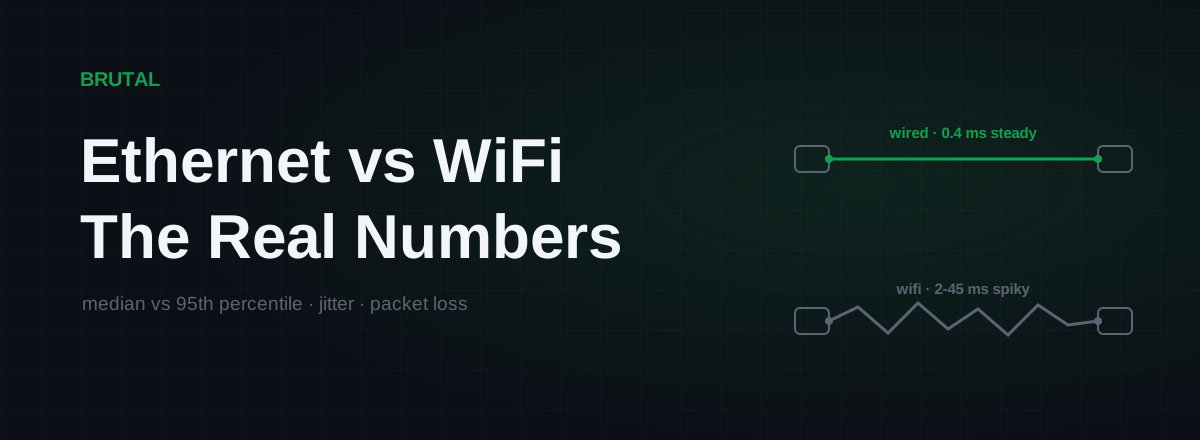
Ethernet vs WiFi for Gaming: The Real Latency Numbers
A cable saves maybe 1-3ms of average latency. The real win is jitter and packet loss. Here's when WiFi 6 close to the router is genuinely fine, and when wireless silently ruins your games.
 Network & Latency
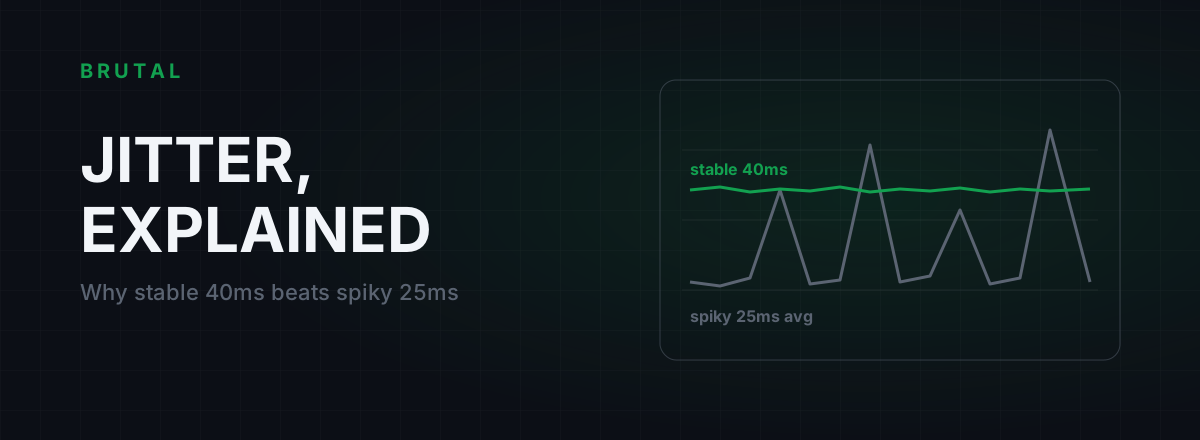
What Is Jitter in Gaming? Why Stable 40ms Beats Spiky 25ms
Jitter is the variation in your ping, and it wrecks aim and hit registration more than raw latency does. Where it comes from, how to measure yours, and the fix ladder that actually works.
See whether a relay beats your route.
Smart Route times your direct path and each relay with the same probe, and engages a relay only when it measurably wins — otherwise it stays on your normal connection and says so. Measuring your route is free; engaging a relay is part of Ultra.