How to Lower Ping in BGMI: What Actually Works in India
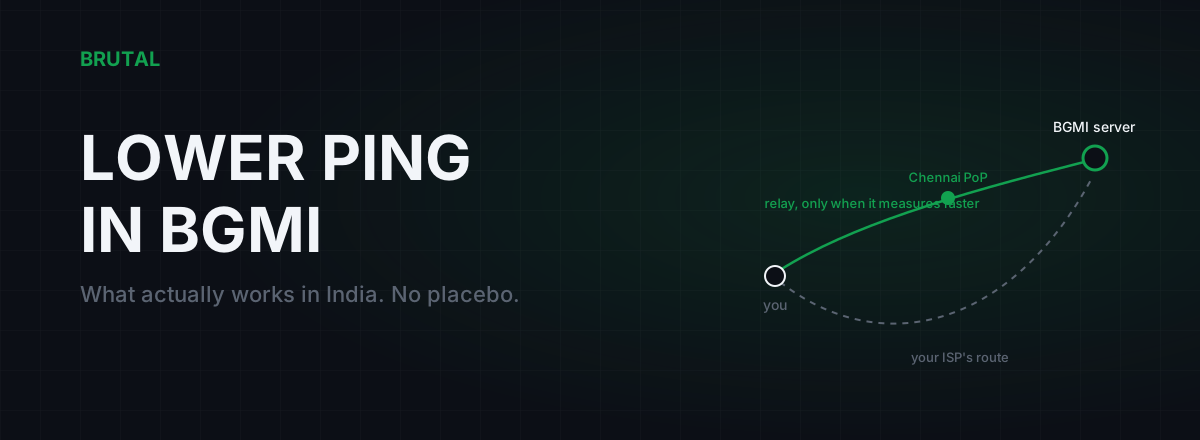
Three fixes actually lower ping in BGMI: play on 5GHz WiFi near your router, kill bufferbloat on your line, and route around a bad ISP path once a measurement proves yours is bad. Most other advice on how to lower ping in BGMI (DNS changes, RAM cleaners, closing background apps) is placebo that never touches your in-match latency. Real ping comes from three physical things, and only two are fixable: your home WiFi and last mile, the route your ISP takes to the server, and raw distance. Here's what each one costs in milliseconds on a typical Indian connection, and what actually moves the number.
Where your BGMI ping actually comes from
Ping is round-trip time. Your phone sends a packet, the server answers, and the game counts the milliseconds. Every one of those milliseconds is spent somewhere specific, and for a typical Indian player the budget splits four ways.
Distance is the floor. Data in fiber moves at roughly two-thirds the speed of light, so Delhi to Mumbai and back costs about 12ms even on a perfect route. Nothing fixes this part. Any app claiming otherwise is lying to you.
Your last mile is your home WiFi, the building wiring, and the link to your ISP's local node. A phone three rooms away from a 2.4GHz router can add 15 to 40ms, and it adds them unevenly. Spikes, not averages, are what get you killed in close fights.
ISP routing and peering is the path your ISP chooses to reach the server's network. A clean handoff in Mumbai adds almost nothing. A detour through Chennai, or in bad cases Singapore, quietly adds 20 to 60ms that no in-game setting can touch.
Evening congestion sits on top of everything. When your ISP's local segment saturates around 9pm, or someone in your house starts a download and your router queues packets, a connection that pinged 30ms at lunch reads 120ms at night.
Where BGMI's servers actually are
Krafton doesn't publish an official server map for BGMI. What you can observe by measuring live match connections is that games for Indian players usually terminate in Mumbai-region cloud infrastructure, with some Asia-region matches hosted further east. Treat that as measured behaviour, not an official claim.
The practical consequence: if you live in a metro with fiber, your physics floor to a Mumbai server is small. From Delhi, Bangalore, Chennai, Hyderabad or Kolkata, a clean route should land between 20 and 40ms. If you're seeing 70 or 90ms from a metro, distance is not your problem. Something between you and Mumbai is adding the rest, and that's good news, because the added part is often fixable.
From the Northeast, Kashmir, or rural areas on 4G, 50 to 80ms may simply be your honest floor. More on accepting that at the end.
Jio vs Airtel vs BSNL: same city, different ping
Two players in the same apartment complex on different ISPs can see BGMI pings 30ms apart. Not because one ISP is "faster". Because each network hands traffic to the game server's network at different points, a business arrangement called peering.
One ISP might peer directly with the server's cloud provider in Mumbai. Another might carry your packets to Chennai first, hand them off there, and let them travel back up the coast. The distance your packets cover doubles, invisibly. A traceroute makes it visible: run one toward the server and watch which hop the latency jumps at.
This is also why ISP recommendations from Reddit don't transfer. Jio can be excellent in Pune and mediocre in Guwahati. Peering is regional, it changes when contracts change, and the only answer that matters is a measurement from your own connection.
Evenings make everything worse. Between roughly 8pm and midnight, your ISP's local segment and its interconnection points all carry peak load. If your ping is fine at 2pm and bad at 9pm on an otherwise idle connection, you're looking at congestion on the ISP path, and evening peering congestion is the usual suspect. You can't fix that directly. You can document it with timestamps and traceroutes, escalate to the ISP, or vote with your wallet.
WiFi vs 4G vs 5G: what to play on
BGMI is a phone game, so most players are on WiFi, and WiFi is the single most common source of fixable ping problems in India.
| Connection | Typical BGMI ping (metro) | The catch |
|---|---|---|
| Fiber + 5GHz WiFi, same room | 20-40ms | The benchmark. Spikes are rare. |
| Fiber + 2.4GHz WiFi, far room | 35-80ms | Walls and interference cause spikes the average hides. |
| 4G (Jio / Airtel / Vi) | 40-75ms | Tower load swings hard in the evening. CGNAT. |
| 5G, clean signal | 25-50ms | Can beat bad WiFi. Varies wildly by tower and backhaul. |
The honest ranking: fiber with good WiFi wins most of the time, but "good WiFi" is doing a lot of work in that sentence. A phone on 2.4GHz through two walls loses to a clean 5G signal more often than people expect. Test both at the hour you actually play and let the numbers decide.
One mobile-data caveat: Indian carriers put most users behind carrier-grade NAT. It usually adds only a few milliseconds, but it can cause odd connection behaviour. If you play on mobile data or hotspot and hit strange issues, see the CGNAT guide.
How to lower ping in BGMI, ordered by impact
1. Fix your WiFi position (saves 10 to 40ms, plus the spikes)
Play in the same room as the router, on the 5GHz band. If you can't move yourself, move the router. This is boring advice, which is why nobody takes it, and it outperforms every app-based tweak combined. WiFi trouble shows up as jitter and spikes more than as a high average, and spikes are what make BGMI feel unplayable even when the lobby says 40ms.
2. Kill bufferbloat (saves 20 to 150ms when the line is busy)
If your ping is fine until someone starts a YouTube stream or a download, your router is queueing packets under load. That's bufferbloat, and it's the biggest hidden lag source in Indian homes because the whole family shares one line. Grade yourself at the free Waveform bufferbloat test; a C or worse means enabling smart queue management or QoS on your router will genuinely change your evenings. The full walkthrough is in the bufferbloat guide.
3. Race WiFi against 5G at your play hour
Two minutes. Check the in-game ping on WiFi, switch to mobile data, check again, at 9pm rather than 11am. Play on whichever wins, and re-run the race every month or two, because tower load and ISP routes both drift.
4. If evening lag survives all that, blame the ISP with evidence
Idle connection, good WiFi, still 100ms at 9pm and 35ms at 7am? That's your ISP's segment or its peering, not your house. Collect a week of timestamps and traceroutes, file the complaint, and if nothing changes in a billing cycle, switch. Most metros have three or four real options, and switching costs less than a year of frustration.
5. Only then: consider a relay, and only a measured one
Covered next, because it needs its own honesty section.
The DNS myth and the rest of the placebo shelf
DNS translates names into IP addresses before a connection starts. Once BGMI is in a match, your packets travel to a fixed IP and DNS is out of the loop entirely. A faster resolver can shave a beat off login screens and lobby loads. It will not change your in-match ping by a single millisecond. If you want a snappier resolver anyway, pick one with a benchmark, just don't expect your fights to change.
The rest of the shelf, quickly:
- RAM boosters and "game booster" apps. Memory has nothing to do with network latency. If your phone throttles from heat you'll drop frames, which feels like lag but isn't ping.
- Closing background apps. Only matters if something is actively uploading. A dormant Instagram costs you nothing.
- MTU and TCP tweaks. BGMI match traffic is UDP. TCP-level tricks don't apply to the packets that decide your fights.
- Random "ping booster" apps. Most are ad shells wrapped around the placebo above. Some are worse and route your traffic through unknown servers for free, which should worry you.
What a measured relay can and cannot do
A relay service routes your game traffic through its own network instead of your ISP's default path. When your ISP's route to the BGMI server detours, a relay that enters the destination network cleanly can beat the direct route, commonly by 10 to 40ms in the bad-route cases we see in India. When your route is already clean, the relay adds a hop and loses. Both outcomes are normal. On decent metro fiber, direct wins a lot.
If a ping reducer never tells you "direct won", it isn't measuring. It's marketing.
This is why Smart Route works the way it does. It runs inside BRUTAL Optimizer for Windows, so it routes BGMI when you play it on a PC through an emulator such as GameLoop. It reads your live BGMI server connection (read-only, no injection, no hooks), measures the direct path against its relays, and engages only when a relay provably wins for your connection at that moment. Otherwise it stays direct and records "Direct won" on a Route Receipt, so over a few weeks you can see whether routing was ever your problem. For BGMI specifically it has PoPs in Chennai, Bangalore and Delhi, which matters because a relay only helps when it sits near the broken part of your route.
The measurement tools (ping test, traceroute, bufferbloat grade, DNS benchmark) are free in the desktop app, so you can run this article's diagnosis without paying anything. Routing itself is paid; see the pricing on the Smart Route page. And if you're comparing services, the India ping reducer comparison is the honest version of that shopping trip.
When your ping is as good as it gets
From metro fiber, 20 to 35ms to a Mumbai server is the floor. Stable 40s are excellent. Anything under about 50ms, held steady, means ping is no longer why you're losing fights. Frame drops and thermal throttling do far more damage at that point, and they masquerade as lag convincingly.
Past that, chase stability rather than the number. A flat 55ms beats a 35ms that spikes to 150 every few seconds, because spikes are what desync your sprays. And if you're on rural 4G at a steady 70ms, you're not doing anything wrong. That's the honest cost of where you live, and no app changes geography.
So that's how to lower ping in BGMI: spend ten minutes on the diagnosis, fix the one thing it points to, and stop. Most players need the WiFi fix or the bufferbloat fix. A few genuinely need a better route. Everyone benefits from knowing which group they're in before spending money.
Frequently asked questions
What is a good ping for BGMI in India?
From metro fiber, 20 to 40ms is normal and close to the physical floor for Mumbai-region servers. Under 50ms stable is excellent. 50 to 80ms is playable and common on 4G or from smaller towns. Above 100ms, or big spikes at any average, is worth diagnosing, because something fixable is usually adding it.
Does a VPN lower ping in BGMI?
Only when your ISP's route to the server is bad, which is real but not the majority case. A VPN through the wrong city makes ping worse. If you try one, measure direct versus through-VPN at the same hour. A GPN that measures both and refuses the relay when direct wins is the honest version of this idea.
Why is my BGMI ping high only at night?
Evening congestion. Between roughly 8pm and midnight your ISP's local segment and peering links carry peak load, and your own router may be queueing the family's streaming traffic, which is bufferbloat. Test with an idle connection: still bad means the ISP path; only bad under load means fix bufferbloat at your router.
Is 5G better than WiFi for BGMI?
Sometimes. A clean 5G signal can hold 25 to 50ms and beat a 2.4GHz WiFi connection through two walls. But 5G swings with tower load, especially in the evening. Test both at the hour you actually play, pick the winner, and re-test every month or two.
Does changing DNS lower ping in BGMI?
No. DNS only resolves names before a connection starts. Once you're in a match, packets travel to a fixed IP with DNS completely out of the loop. A faster resolver can make logins and lobbies feel slightly snappier, and that's all.
Keep reading
 Gaming & FPS
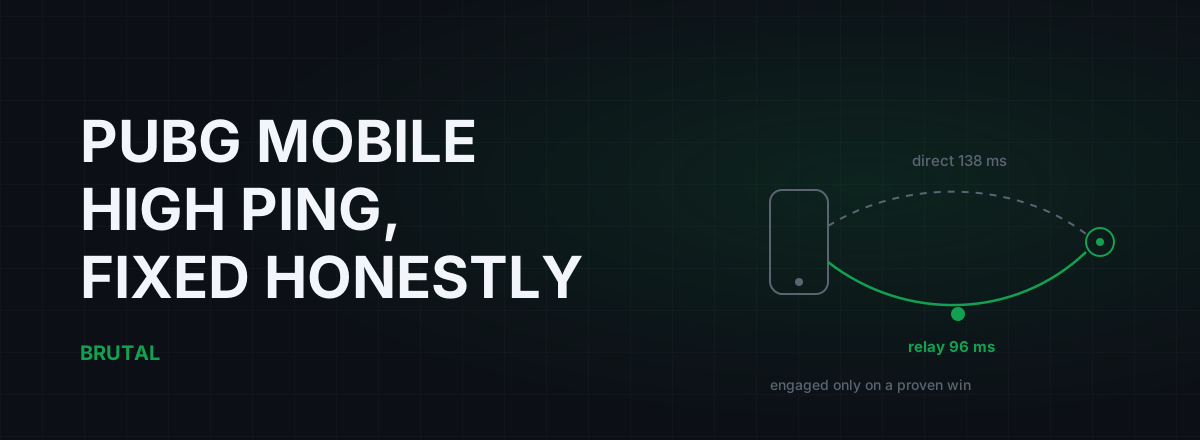
PUBG Mobile High Ping Fix: What Actually Works
Most PUBG Mobile high ping comes from server distance and your own Wi-Fi, not the game. What actually lowers it, what's placebo, and when a measured relay earns its keep.
 Network & Latency
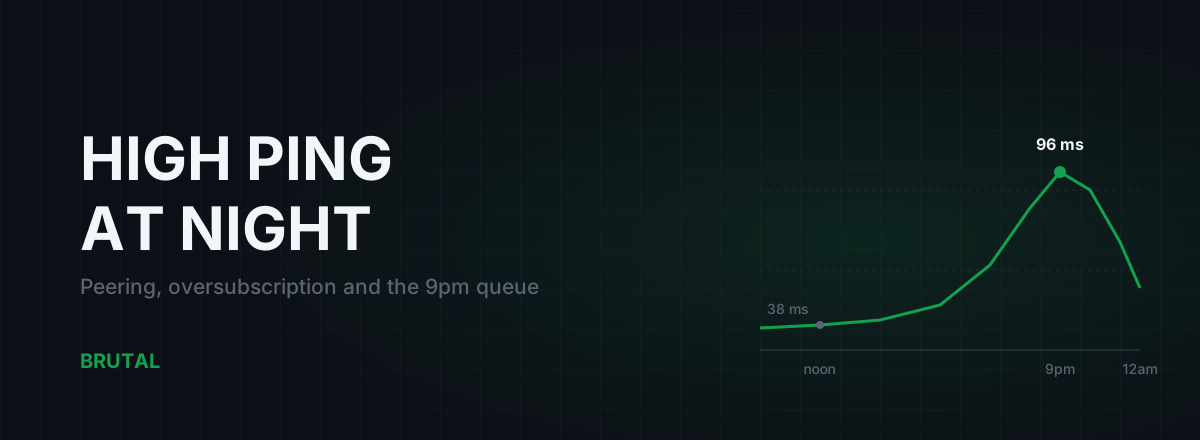
High Ping at Night? ISP Peering and Congestion, Explained
Evening lag isn't your PC. It's shared links filling up when everyone gets home. How oversubscription and peering work, how to prove it with traceroutes, and what realistically helps.
 Network & Latency
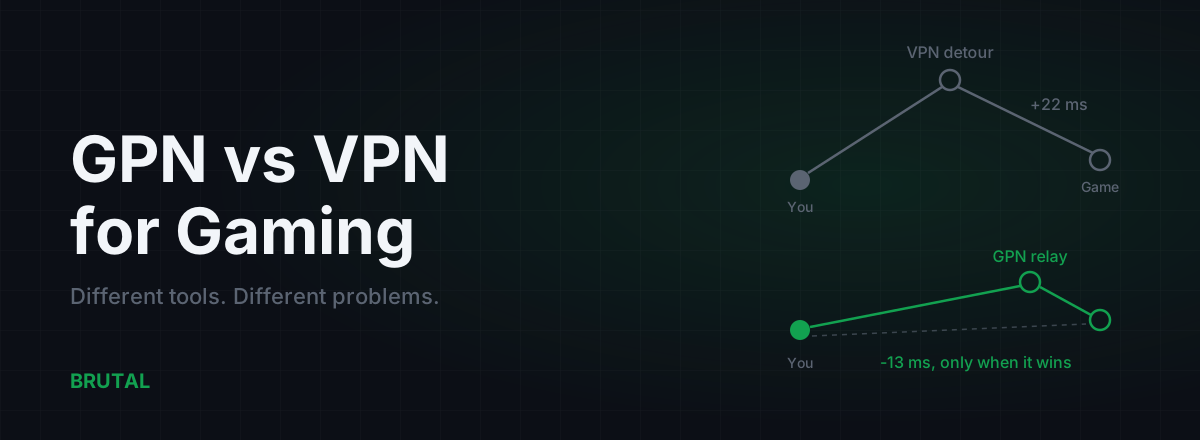
GPN vs VPN for Gaming: They Solve Different Problems
A VPN encrypts all your traffic for privacy and usually adds ping. A GPN reroutes only your game traffic, and only when a measurement says it helps. Here's when each makes sense.
Stop guessing. Measure it.
BRUTAL Optimizer is the honest way to speed up Windows — 17 free modules, a real FPS overlay, verified disk cleanup and drive health. No kernel driver of our own, no game hooks, every setting change reversible.