WireGuard vs OpenVPN for Gaming: Why the Protocol Matters
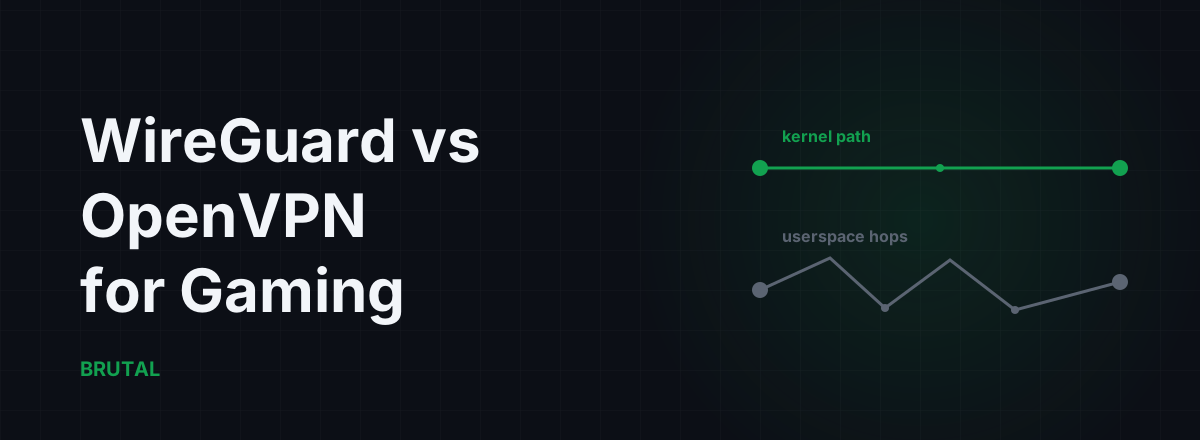
If you're weighing WireGuard vs OpenVPN for gaming, here's the honest version up front: WireGuard wins, and it's not close on consistency. It runs in the kernel, handshakes in one round trip, and never wraps your game traffic in TCP. But the win is smaller than the marketing implies. The protocol is worth a few milliseconds of overhead and much better behavior when your network hiccups. It cannot fix a bad route, and the route is usually what's actually hurting you.
WireGuard vs OpenVPN for gaming: the short answer
WireGuard adds less processing delay per packet, survives network changes without dropping your session, and only speaks UDP, which is exactly what game traffic wants. OpenVPN is a solid protocol for what it was designed to do in 2001: flexible, heavily audited remote access. It was not designed for 60 small UDP packets a second, where a 5ms scheduling hiccup shows up on your screen as a stutter.
| What matters for games | WireGuard | OpenVPN |
|---|---|---|
| Where it runs | In the kernel (WireGuardNT on Windows) | Userspace process, two kernel crossings per packet |
| Handshake | One round trip (Noise) | Full TLS, multiple round trips |
| Reconnect after a network change | Under a second, session survives | Usually 2 to 8 seconds, session drops |
| Transport | UDP only | UDP or TCP (TCP is a trap for games) |
| Per-packet overhead (IPv4) | 60 bytes | Roughly 50 to 70 bytes in UDP mode |
| Typical added latency | Often too small to measure | 1 to 5ms, more on weak CPUs |
One thing this table won't tell you: both protocols cross the same internet. If the path from your ISP to the game server is congested or takes a geographic detour, changing the encryption wrapper around your packets changes nothing. That's a routing problem, and a VPN only lowers ping when it fixes the route, not the protocol.
Kernel path: where OpenVPN loses time
Follow one game packet through OpenVPN. Your game hands it to Windows. The kernel routes it to a virtual network adapter. From there it gets copied out of the kernel into the OpenVPN process, which encrypts it with OpenSSL, then hands it back to the kernel to send out the real network card. That's two kernel-to-userspace crossings per packet, each direction, every packet.
Each crossing is a context switch, and a context switch waits on the CPU scheduler. On an idle desktop this costs tens of microseconds and you'll never notice. On a busy one, with the game, Discord, a browser and an overlay all fighting for cores, the OpenVPN process occasionally gets scheduled late. Occasionally is the problem. A packet that's sometimes on time and sometimes 3ms late is jitter, and jitter is what aim feel is made of.
WireGuard skips the trip. On Windows it runs as a kernel driver (WireGuardNT, since 2021), and on Linux it lives in the kernel itself. Packets get encrypted where they already are. No copies to userspace, no scheduler roulette.
Fairness note: OpenVPN 2.6 added Data Channel Offload, a kernel module that closes part of this gap. It helps. But most consumer VPN apps you'd actually game through don't ship it or don't enable it, and it does nothing about the handshake or TCP-mode problems below.
Handshakes and reconnects: milliseconds vs seconds
WireGuard's handshake is one round trip built on the Noise protocol framework. One packet out, one packet back, tunnel up. It also re-keys silently in the background, so an established session never pauses to renegotiate.
Better still, roaming is built in. If your source IP changes, say your laptop hops from Wi-Fi to ethernet or your ISP renews your lease mid-evening, the server simply accepts authenticated packets from the new address. You might lose the handful of packets that were in flight. The session survives.
OpenVPN runs a full TLS handshake: multiple round trips, certificate checks, cipher negotiation. The initial connection takes a few seconds. Worse, when your network changes, the connection drops, the client waits on a timeout to notice, then rebuilds everything. Two to eight seconds is typical. That's two to eight seconds of 100% packet loss, which in most shooters means you're dead, disconnected, or rubber-banding across the map.
For a file download, nobody would care. Mid-match, this one difference outweighs every microbenchmark.
UDP inside UDP: the encapsulation rule for games
Games use UDP because stale data is worthless. If a position update goes missing, the game doesn't want it retransmitted, it wants the next one. That's the whole reason games avoid TCP. So the tunnel wrapped around your game traffic should be UDP too.
WireGuard gives you no choice here: it's UDP only, by design. A lost packet stays lost, your game's netcode handles it the way it was built to, and nothing stalls.
OpenVPN offers a TCP mode, and for gaming it's a trap. Put UDP game packets inside a TCP tunnel and every lost outer packet triggers TCP's machinery: the retransmission blocks delivery of everything queued behind it. Your game's "skip it and move on" packets get promoted to "must arrive, in order". One drop on a congested evening link becomes a 100 to 300ms stall for every packet behind it, and your ping graph starts looking like a comb.
OpenVPN over TCP port 443 exists to sneak through restrictive corporate firewalls. That's a legitimate job. It is not a gaming configuration, ever. If your VPN app defaults to TCP, that alone explains a lot of "why is my ping spiky through the VPN".
MTU and per-packet overhead
Every tunnel wraps your packets, and the wrapper costs bytes. WireGuard's math is fixed: 20 bytes of outer IPv4 header, 8 bytes of UDP, a 16-byte WireGuard header and a 16-byte authentication tag. 60 bytes total, which is why the standard tunnel MTU is 1420 on a 1500-byte link (the default is conservative enough to also cover IPv6). OpenVPN in UDP mode lands in roughly the same neighborhood, around 50 to 70 bytes depending on cipher and framing options.
So the byte overhead is nearly a wash. Game packets are small anyway, most well under 500 bytes, so they'll never fragment inside either tunnel.
The real MTU risk is misconfiguration, and here OpenVPN's flexibility works against it. It exposes tun-mtu, fragment, mssfix and link-mtu, and a wrong combination silently fragments or blackholes large packets. The symptom looks like random packet loss: voice chat cuts out, some downloads stall, and nothing obvious explains it. WireGuard has one MTU number and a sane default, which leaves far less rope. If you suspect fragmentation on either protocol, here's how to actually test MTU instead of cargo-culting registry values.
What you can actually measure
Most WireGuard vs OpenVPN benchmarks lead with throughput: WireGuard typically pushes two to four times OpenVPN's numbers on the same hardware. For gaming this is almost irrelevant. A competitive shooter uses well under 1 Mbps in each direction. You're not bandwidth-limited, you're consistency-limited.
Added latency is where honesty gets uncomfortable for anyone selling protocol upgrades. On a quiet modern desktop, WireGuard's processing cost is often too small to separate from measurement noise, and OpenVPN over UDP might add 1 to 3ms. You may genuinely not feel that. The gap widens where CPU is scarce: a VPN running on a cheap router, a laptop on battery, or a system under heavy load, where OpenVPN's userspace path can add 5 to 15ms and, worse, add it inconsistently.
The reconnect column is the one that decides matches. Sub-second recovery versus multi-second TLS renegotiation isn't a benchmark subtlety, it's the difference between a blip and a death screen.
The protocol decides how small the tunnel tax is. The route decides whether the tunnel pays at all.
Why modern GPNs run WireGuard
A gaming private network relays your game traffic through infrastructure with better routing to the game server than your ISP's default path. Nearly every serious one built in the last few years runs on WireGuard, for reasons that follow directly from everything above. The kernel path keeps the relay tax low. ChaCha20 encrypts fast even on cheap relay CPUs without AES hardware, and cheaper relays mean more locations. The one round-trip handshake makes measure-then-connect flows quick. Built-in roaming means a mid-session network hiccup doesn't nuke the tunnel. And the codebase is small enough to actually audit, roughly 4,000 lines (the whitepaper is genuinely readable) against the hundreds of thousands OpenVPN pulls in with OpenSSL.
Our own Smart Route works this way: WireGuard relays in Singapore, Tokyo, Frankfurt, Chennai, Bangalore, Delhi, Jakarta, Sao Paulo, Dallas and Bahrain. It detects your game's live server connection read-only, with no injection, no hooks, and no kernel driver touching the game, then measures your direct path against the relay path. It engages the relay only when the measurement proves a win, and every session ends with a Route Receipt, including the sessions where the receipt just says "Direct won". The decision logic is documented here, because a routing product that can't show its reasoning is asking for faith, not money.
The honest limit: a protocol can't beat geography
Here's the part protocol comparisons skip. The few milliseconds WireGuard saves over OpenVPN only exist if the tunnel itself is worth taking. A WireGuard relay 2,000 km sideways from the direct path loses to no-VPN every single time, because light in fiber doesn't care how elegant your handshake is.
On most home connections, the direct route to the game server is already fine, and any tunnel just adds a detour plus overhead. Rerouting genuinely helps when something specific is broken: your ISP's evening peering is congested, the direct path takes a geographic detour, or a middlebox is mangling your traffic. Depending on your region and ISP, that might be one connection in ten, or it might be most evenings in a badly-peered city. The point is that it's measurable, not assumable. That's also the real difference between a GPN and a regular VPN: a VPN routes everything through the tunnel on faith, while a GPN is supposed to check first.
How to test it on your own connection
Don't take this article's numbers. Take yours. Measure the direct path first: ping and traceroute to your game's server region, at the hours you actually play, because evening congestion changes everything. The measurement tools in the free download (ping test, traceroute, bufferbloat grade) work without paying for anything.
Then test the tunnel: same target, same evening hour, once on your VPN's WireGuard mode and once on OpenVPN UDP. Compare the medians, but also compare the spread. A tunnel that averages 2ms better while spiking 40ms worse at the 95th percentile is a downgrade for gaming. And if every configuration loses to direct, you have your answer: play direct, and the whole wireguard vs openvpn gaming question is moot for your connection.
A protocol can't shorten the internet. The best it can do is stop wasting what a good route gives you. WireGuard wastes the least, which is why it's the right default, and why it still deserves to lose to a direct connection that was never broken.
Frequently asked questions
Is WireGuard better than OpenVPN for gaming?
Yes. It adds less processing delay, recovers from network changes in under a second instead of several, and only uses UDP, which suits game traffic. The catch: the improvement is a few milliseconds at best, and it only matters if the tunnel route itself beats your direct connection.
How much lower is ping with WireGuard vs OpenVPN?
On a quiet desktop, often too little to measure. Expect roughly 1 to 5ms less added latency than OpenVPN UDP in typical cases, with a bigger gap on weak router CPUs or heavily loaded systems. The consistency difference, meaning less jitter and sub-second reconnects, matters more than the average.
Should I use OpenVPN TCP for gaming?
No. TCP encapsulation retransmits lost packets and stalls everything queued behind them, so one drop becomes a 100 to 300ms spike for your game's UDP traffic. TCP mode exists to get through restrictive firewalls, not for latency-sensitive traffic. If you must use OpenVPN, use UDP mode.
Why do gaming VPNs and GPNs use WireGuard?
Kernel-level packet handling keeps added latency low, the one round-trip handshake makes connections fast, roaming survives network changes, and ChaCha20 runs fast on cheap relay hardware. That's why WireGuard has become the default for gaming-focused relay networks, including Smart Route.
Does switching to WireGuard lower ping without a route change?
No. The protocol only reduces the overhead of a tunnel you're already using. If the relay path doesn't beat your direct route, WireGuard just loses by a smaller margin. Measure direct against the tunnel first; if direct wins, play direct.
Keep reading
 Network & Latency
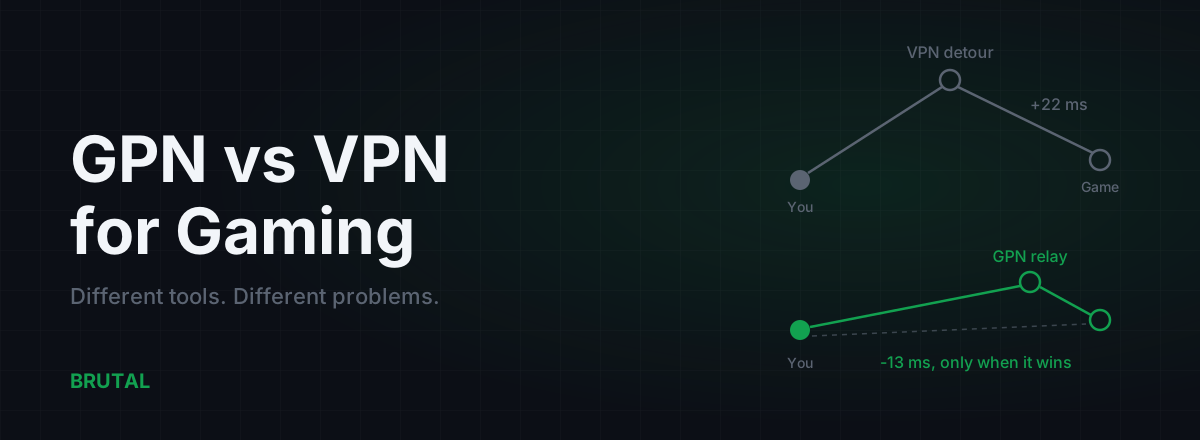
GPN vs VPN for Gaming: They Solve Different Problems
A VPN encrypts all your traffic for privacy and usually adds ping. A GPN reroutes only your game traffic, and only when a measurement says it helps. Here's when each makes sense.
 Network & Latency
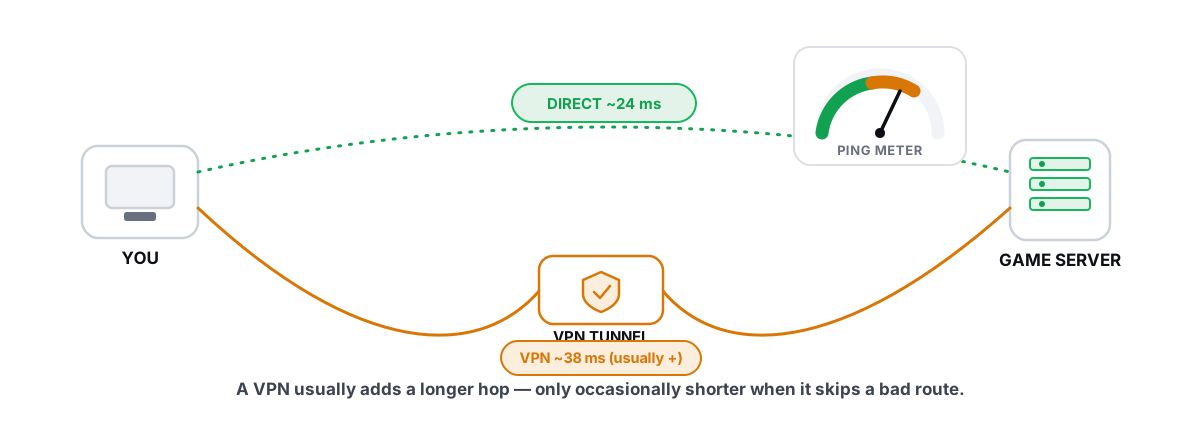
Does a Gaming VPN Lower Ping? The Honest Answer
A gaming VPN usually adds latency, but a bad ISP route is the rare case where it helps. Here is how to tell which you are in.
 Network & Latency
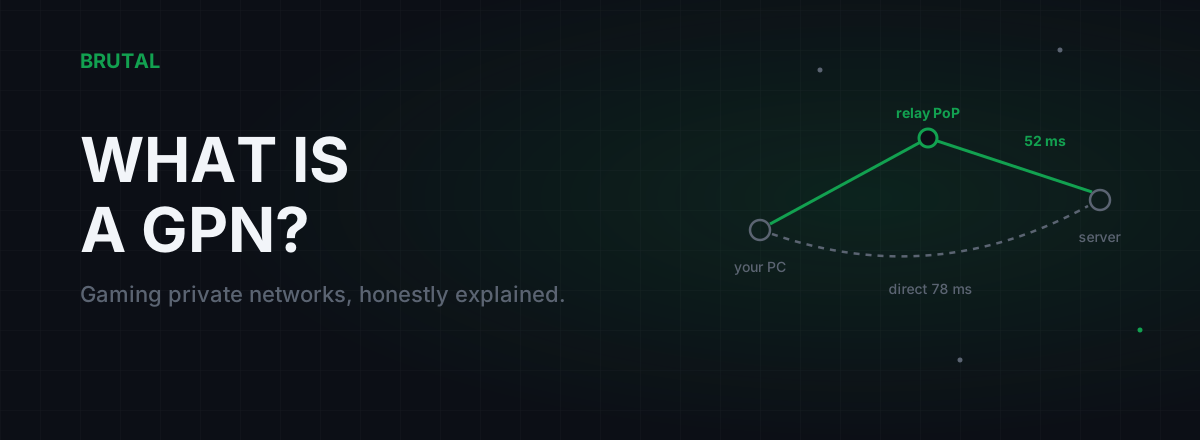
What Is a GPN? Gaming Private Networks, Honestly Explained
A GPN reroutes only your game's traffic through relay servers when that path beats your ISP's route. Here's how it works, when it helps, and when physics says no.
Stop guessing. Measure it.
BRUTAL Optimizer is the honest way to speed up Windows — 17 free modules, a real FPS overlay, verified disk cleanup and drive health. No kernel driver of our own, no game hooks, every setting change reversible.