Are game boosters fake? Mostly. Here's what actually works.
Most of them do nothing. A few make your PC slower. Below is the short list of tweaks that genuinely move your frame times, and how to prove they did.
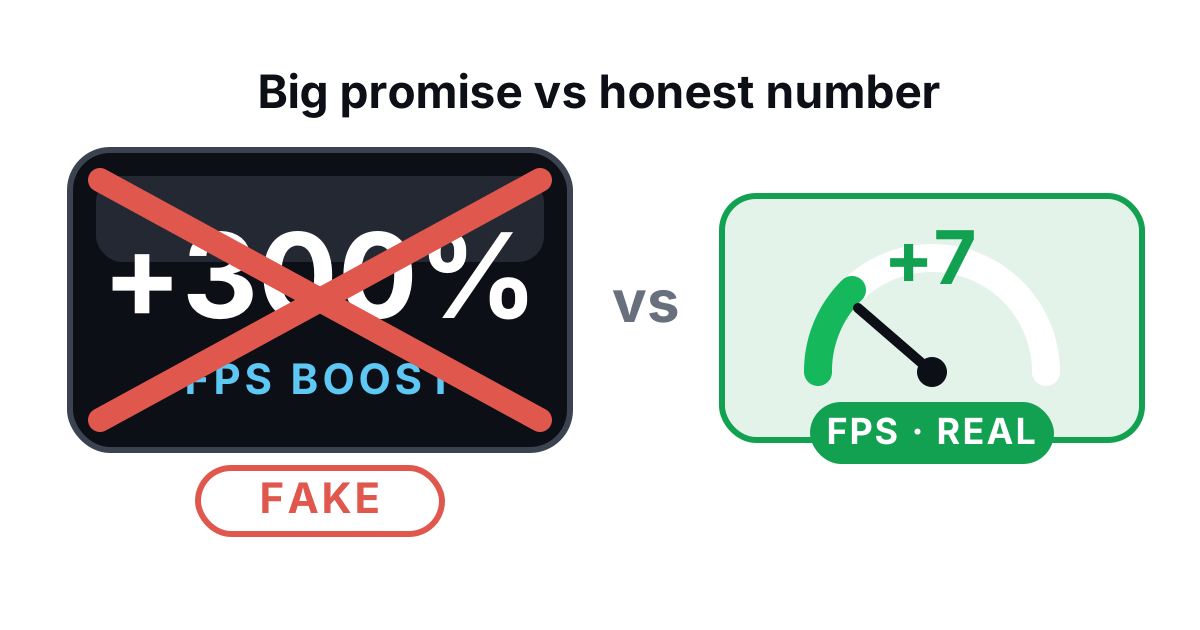
There's a whole industry built on a feeling. You click "Boost," a progress bar fills, a number drops, and your brain hands you the sensation of speed. The frame rate didn't change. That sensation is the product.
The honest answer: are game boosters fake?
Mostly, yes. A few of the big names do one or two real things, buried under a pile of theater. But the category is dominated by placebo. And the placebo is deliberate. It's cheap to build, it feels great, and almost nobody checks whether it worked.
Here's the test that exposes them. Any tool claiming to raise your FPS should show you a before/after with frame times. Not just a median FPS number. The 1% lows — your slowest frames, the ones you feel as stutter. If a booster won't put that number on screen, it's because there's nothing to put there.
The "RAM cleaner" lie
This is the big one. A "RAM cleaner" watches your used memory creep up, then "frees" it on one click. The number falls. You feel quicker.
What actually happened: the tool called EmptyWorkingSet and forced Windows to dump pages out of physical RAM. Those pages were cached on purpose. Windows keeps recently-used data in memory because reading it back off disk is slow. So the cleaner freed nothing useful. It threw away your cache. Next time your game or browser needs that data, Windows re-reads it from your SSD — slower than leaving it where it was.
Unused RAM is wasted RAM. A high "memory used" number on a machine with headroom is Windows doing its job, not a problem to fix. The RAM cleaner sells you the act of un-optimizing your own PC.
Killing every background process for a millisecond
The "close all background apps" button looks responsible. Reclaim those resources, right? Mostly it kills processes that were burning roughly zero CPU while idle — a notes app, a clipboard manager, your audio software. The CPU time you reclaim is a rounding error. The cost: half of them respawn, your peripherals stop responding until you relaunch their driver app, and the Discord overlay dies mid-match.
A modern CPU sitting at 3% idle isn't bottlenecking your game. The fix for a real CPU bottleneck is surgical — demote the one greedy process's priority while you play. Not a scorched-earth task kill. Turning the volume down on a loud neighbor beats burning the building down.
Registry "optimizers" and "cleaners"
The Windows registry is a database. A "registry cleaner" hunts for orphaned keys — leftover entries pointing at uninstalled software — deletes them, and promises a faster PC.
Delete a few thousand dead keys and you save a few kilobytes. The performance change is below what any benchmark on earth can detect. Microsoft has said so for years. The downside is real, though. An aggressive cleaner that yanks a key something still needs can break an app or stop Windows from booting. Genuine risk, zero benefit. Great trade.
Scripts that disable Windows services and quietly break things
This is the dangerous tier. Debloat scripts and "ultimate gaming" tweak packs that disable Windows services wholesale. Two casualties show up again and again:
- SysMain (formerly Superfetch) — disabled "for FPS." It manages your standby cache. On an SSD it's mostly neutral, and killing it doesn't raise frame rates. Cargo-cult advice, copied between forums for a decade.
- Windows Update — disabled to "stop interruptions." Now you don't get security patches or — the irony — the GPU and chipset driver updates that do raise performance.
Then the classics: disabling the pagefile as "endurance optimization," or running a multi-pass overwrite or defrag on an SSD. SSDs don't get defragmented. They get TRIM. Multi-pass wipes just burn write cycles for nothing. These aren't tweaks. They're damage with a confident tooltip.
Why nobody publishes a benchmark
Notice the pattern across the placebo crowd: "+200% performance" banners, glossy meters, and never a controlled benchmark. No same-scene, same-settings before/after with 1% lows. Because when independent reviewers do test these tools, the result lands inside the run-to-run margin of error. Nothing happened.
The psychology is well documented. A loud progress bar plus a number that drops equals the feeling of improvement, and that feeling sells subscriptions whether or not a single frame got faster. Honesty is a worse business than theater. That's the whole rot in the category.
So what actually helps?
A short list. These are real, and most are free or already built into Windows.
That's the list. Short and unglamorous, which is exactly why placebo outsells it.
Measure it, or it didn't happen
The only thing separating a real tweak from a feeling is a number. Use an FPS overlay that shows frame time and 1% lows. Run the same scene before and after. If your slowest frames got faster, you won — and you'll see it. If nothing moved, you just saved yourself from believing in magic.
That's the design philosophy behind BRUTAL Optimizer. It applies the small set of tweaks that survive a benchmark. Every registry change is reversible with per-module undo. It attempts a restore point before anything big. The overlay reads frame counts from Windows' own display statistics (the D3DKMT graphics API) instead of hooking your game, so it stays clear of EAC, Vanguard and BattlEye. No fake RAM button. No registry cleaner. No SSD defrag.
Want the reasoning behind every refusal? It's all written down in our honesty promise, and the full gaming feature set lives on the gaming optimizer page.
Game boosters: real vs placebo, side by side
If a feature can't survive a before/after benchmark, it doesn't ship.
Quick answers
Do game boosters actually increase FPS?
Mostly no. RAM cleaners, registry optimizers and kill-all-processes buttons don't move your frame rate in any controlled benchmark. The things that genuinely help — current GPU drivers, lower scheduling latency, healthy storage — are specific and measurable, not magic.
Is a RAM cleaner bad for my PC?
Useless at best, slightly harmful at worst. It dumps your file cache to drag a graph down, then Windows re-reads that data from disk. Unused RAM is supposed to hold cache. Leave it alone.
Will these tools get me banned by anti-cheat?
Some boosters that hook into games or load kernel drivers absolutely can trip EAC, Vanguard or BattlEye. BRUTAL doesn't hook games or load a kernel driver of its own — its overlay reads frame counts from Windows' own display statistics. Here's the full anti-cheat breakdown.
What should I actually do to speed up gaming?
Update your GPU driver, switch on the Ultimate Performance plan and a tighter timer resolution, keep your drive healthy, and measure with an FPS overlay showing 1% lows. Start with the gaming optimizer or read the increase FPS guide.
A booster that refuses the BS
17 free optimization modules, a real FPS overlay with 1% lows, honest disk and drive tools, and a network lab. No fake meters. Free to download, no account needed.